A C-wire (common wire) is the return path that completes the 24V circuit between the HVAC control board and the thermostat, so the device can draw a steady supply of power. Wi-Fi thermostats need this kind of continuous power because their radio and display stay active at all times. According to Linkd Home (2026), the C-wire question applies only to 24V systems. Line-voltage systems, such as baseboard or in-floor heat, need a line-voltage thermostat instead.
Why do smart thermostats need a C-wire?
What the C-wire does in a 24V circuit
On a 24V system, the control board sends low-voltage power to the thermostat through a power wire (labelled R). The C-wire provides the return path back to the transformer. With both connections in place, the smart thermostat receives power without relying on the heating or cooling call to switch on.
Without that return path, the thermostat has to get its power another way. The options are an internal battery, a power extension kit, an adapter, or an external power pack. Each has trade-offs, and the requirement is not the same across all models.
Why Wi-Fi radios and displays need continuous power
The Wi-Fi radio and touchscreen draw more current than a basic thermostat’s control circuit. When that draw is not met from the wiring, the device falls back on a battery. Linkd Home (2026) reports the following behaviour:
- The Sensi ST55 can run on two AA batteries, but they do not last long. When power runs low, it drops its Wi-Fi connection.
- The Google Nest Thermostat charges an internal battery from the control board, with two AAA batteries as backup. The battery can drain if the system stays off for a long time, and some functions are disabled without a C-wire.
Which systems need a C-wire
According to Linkd Home (2026), the Sensi Lite needs a C-wire on heat-only, cool-only and heat pump systems. This does not mean every heat pump thermostat needs one. The same source states that the Sensi Lite works only with conventional gas or electric heat, boiler and AC systems.
| Power option | Example | Details (Linkd Home, 2026) |
|---|---|---|
| C-wire | Sensi Lite | Required on heat-only, cool-only and heat pump systems |
| Internal battery charged from control board | Google Nest Thermostat | Two AAA backups; some functions disabled without C-wire |
| Power extension kit (PEK) | ecobee Smart Thermostat | Draws power from the control board; no battery option |
| C-wire adapter (in box) | Wyze Smart WiFi Thermostat | Included with the thermostat |
| External 24V power pack | Any smart thermostat on a 24V system | Plugs into a wall outlet |
How to identify the C terminal on the wall plate
- Turn off power to the HVAC system at the breaker before removing any wires.
- Remove the old thermostat from its wall plate and read the terminal labels, such as R, W, Y, G and C.
- Locate the terminal labelled C. Confirm it is present and connected before purchasing a thermostat that requires one.
- If no C terminal is connected, check the manufacturer’s instructions for the thermostat you plan to install. Those instructions state which power option the model supports.
Wire colors vary between installations, so rely on the terminal labels rather than assuming a color matches the function.
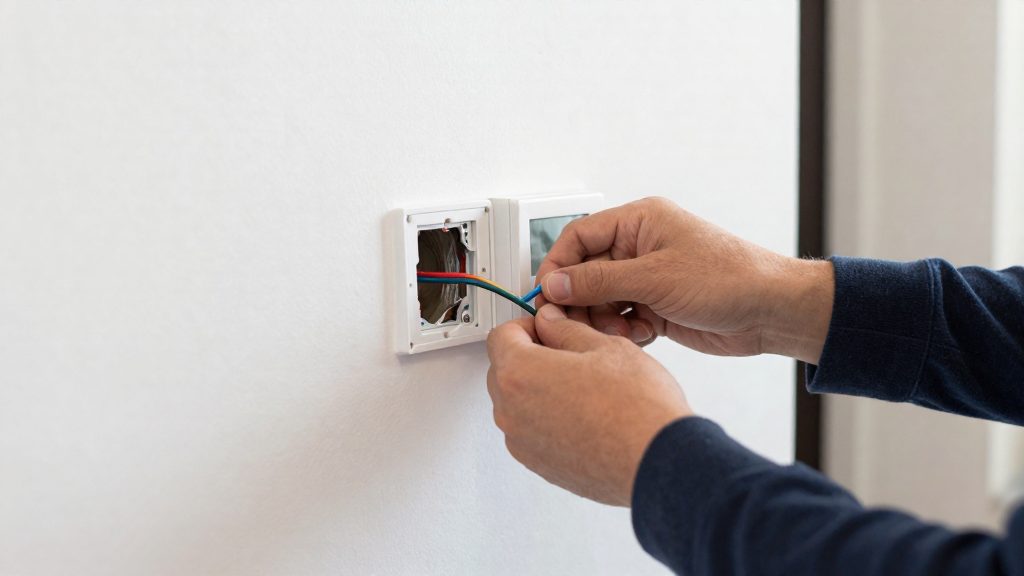
Which smart thermostats work without a C-wire?
Several smart thermostats run without a C-wire (the common wire that supplies continuous 24V power). They get power in several ways: from the HVAC control board through a power extension kit, from internal or AA batteries, from an included C-wire adapter, or from an external 24V power pack. According to Linkd Home (2026), the C-wire issue applies only to 24V systems. Whether a given model works depends on both the thermostat design and the heating and cooling equipment it connects to.
System types and their limits
- Conventional gas, electric, boiler, and AC systems: the Emerson Sensi Lite works on these without a C-wire.
- Heat-only, cool-only, and heat pump systems: the Sensi Lite still requires a C-wire on these, so they are not covered by its C-wire-free operation.
- Line-voltage systems such as baseboard or in-floor heat need a line-voltage thermostat, not a standard 24V smart model.
Shortlist of models
| Model | How it gets power without a C-wire | Battery option | Limitation noted |
|---|---|---|---|
| ecobee Smart Thermostat | Power extension kit (PEK) drawing power from the HVAC control board | None | No battery backup |
| Google Nest Thermostat | Internal battery charged from the control board, plus two AAA batteries as backup | Yes (two AAA) | Battery can drain if the system stays off for long; some functions are disabled without a C-wire |
| Emerson Sensi ST55 | Runs on two AA batteries | Yes (two AA) | Batteries do not last long; when power runs low, it drops its Wi-Fi connection |
| Wyze Smart WiFi Thermostat | C-wire adapter included in the box | None | Adapter is the supplied solution |
Workarounds that apply to any 24V model
A 24V external power pack plugged into a wall outlet works with any smart thermostat on a 24V system, according to Linkd Home (2026). This is useful when a model’s built-in method does not suit your setup, though it adds a power cord near the thermostat.
How do batteries, power stealing and adapters compare?
Smart thermostats without a C-wire get power in three main ways: power stealing, an internal or external battery, or an adapter. Each option trades reliability against cost and installation effort. According to Linkd Home (2026), the choice depends on the heating system type and on whether the thermostat includes a battery or a control-board connection.
Linkd Home (2026) reports that the Emerson Sensi Lite draws power from the HVAC system and works only with conventional gas or electric heat, boiler, and AC systems. Heat-only, cool-only, and heat pump systems still need a C-wire, so power stealing is not a universal fix.
Battery-only operation keeps the thermostat running without any wiring change, but battery life becomes the limit. The Emerson Sensi ST55 runs on two AA batteries, which Linkd Home (2026) describes as not lasting long; when power runs low, it drops its Wi-Fi connection. The Google Nest Thermostat uses an internal battery charged from the HVAC control board, with two AAA batteries as backup. Its battery can drain if the system stays off for a long time, and some functions are disabled without a C-wire.
A 24V external power pack plugs into a wall outlet and supplies power independently of the heating system. According to Linkd Home (2026), it works with any smart thermostat on a 24V system. The Wyze Smart WiFi Thermostat includes a C-wire adapter in the box as an alternative.
| Method | Example | Power source | Limitation |
|---|---|---|---|
| Power stealing | Emerson Sensi Lite | HVAC system | Conventional gas or electric heat, boiler, and AC only |
| Battery with control-board charging | Google Nest Thermostat | Internal battery, two AAA backups | Battery drains if system stays off for long |
| Control-board extension kit | ecobee Smart Thermostat (PEK) | HVAC control board | No battery option |
| Batteries only | Emerson Sensi ST55 | Two AA batteries | Short battery life; Wi-Fi drops when low |
| Included C-wire adapter | Wyze Smart WiFi Thermostat | Adapter in the box | Not listed |
| 24V external power pack | Any smart thermostat on 24V | Wall outlet | 24V systems only |
Does a heat pump need a C-wire?
Whether a heat pump needs a C-wire, or a substitute for one, depends on the thermostat model’s power design and on the heat pump’s wiring. Whether a given smart thermostat works without one depends on the thermostat’s power design and on the heat pump’s wiring, not on the heat pump alone. The Emerson Sensi Lite requires a C-wire on heat pump systems according to Linkd Home (2026), but that does not mean every heat pump thermostat does.
Heat pump terminals that change the wiring
Heat pump wiring uses terminals beyond the basic heating and cooling set:
- O terminal: energizes the reversing valve that switches the system between heating and cooling. On many systems it is powered in cooling mode.
- B terminal: the heat pump counterpart to O on some equipment, energized in heating mode. Systems vary, so the control board labeling determines which one is used.
- Auxiliary heat (AUX or W2): activates a supplementary heat source when the heat pump alone cannot meet demand, typically in cold weather.
Because a heat pump can use O or B, plus an auxiliary heat call, the thermostat needs more wires to control it than a standard single-stage furnace. Wires that a conventional system leaves unused may already be assigned on a heat pump, which can make a free terminal for the C-wire harder to find.
Compatibility by model
| Model | Power method | C-wire on heat pump |
|---|---|---|
| Emerson Sensi Lite | Draws power from the HVAC system | Required (Linkd Home, 2026) |
| ecobee Smart Thermostat | Power extension kit (PEK) from the control board, no battery option | Not stated in source; check the manufacturer’s compatibility list |
| Google Nest Thermostat | Internal battery charged from the control board, two AAA backups | Not stated in source; check the manufacturer’s compatibility list |
| Sensi ST55 | Two AA batteries | Not stated in source; drops Wi-Fi when battery is low |
Nest Thermostat without a C-wire
The Nest Thermostat can run without a C-wire because it draws power from the HVAC control board and keeps an internal battery charged that way. According to Linkd Home (2026), two AAA batteries serve as a backup, and the setup has specific limits: the battery can drain when the system stays off for long periods, and some functions are disabled when no C-wire is installed.
How the internal battery is powered
The internal battery charges from the HVAC control board, so the thermostat does not need a dedicated common wire run to the furnace or air handler. The battery is the thermostat’s main power reserve in this configuration, and its state determines whether the device keeps running normally.
Backup batteries and drain during long off periods
Two AAA batteries provide backup power. The internal battery can drain if the heating or cooling system stays off for a long time, such as during a seasonal shutdown or an extended vacation setting. Before a long off period, check Google’s documentation for how to confirm the thermostat’s power status and when to replace the AAA batteries.
Functions disabled without a C-wire
When no C-wire is installed, some functions are disabled. Linkd Home (2026) does not list which ones, so check the Nest Thermostat’s current feature list in Google’s product documentation before relying on a specific automation or schedule.
When the C-wire workaround does not apply
| System type | Works with this setup? |
|---|---|
| 24V HVAC system | Yes, the control board powers the thermostat |
| Line-voltage system (baseboard or in-floor heat) | No, requires a line-voltage thermostat |
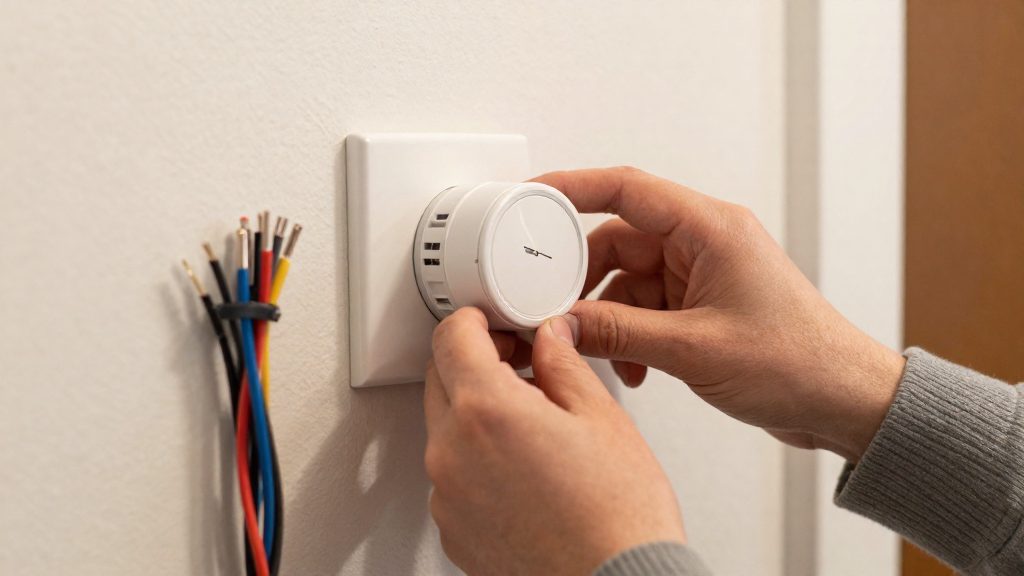
ecobee and its Power Extender Kit
The ecobee Smart Thermostat includes a power extension kit (PEK) that draws power from the HVAC control board, so no extra wire is needed at the thermostat. According to Linkd Home (2026), the thermostat has no battery option, which means the PEK is the thermostat’s built-in power route when the existing wiring lacks a C-wire. The kit is therefore the component that lets the thermostat run on a 24V system without a dedicated common wire.
How the PEK supplies power
The PEK takes its operating power from the HVAC control board, the circuit board that receives signals from the thermostat and switches the heating and cooling equipment on and off. Because the thermostat draws power through the board, it does not need a separate common wire run from the furnace or air handler to the wall.
Trade-offs of a battery-free design
Without a battery, the thermostat depends continuously on the HVAC system’s power supply. Compare the ecobee approach with other no-C-wire methods covered by Linkd Home (2026):
| Thermostat or method | Power source | Battery backup |
|---|---|---|
| ecobee Smart Thermostat with PEK | HVAC control board | None |
| Google Nest Thermostat | Internal battery charged from the control board | Two AAA batteries |
| 24V external power pack | Wall outlet | Not applicable |
The 24V external power pack works with any smart thermostat on a 24V system, but it requires an outlet near the thermostat location.
Installation point: the HVAC control board
The PEK connects at the control board, so the work happens inside the furnace or air handler cabinet. A safe sequence:
- Turn off the HVAC system at its service switch and at the breaker before opening any cabinet.
- Photograph the existing thermostat wiring and label each wire by its terminal (R, C, W, Y, G) before disconnecting it.
- Locate the board terminals that the kit uses and follow the connection steps in ecobee’s installation guide.
- Confirm compatibility with your system type. The C-wire issue applies only to 24V systems. Line-voltage systems, such as baseboard or in-floor heat, need a line-voltage thermostat.
Sensi and Wyze options
The Sensi ST55 and the Wyze Smart WiFi Thermostat handle missing power in different ways. The Sensi ST55 runs on two AA batteries, while the Wyze Smart WiFi Thermostat includes a C-wire adapter in the box. Each approach has a distinct limit, so the right choice depends on how your heating system is wired and how much battery maintenance you are willing to do.
| Model | Power without a C-wire | Limit |
|---|---|---|
| Sensi ST55 | Two AA batteries | Batteries don’t last long; Wi-Fi drops when power runs low |
| Wyze Smart WiFi Thermostat | C-wire adapter included in the box | Relevant only on 24V systems |
Sensi ST55: battery operation
The Sensi ST55 gets its power from AA batteries, not from the HVAC system. According to Linkd Home (2026), these batteries don’t last long. When power drops low, the thermostat disconnects from Wi-Fi, so remote control, app schedules and status alerts stop working at the moment the battery reserve is weakest.
Practical handling follows from this:
- Use the battery type specified in the manufacturer’s instructions.
- Replace batteries before they are fully depleted, since the Wi-Fi drop occurs during low power.
- Treat the thermostat as dependent on Wi-Fi availability only while batteries are charged.
Wyze Smart WiFi Thermostat: included C-wire adapter
The C-wire adapter comes in the box with the Wyze Smart WiFi Thermostat, according to Linkd Home (2026). This means the power connection does not require a separate accessory purchase. The adapter supplies the common wire the thermostat would otherwise lack.
The adapter’s usefulness is tied to system type. The C-wire issue applies only to 24V systems. Line-voltage systems, such as baseboard or in-floor heat, need a line-voltage thermostat, and the Wyze adapter does not change that requirement.
Choosing between the two
The two options solve the same problem with different trade-offs. The Sensi ST55 avoids any wiring change but ties reliability to battery condition. The Wyze model removes the battery dependency by supplying power through its adapter, but only where the system is 24V. For systems outside 24V, neither product applies as a direct solution.
As a general fallback, Linkd Home (2026) notes that a 24V external power pack plugged into a wall outlet works with any smart thermostat on a 24V system. Confirm your system voltage from the equipment label or installer documentation before purchasing.
When should you add a C-wire or a power adapter?
The right choice depends on three things: whether your system runs on 24V or line voltage, whether your heating type needs a C-wire, and whether your thermostat model includes its own power solution. According to Linkd Home (2026), the C-wire issue applies only to 24V systems. Line-voltage systems, such as baseboard or in-floor heat, need a line-voltage thermostat, so no adapter will solve the problem there.
Symptoms of an underpowered smart thermostat
Watch for these signs, which Linkd Home (2026) links to low power:
- Wi-Fi drops: The Sensi ST55 runs on two AA batteries, but when power runs low it drops its Wi-Fi connection.
- Battery drain: The Google Nest Thermostat charges its internal battery from the HVAC control board. The battery can drain if the system stays off for long periods.
- Disabled functions: Some Nest functions are disabled without a C-wire.
These symptoms can point to limited power supply, but the source ties each one to a specific model and condition, so check the manufacturer’s documentation for your thermostat.
Matching the power solution to your system type
| System type | Power solution | Source |
|---|---|---|
| 24V, heat-only, cool-only or heat pump (Emerson Sensi Lite) | C-wire required | Linkd Home (2026) |
| 24V, Google Nest Thermostat | Internal battery charged from the control board, two AAA backups | Linkd Home (2026) |
| 24V, ecobee Smart Thermostat | Power extension kit (PEK) taking power from the control board; no battery option | Linkd Home (2026) |
| 24V, Wyze Smart WiFi Thermostat | C-wire adapter included in the box | Linkd Home (2026) |
| 24V, any smart thermostat | 24V external power pack plugged into a wall outlet | Linkd Home (2026) |
| Line voltage (baseboard, in-floor) | Line-voltage thermostat | Linkd Home (2026) |
Linkd Home (2026) notes that the Sensi Lite needs a C-wire on heat pump systems, but this does not mean every heat pump thermostat needs one. Check the specific model before assuming a rewire is necessary.
Rewiring versus adapter: the decision
The sources do not provide cost figures for rewiring or for adapters, so compare quotes locally. Use this order of checks:
- Confirm the voltage. If the system is line voltage, neither an adapter nor a power pack applies.
- Check whether the model ships with a solution. The ecobee PEK, the Wyze C-wire adapter, and the Nest internal battery each avoid a rewire.
- Use an external power pack if the model needs one. A 24V power pack works with any smart thermostat on a 24V system.
- Rewire only when a C-wire is required and no other option fits. Hire a licensed electrician for this work and confirm the wiring with the thermostat manufacturer’s instructions.
Frequently asked questions
Can a smart thermostat work without a C-wire?
Yes, on some models. According to Linkd Home (2026), the Google Nest Thermostat draws power from an internal battery that charges from the control board, with two AAA batteries as backup. The ecobee Smart Thermostat instead uses a power extension kit (PEK) that takes power from the control board and has no battery option.
Is a 24V external power pack an alternative to a C-wire?
Linkd Home (2026) says a 24V external power pack plugged into a wall outlet works with any smart thermostat on a 24V system. Check the manufacturer’s instructions for the pack’s compatibility with your thermostat and its mounting requirements before buying one.
Could low power cause my Wi-Fi thermostat to go offline?
It can. Linkd Home (2026) reports that the Sensi ST55 drops its Wi-Fi connection when its two AA batteries run low. Other symptoms may point to limited power as well, but the source ties each one to a specific model and condition, so consult your thermostat’s documentation to confirm the cause.