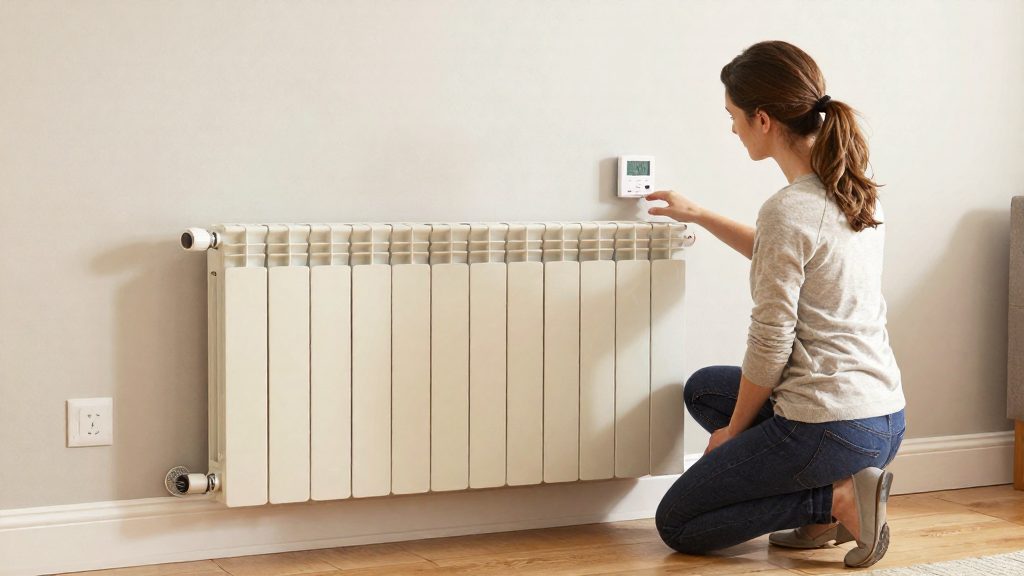
Each heater needs its own thermostat
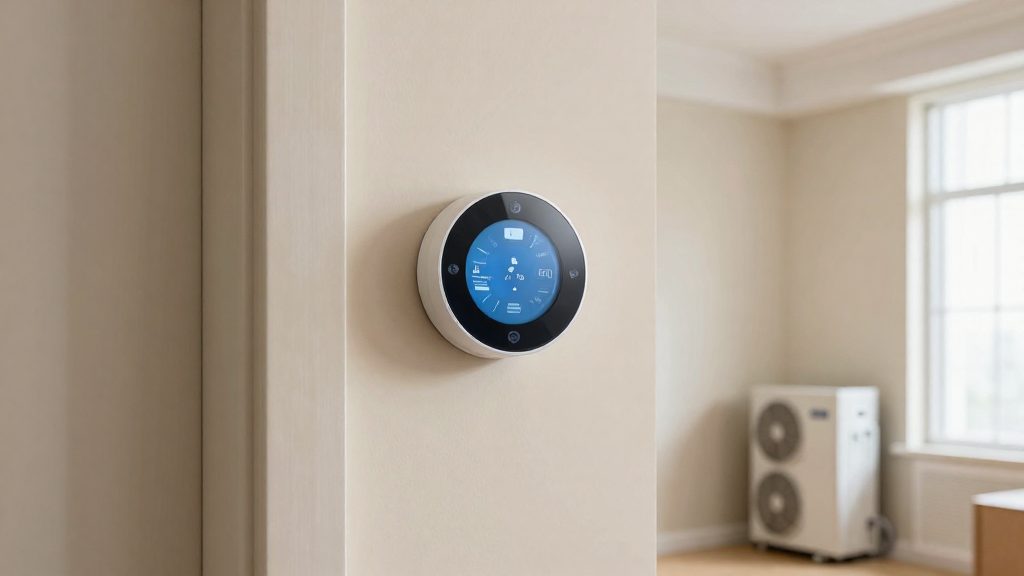
Nest and ecobee thermostats cannot control baseboard heaters directly because they operate on different electrical systems. Nest and ecobee are low-voltage thermostats designed for central heating systems such as furnaces and boilers, typically at up to 24V. Electric baseboard heaters run on line voltage of 120V or 240V, which these thermostats are not designed to switch. The incompatibility comes from the voltage the thermostat is built to handle, not from its software or Wi-Fi connection.
Why can’t Nest or ecobee run baseboard heaters?
Two electrical systems, two thermostat types
| Heating system | Operating voltage | Matching thermostat type |
|---|---|---|
| Central furnace or boiler | Up to 24V | Low-voltage (Nest, ecobee) |
| Electric baseboard heater | 120V or 240V | Line-voltage thermostat made for electric heat |
The voltage determines which thermostat can switch the load. A low-voltage thermostat sends control signals at a level its components are rated for. A baseboard heater draws far more power at 120V or 240V, so the thermostat must be rated for that voltage.
The reverse also applies
Line-voltage thermostats have their own limits. According to Life on AI (2026), the Mysa baseboard thermostat handles heaters up to 3,800 W and is not compatible with 12–24V systems, including gas, oil, propane, millivolt and boiler systems. A line-voltage model is therefore not a universal replacement for a central-system thermostat.
What multiple thermostats indicate
A central system normally has one thermostat controlling the whole house. Several thermostats, one per room, usually point to electric heating. Life on AI (2026) notes that each heater needs its own thermostat, which means a room-by-room layout is a strong sign that the home uses line-voltage baseboard heaters.
Check your heater voltage and wiring first
Before buying any thermostat, confirm whether each baseboard heater runs on 120V or 240V, and how many wires reach it. Baseboard heaters use 120V or 240V line voltage, so the voltage check determines which thermostat category applies (according to Mysa, manufacturer blog, 2026).
| System type | Typical voltage | Thermostat category |
|---|---|---|
| Central furnace or boiler | Up to 24V | Low-voltage thermostat |
| Electric baseboard heater | 120V or 240V | Line-voltage thermostat |
Read the heater label and breaker
Start with the heater’s nameplate, which lists its supply voltage, 120V or 240V. Then open your electrical panel and identify the breaker that feeds the heater. Use the nameplate as the reference for voltage, and treat the breaker only as a cross-check, since panel labels can be wrong. Note the heater’s wattage as well. If the label is missing or unreadable, check the manufacturer’s manual or contact the manufacturer instead of guessing.
Confirm four-wire wiring and heater count
Mysa’s baseboard thermostat needs a four-wire connection, and other line-voltage models may have different wiring requirements, so check the specific model before buying. According to Life on AI (2026), Mysa’s baseboard thermostat does not work with two-wire systems. Turn off the heater’s breaker and confirm with a voltage tester that the circuit is dead before you open the heater’s connection box or the existing thermostat box to count the conductors before purchase. If you are not comfortable doing this, ask a qualified electrician.
Count your heaters as well, noting the room each one serves.
Match wire gauge and terminal labels
Once the conductor count is confirmed, compare the wire gauge and terminal labels against the thermostat’s wiring diagram. Line-voltage and low-voltage terminals are not interchangeable. Confirm the gauge against the heater and thermostat manuals. If the wire is unlabelled, damaged, or does not match the diagram, stop and have a qualified electrician check it. Life on AI (2026) recommends a qualified electrician for a first installation because it involves line, load and neutral wiring.
Line-voltage smart thermostats: your main option
Line-voltage smart thermostats are designed to switch 120V or 240V heating directly, so they are the simplest route for baseboard heaters. A line-voltage model removes the need to add a separate switching device.
The Mysa baseboard thermostat is the reference example. Mysa’s manufacturer blog (2026) notes that the second version of its baseboard thermostat has an internal relay, which means no external relay is required. The same blog cites a typical price of about $119 to $139 per thermostat.
| Item | Value | Source |
|---|---|---|
| Relay type (second version) | Internal, no external relay | Mysa (manufacturer blog, 2026) |
| Typical price | About $119 to $139 per thermostat | Mysa (manufacturer blog, 2026) |
Can a relay make a regular smart thermostat work?
Yes, but only as a workaround. An external relay bridges the gap: the low-voltage thermostat sends its control signal to the relay, and the relay switches the line-voltage circuit that powers the heater. According to Mysa’s manufacturer blog (2026), this is the method that lets a low-voltage thermostat trigger a baseboard heater.
Cost of the relay setup
Mysa’s blog (2026) gives these approximate figures for one heater:
| Component | Approximate cost |
|---|---|
| Low-voltage smart thermostat (Nest or ecobee class) | about $250 |
| External relay | about $30 |
| Total per thermostat, before electrician time | at least $280 |
A home with several baseboard heaters multiplies this figure by the number of heaters. The same source cites roughly $119 to $139 per thermostat for line-voltage models.
Limits of the relay approach
- Loss of energy-use measurement. The thermostat cannot measure heater energy use when it works through a relay. Energy reports, such as those in the Mysa app reviewed by Life on AI (2026), are therefore not available through this path.
- Cost stacks per heater. The relay and thermostat price applies to every heater, so the total rises quickly in multi-room homes.
- Relay rating matters. The relay switches the heater’s full line-voltage load, so it must be rated for the heater’s voltage and wattage. Have a professional confirm this.
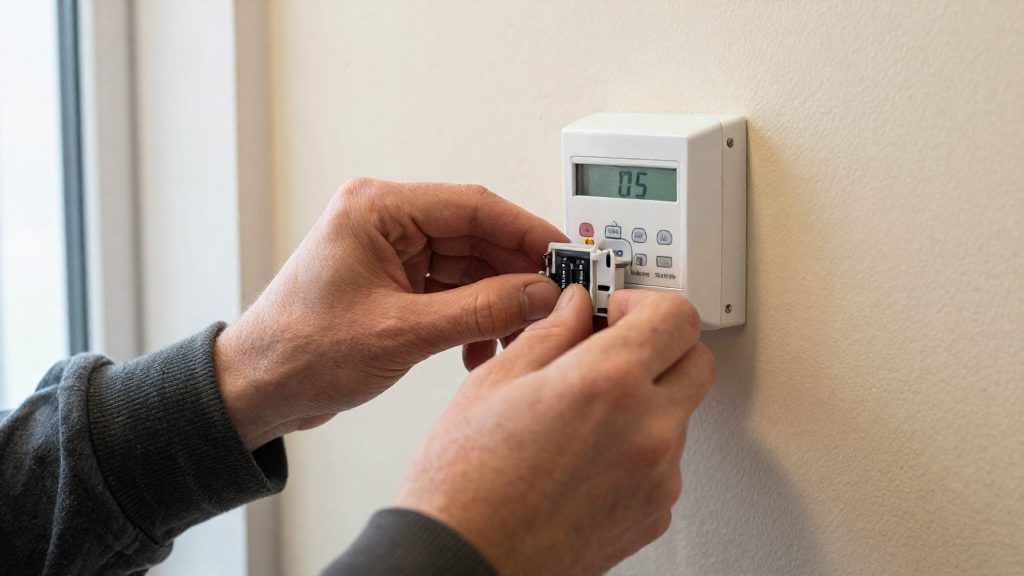
How to connect it to Alexa, Google or HomeKit
Mysa’s baseboard thermostat has built-in 2.4GHz Wi-Fi, so it connects straight to your home network with no hub required. According to Life on AI (2026), this is what makes it workable for electric baseboard heating without an extra bridge device. Once the thermostat is set up in the Mysa app, you link your Mysa account to the voice assistant or home platform you already use. Each thermostat then appears as a separate device there.
Mysa integrates with the following platforms, according to Life on AI (2026):
| Platform | Integration |
|---|---|
| Amazon Alexa | Account link |
| Google Home | Account link |
| SmartThings | Account link |
| Apple HomeKit / Siri | Native HomeKit support |
| IFTTT | Applet-based automations |
| Zigbee or Z-Wave hubs | Not supported |
Linking your accounts
The general process is the same for the account-linked platforms:
- Set up each thermostat in the Mysa app first. The app can manage up to 50 of them.
- In the Alexa, Google Home or SmartThings app, open the section for adding devices or integrations and sign in with your Mysa account.
- Grant the requested access, then let the platform discover the Mysa devices.
- Assign each thermostat to a room in the platform so voice commands target the correct heater.
For Apple HomeKit, add the thermostat through the Home app following Mysa’s instructions for HomeKit. Once it is added, Siri controls it like any other HomeKit accessory.
Voice commands and routines for setpoint changes
Once linked, you can ask your assistant to raise or lower the setpoint of a named thermostat. Clear room names matter here: a command such as “set the bedroom” only works reliably when each thermostat has a unique name.
Routines extend this control. You can add a setpoint change as an action in an Alexa routine, a Google Home routine, a SmartThings routine, or an IFTTT applet. Routines are triggered by time, by a voice phrase, or by another device, so a lower setpoint can run automatically when you leave, for example.
Should you hire an electrician?
Whether you need an electrician depends on the route you choose. The two routes differ in how much rewiring they require.
| Route | Electrician role | Source |
|---|---|---|
| Line-voltage thermostat | Recommended for a first install, because the work involves line, load and neutral wiring | Life on AI (2026) |
| External relay paired with a low-voltage thermostat | Needed. The manufacturer calls it a complex job that needs rewiring and a professional | Mysa (2026) |
With a line-voltage thermostat, the wiring still connects to the heater’s supply, so the review advises a qualified electrician for the first installation.
With an external relay, the job is more involved.
Labor is the cost the relay route adds on top of hardware. Mysa’s estimate of at least $280 per thermostat (about $250 for the thermostat and about $30 for the relay) is stated before electrician time, so the final total depends on the electrician’s rates and the work involved. Request a written quote that lists labor separately from parts.
Before rewiring any heating circuit, verify the work with a licensed electrician.
Local permit and code requirements vary by jurisdiction. Contact your local building authority to confirm whether a permit is required for changing heating circuit wiring, and ask the electrician to confirm that the finished work meets local code.
Schedules and zones that save energy
Per-room control is where a line-voltage thermostat changes how electric heating runs. Each room can carry its own setpoint and time plan instead of one whole-house setting. According to Life on AI (2026), the Mysa app can manage up to 50 thermostats and offers scheduling, geofencing, zone control, energy reports and vacation mode.
Per-room schedules matched to occupancy
Start by recording when each room is actually used, with weekdays and weekends listed separately. Then give each thermostat a schedule that opens the heating window before the room is occupied and lowers the setpoint once it empties.
| Room use pattern | Schedule approach |
|---|---|
| Bedroom, occupied in the evening and overnight | Heat from the evening until morning; lower setpoint during the day |
| Home office, used during working hours | Heat only during the working block; off in the evening |
| Guest room, rarely occupied | Use vacation mode between visits instead of a daily schedule |
Geofencing is the next step where the app supports it. Heating follows whether the household is home, which removes the need to edit schedules after a change in routine.
Energy monitoring to compare heater runtime
Energy reports show which thermostats draw the most power over a period. Change one room’s schedule at a time, then compare reports for the same period across weeks. If a room’s consumption stays high after its schedule was shortened, check whether the setpoint is higher than the occupants need, or whether the room is used more often than the schedule assumes.
Zone grouping for rooms with similar heat loss
Group rooms with similar exposure, insulation and window area into one zone so they share a schedule and setpoint. Keep rooms with very different heat loss in separate zones. A corner room with external walls and a sheltered interior room will not reach the same temperature on the same plan, so one of them will be overheated or underheated.
Frequently asked questions
Can I add a relay so my Nest or ecobee controls a baseboard heater?
Yes, an external relay lets a low-voltage thermostat switch a baseboard heater, but Mysa (2026) calls this a complex job that requires rewiring and a professional. Mysa estimates the relay at about $30 and the thermostat at about $250, so at least $280 per heater before electrician labour. The thermostat also cannot measure the heater’s energy use in this setup.
Which smart thermostat works with baseboard heaters without an extra relay?
Mysa’s second version of its baseboard thermostat has an internal relay, so it needs no external relay, and Mysa (2026) lists roughly $119 to $139 per unit. It connects over built-in 2.4GHz Wi-Fi, works with Alexa, Google Home, SmartThings, Apple HomeKit and IFTTT, and does not support Zigbee or Z-Wave. Confirm you are buying the second version, since the internal relay applies only to that model.
Do I need an electrician to install a line-voltage smart thermostat?
Life on AI (2026) recommends a qualified electrician for a first installation because the work involves line, load and neutral wiring. Check that your heater is wired with a four-wire system, because Life on AI (2026) reports that the Mysa baseboard thermostat does not work with two-wire systems. Compare the heater’s wattage with the thermostat’s rating on the manufacturer’s product page before you buy.