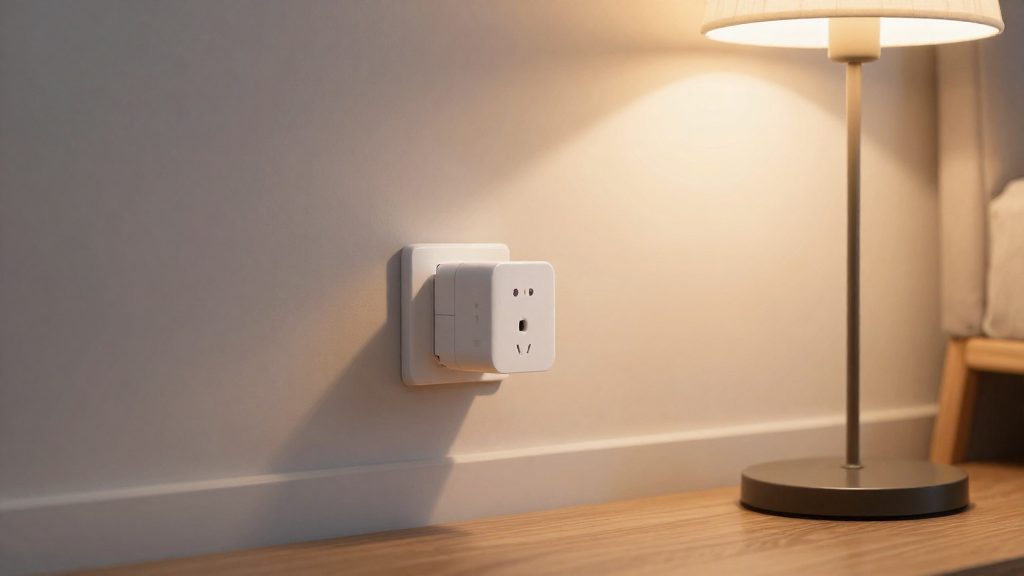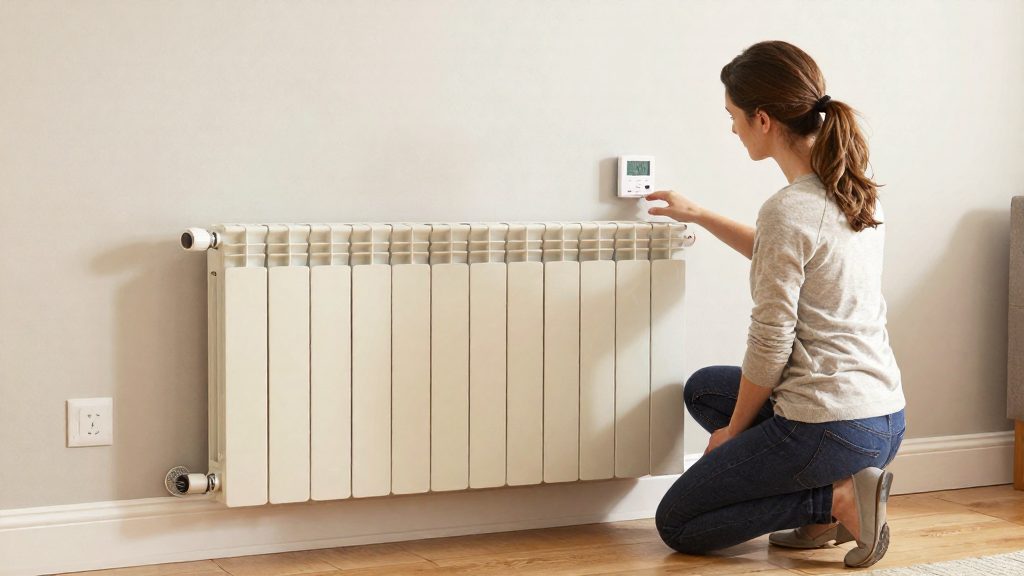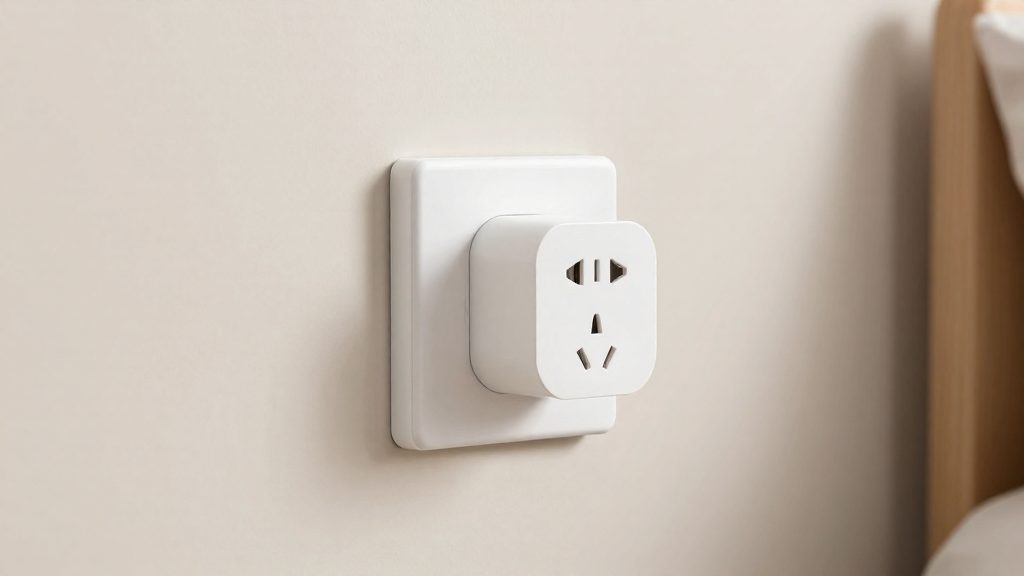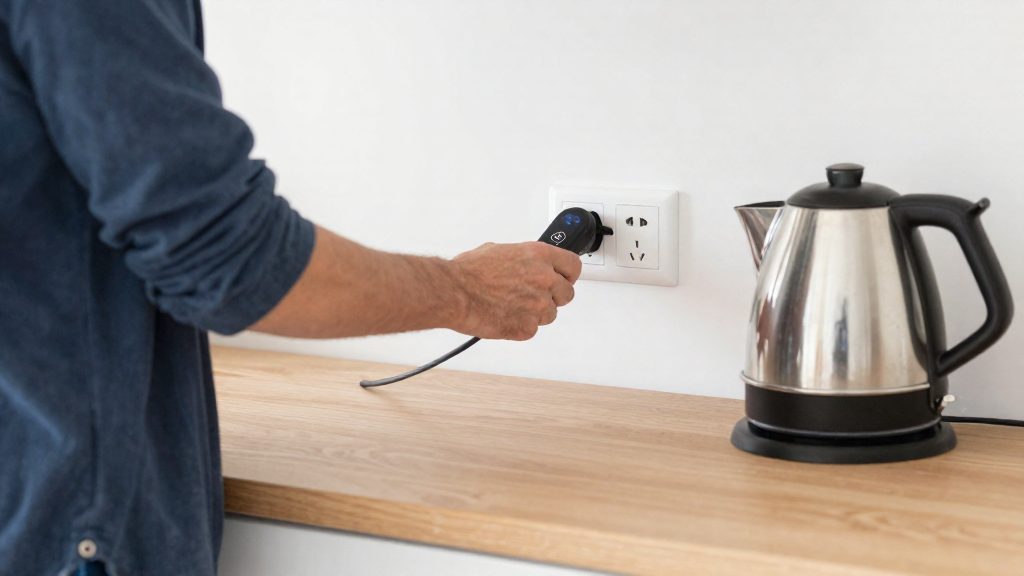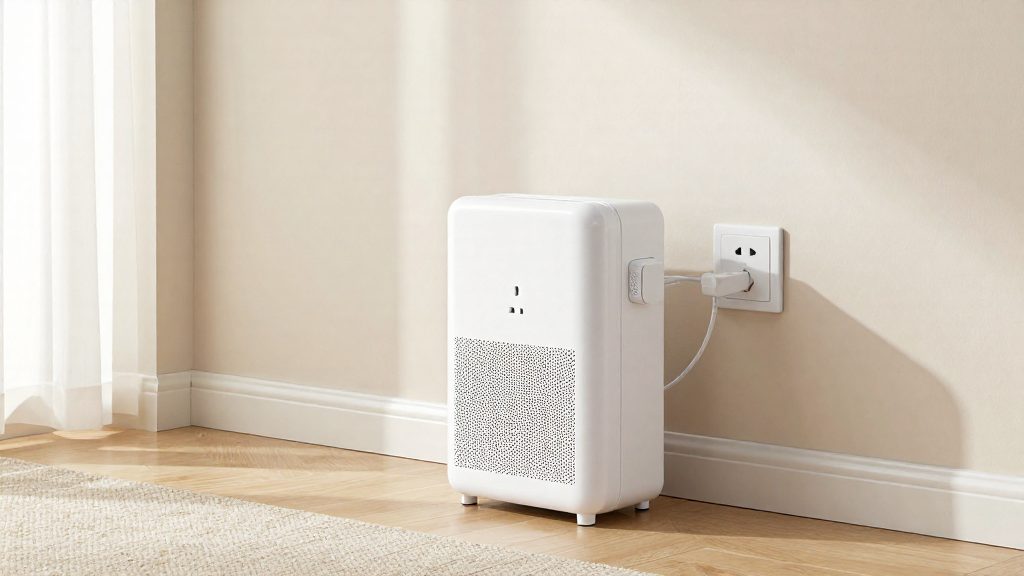
A smart plug is not recommended with a space heater. The U.S. Fire Administration, part of FEMA, advises plugging space heaters directly into a wall outlet and never into an extension cord or power strip. Its guidance does not mention smart plugs, so extending the rule to them is an inference. A smart plug is a plug-in adapter that sits between the heater and the outlet, so it occupies the same position in the power chain as the devices FEMA names. By inference, the same caution applies to it.
Can you use a smart plug with a space heater?
Direct verdict by setup
| Setup | Verdict |
|---|---|
| Space heater plugged directly into a wall outlet | Follows U.S. Fire Administration (FEMA) guidance |
| Space heater plugged into an extension cord or power strip | Contrary to U.S. Fire Administration (FEMA) guidance |
| Space heater plugged into a smart plug that is then plugged into a wall outlet | Not recommended; the FEMA rule applies by inference |
Why the outlet rule covers smart plugs
- Position in the chain: The FEMA guidance concerns what sits between the heater and the wall. A smart plug occupies a similar spot, so applying the same rule to it is a precautionary inference.
- Added junction: Every adapter adds a second plug-and-socket connection and its own internal circuitry between the heater and the outlet.
- Rating is product-specific: The maximum load a smart plug can carry is set by its manufacturer and printed on its label. Compare that figure with the heater’s label before any use, and do not assume a smart plug is rated for a space heater.
What to do instead
- Plug the space heater straight into a wall outlet.
- Check the heater’s manual for its recommended outlet and any cord instructions.
- For scheduled heating, use a smart thermostat or a heater with its own built-in thermostat, rather than switching power at the outlet.
- If you are unsure whether a specific smart plug is suitable, contact its manufacturer and the heater’s manufacturer before connecting them.
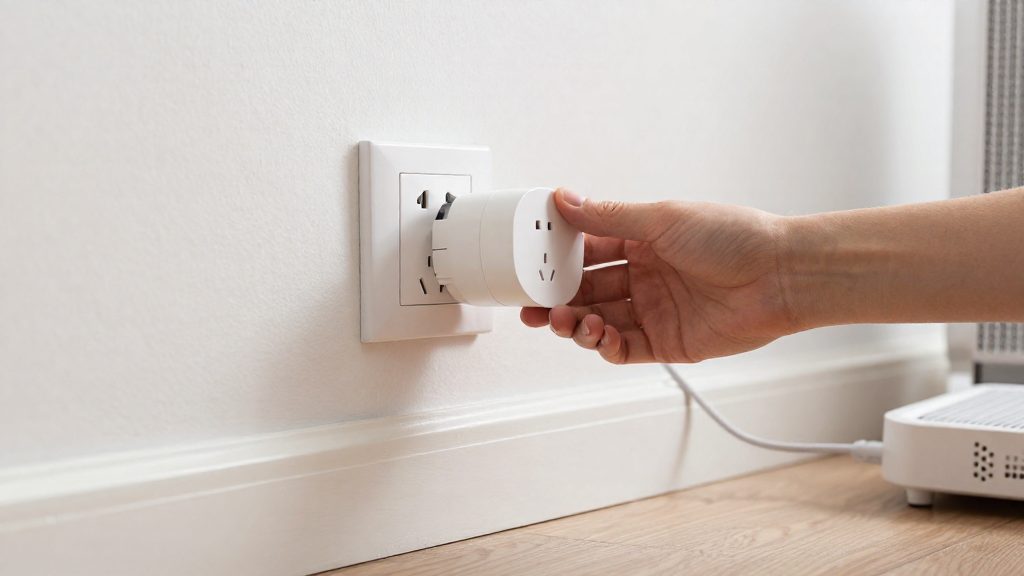
Why space heaters need a wall outlet
Space heaters are resistive loads that draw high current for long periods, so every connection in the power path carries that full current. The wall outlet is the only point in the chain built for that duty. Any additional component between the heater and the outlet adds a connection that can overheat.
Heat buildup at connections is the main electrical risk. Heat is produced at any point of contact resistance, and resistance rises when a plug is loose, a contact is worn, or a conductor is too thin for the current. A loose prong or a thin-gauge cord can run noticeably hotter than the rest of the circuit, and the heat is often concentrated where the plug meets the socket, where the user cannot see it.
Why power strips lack heater-rated protection comes down to what they are designed for. A power strip is a multi-outlet distribution device, and the rating printed on it describes its total load across all sockets, not a sustained load from one heater. Extension cords have the same limitation: their conductor gauge and internal connections are chosen for general use. Neither carries a heater-specific rating that replaces a wall outlet. Check the label on any strip or cord before using it, though in most cases the safer approach is to avoid it entirely.
Why adapters must stay in the wall path applies to smart plugs. The reasoning holds: a smart plug adds its own internal contacts and connection points, so it should be plugged directly into the wall, with the heater plugged directly into the smart plug, and no further adapters in between.
If you still use a smart plug: what amp and watt rating to check
A smart plug for a space heater needs a listed maximum load at least equal to the heater’s rated draw, with headroom below that maximum. Read the wattage and voltage on the heater’s nameplate, convert watts to amps, then compare the result with the plug’s rating in both watts and amps.
Convert watts to amps
Use the formula amps = watts / volts. The voltage comes from the heater’s label, so the calculation reflects the heater’s own specification.
| Value | Where to find it | How it is used |
|---|---|---|
| Heater wattage (W) | Nameplate or manual | Rated draw of the heater |
| Heater voltage (V) | Nameplate or manual | Divisor in amps = watts / volts |
| Calculated current (A) | Result of the formula | Compared with the plug’s amp rating |
| Plug maximum rating (W and A) | Plug label or manufacturer specification | Upper limit for the load |
If a heater is labelled with a wattage and a voltage, divide the wattage by the voltage. The result is the current the heater draws, and the plug’s amp rating must be equal to or higher than that value.
Size for continuous operation
Space heaters often run for hours, so treat them as a continuous load. Do not select a plug whose rating matches the heater’s draw exactly. Check the plug manufacturer’s specification for a continuous-load figure, which can be lower than the peak rating printed on the plug. Use the value in the product manual, not a general rule of thumb.
Account for fan-motor startup
Heaters with a fan draw more current when the motor starts than during steady heating. The nameplate figure describes the operating draw, and the startup surge is brief but higher. A plug with headroom above the nameplate value handles this surge better than one rated exactly to it.
What does energy monitoring actually tell you?
A plug with energy monitoring reports how much electricity the heater draws from the outlet, both at a given moment and as a running total over time. It does not measure heat output, room temperature or whether the heater is working correctly. Its readings describe electrical consumption only, which is enough to estimate runtime and running cost.
Real-time readings: watts, volts and amps
- Watts (W): instantaneous power draw. Watts = volts × amps.
- Volts (V): the supply voltage at the outlet, which the plug reads directly.
- Amps (A): the current flowing through the plug.
Watching watts over a heating period shows when the heater’s element switches on and off. A thermostat-controlled heater draws power in cycles, so a single reading taken at one moment can be misleading. Watching the readings over several cycles shows the actual pattern.
| Reading | What it shows | How to use it |
|---|---|---|
| Watts | Power drawn right now | Shows whether the heater is in its heating phase or idle |
| Volts | Voltage at the outlet | Confirms the supply is steady and matches the heater’s rating |
| Amps | Current drawn | Cross-check against watts: watts ÷ volts should match the amp reading |
Kilowatt-hour totals and running cost
The cumulative energy total is recorded in kilowatt-hours (kWh). To estimate cost:
- Note the cumulative kWh reading at the start of a period.
- Note the reading at the end of the period.
- Subtract the first value from the second to get the energy used.
- Multiply by your electricity price per kWh.
Measurement tolerance and calibration limits
Plug-level meters provide estimates, not laboratory measurements. Manufacturers publish accuracy specifications in their product documentation, so check that figure before relying on the readings. To test a plug, connect a separate meter you trust to a known load and compare the two readings. Very low loads, such as standby draw, are generally less precise than readings taken while the heater is running.
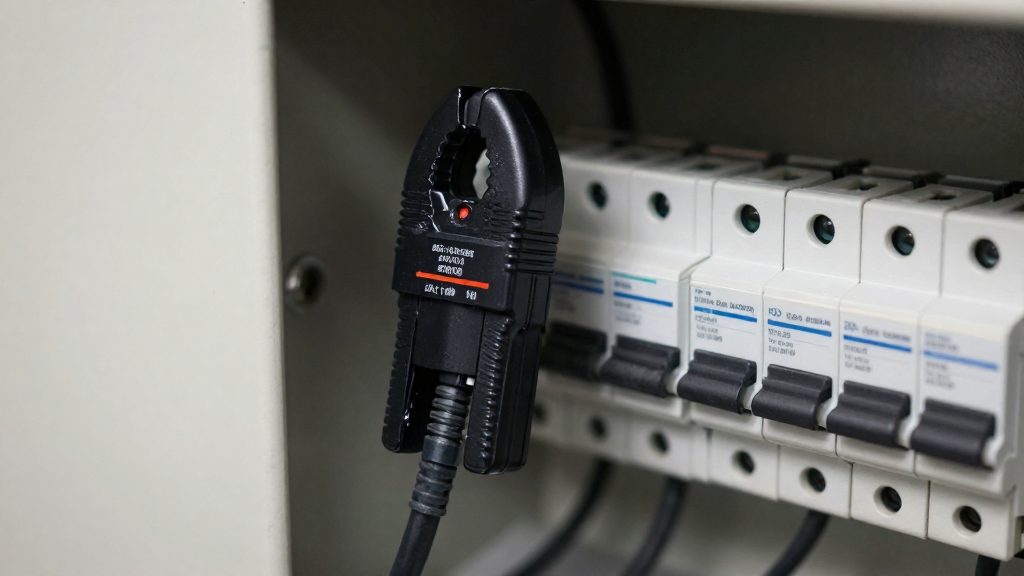
Is a smart plug safer than the heater’s own thermostat or timer?
No. A smart plug is a switch in the power path, and it does not replace the protections built into a space heater. The heater’s thermostat reads temperature and cycles the heating element, while a timer or smart plug only cuts or restores power to the whole appliance. Each layer covers different risks, so the two should be treated as complementary.
What the heater’s built-in controls handle
- Tip-over shutoff: some heaters have a switch that cuts power when the unit tilts. A smart plug cannot detect tilting because it only monitors its own electrical connection.
- Overheat cutoff: internal thermal protection shuts the element down when a temperature limit is exceeded. Confirm in the manual which protections your model includes.
- Thermostat sensing: the heater measures its own temperature against a setpoint and regulates the element. A smart plug has no temperature input.
Built-in controls versus plug-level switching
| Risk | Heater’s built-in control | Smart plug |
|---|---|---|
| Tipping over | Tip-over switch, where fitted | Cannot detect |
| Element overheating | Internal thermal cutoff, where fitted | Cannot detect |
| Room temperature target | Thermostat sensing | No temperature sensing |
| Scheduled on/off | Heater timer, if present | Schedule set in the app |
Plug behavior after Wi-Fi or power loss
A smart plug’s power-on behavior after an outage depends on its settings. Open the app and look for a power-on state option, which determines whether the plug restores as off, on, or to its last state. If it defaults to on, the heater can restart unattended once power returns. Check the manufacturer’s instructions to see whether schedules run locally or depend on the app connection. Test the behavior with the heater switched off before relying on it.
Safer ways to automate heater control
A smart plug is only one way to switch a space heater on a schedule. Three approaches avoid placing an adapter between the heater and the wall outlet, and each one changes where control happens.
| Approach | Where control happens | Installation |
|---|---|---|
| Smart thermostat for baseboard heaters | At the heater’s wall control point | Replaces the existing wall control, usually wired |
| Heater with native Wi-Fi or Matter support | Built into the heater itself | Plugs in or is wired like a standard heater, no adapter |
| Hardwired installation | Fixed circuit controlled by a smart switch or thermostat | Installed by a licensed electrician |
Smart thermostats for baseboard heaters
Some smart thermostats are designed for baseboard heaters and sit where the original wall control was. The thermostat then manages the heater’s temperature and schedule through a companion app. Check the manufacturer’s list to see which heater types a given thermostat supports. Because these units are wired into the heater circuit, they are not plug-in adapters. Before buying, confirm that your wiring matches the thermostat’s requirements in the manufacturer’s installation guide.
Heaters with native Wi-Fi or Matter support
Some heaters include Wi-Fi or Matter connectivity directly. Control is handled by the heater’s own firmware and app, so no external adapter is needed. Matter support also allows the heater to join a compatible smart home hub or voice assistant ecosystem, depending on the manufacturer’s implementation. Check the product packaging or specification sheet to confirm which protocols the model supports.
Hardwired installation by a licensed electrician
A fixed installation connects the heater to a dedicated circuit controlled by a wall-mounted smart switch or thermostat. This removes the plug entirely. Work on household wiring should be carried out by a licensed electrician, who can verify the circuit’s capacity and the heater’s requirements against local electrical code and any permit requirements in your area.
Setup tips and red flags
A smart plug adds a second connection point between the heater and the wall, so check it under real load before you rely on it. If the label is missing or unreadable, don’t use the combination. Then run the heater on its normal setting and check it by hand rather than trusting the app’s energy readings alone.
Setup routine
- Heat test: After the heater has run for about one hour at its normal setting, carefully touch the plug body and the outlet faceplate. Both should feel no more than slightly warm. If either feels hot, stop using that combination immediately. A touch test does not prove the connection is safe, so do not rely on it alone.
- Recheck after the first week: Repeat the touch test periodically. Heat that builds up over time points to a loose contact or an overloaded connection.
- Cord routing: Run the heater’s cord away from bedding, curtains, sofas, and other fabrics. Keep the cord straight and free of tight bends, so it doesn’t pinch or heat up where it leaves the plug.
- Placement: Keep the plug and the heater clear of anything that could block airflow or touch the plug housing.
Warning signs that mean unplug now
| Sign | What it can indicate | Action |
|---|---|---|
| Scorch marks or brown discoloration on the plug face or outlet | Overheating at the contacts | Unplug, stop using both, and inspect |
| Buzzing or crackling from the plug | Loose or arcing contacts | Unplug and do not reuse until checked |
| Plug or outlet too hot to hold | Excess heat at the connection | Unplug and let it cool before inspecting |
| Burning or melting smell | Plastic or insulation overheating | Unplug immediately |
| Plug that feels loose or no longer grips the outlet | Worn contacts | Replace the plug or move the heater |
If any warning sign appears, follow the manufacturer’s instructions for the smart plug and the heater.
Frequently asked questions
Can I plug a space heater into a smart plug if it is rated for the load?
Matching ratings are not enough on their own. The U.S. Fire Administration (FEMA) advises connecting space heaters directly to a wall outlet, and it does not list smart plugs as an acceptable intermediate step. Any smart plug in the chain is an inference from that guidance, so check the maximum load printed on the plug and the heater’s wattage before deciding.
Does the energy monitoring feature make it safer to use a smart plug with a heater?
No. Energy monitoring reports real-time power draw in watts and cumulative kWh, which helps you see how much electricity the heater uses, but it does not change how the plug connects to the outlet. Monitoring data also cannot confirm that the plug’s internal contacts are rated for a space heater’s sustained current.
I already plugged my heater into a smart plug. What should I do now?
Unplug the heater from the smart plug and connect it directly to a wall outlet. Then check the plug, the outlet, and the heater’s cord for discoloration, warmth, or a burning smell. If you see any of these signs, stop using the setup and contact the plug manufacturer and the heater maker using the contact details in their manuals.