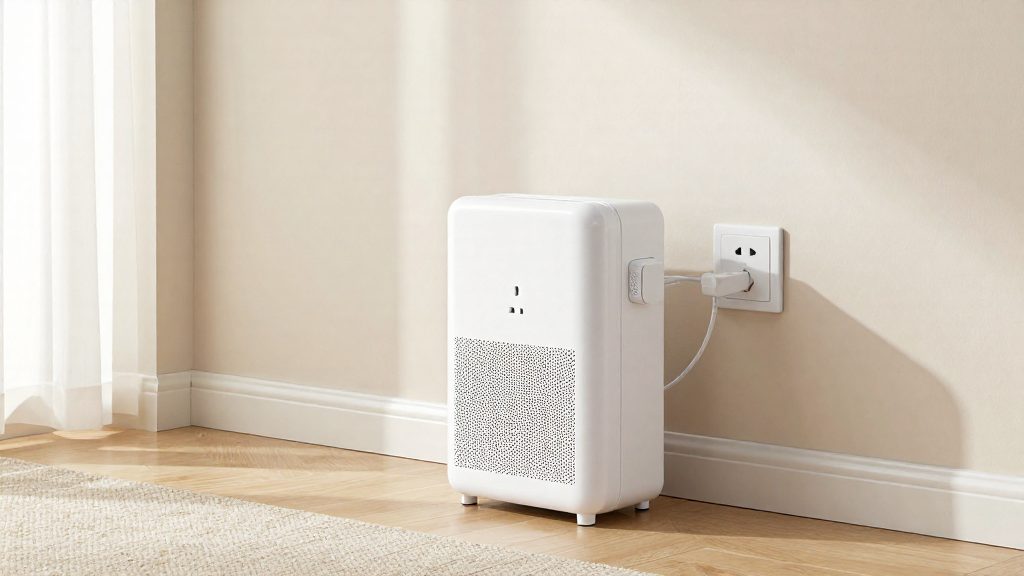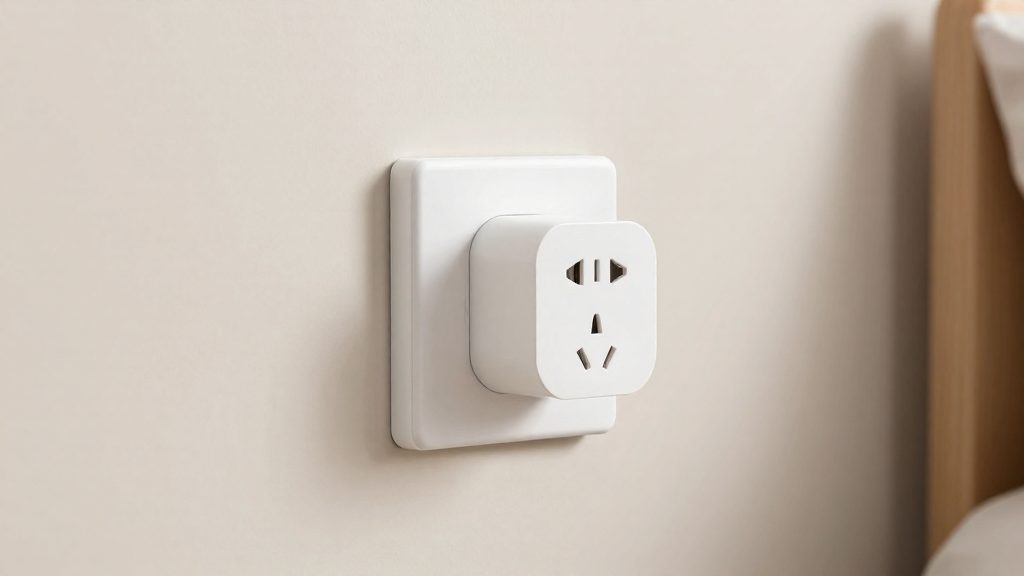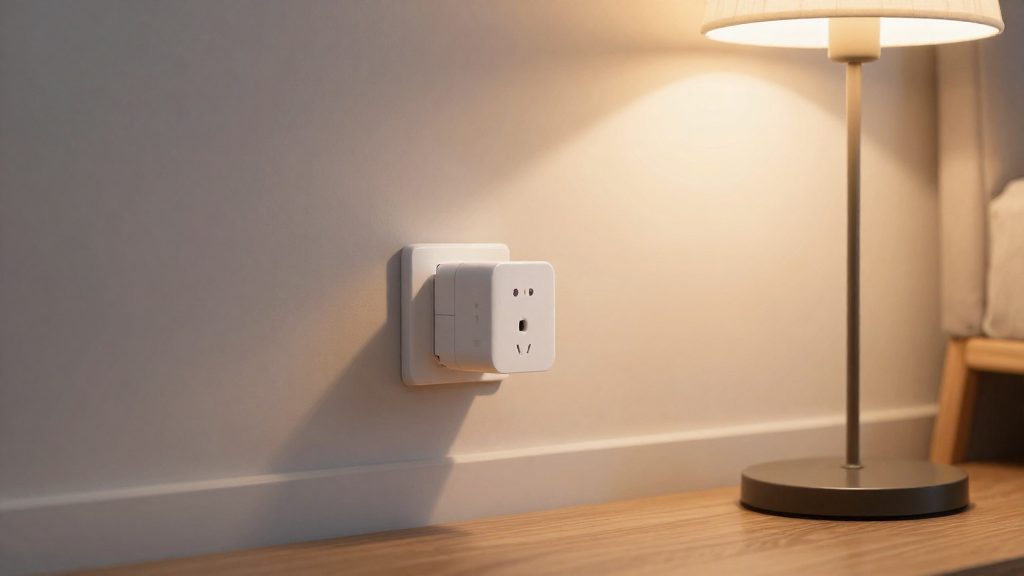
A hub-free smart plug such as the Kasa Smart Wi-Fi Plug Mini (HS103) joins your home Wi-Fi network directly, so no bridge sits between the plug and your router. According to Kasa Smart / TP-Link Systems Inc. (2025), the HS103 connects directly to a secured 2.4GHz network and needs no separate hub. You then control it, set its schedules and check its status from a phone app.
What does a hub-free smart plug actually do?
Direct connection to the router
The plug acts as a Wi-Fi client. During setup it joins the secured network you choose, and the Kasa Smart app reaches it over that same connection. No intermediate device translates commands, so the app talks to the plug through your router.
App control and scheduling
The Kasa Smart app is the main control surface. It handles on/off switching, scheduling and remote control, so you can change a device’s state when you are away from home. Amazon Alexa and Google Assistant also work with the HS103 as a separate voice control path.
The hub-free design is common across the category. Per BGR (2026-10-08), the Meross app itself works without a hub, although remote control through Apple’s Home app requires a HomePod or Apple TV acting as a home hub.
| Function | How the Kasa HS103 handles it |
|---|---|
| Connection | Direct to a secured Wi-Fi network, no hub |
| Phone control | Kasa Smart app |
| Scheduling | Set in the Kasa Smart app |
| Voice control | Amazon Alexa and Google Assistant |
| Away Mode | Randomly switches devices on and off |
Away Mode
Away Mode is a built-in feature of the HS103. It randomly switches connected devices on and off so the home appears occupied while you are out. You enable it in the app rather than building individual timers.
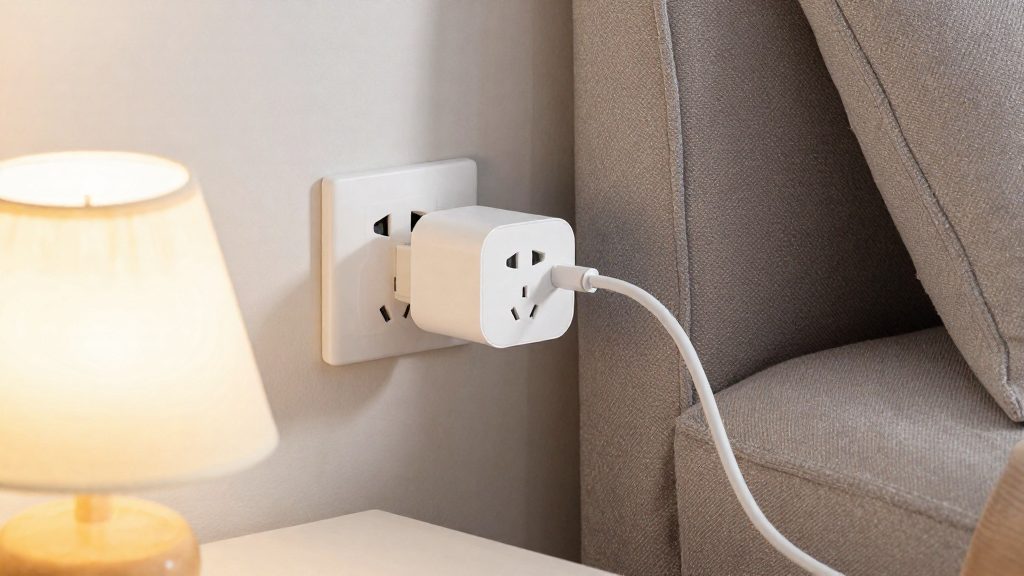
Do Wi-Fi smart plugs need a hub?
Most Wi-Fi smart plugs do not need a separate hub. A direct Wi-Fi plug joins your home network on its own and is set up and controlled from a phone app, so your router is the only infrastructure it depends on.
Hub-optional versus hub-required
The distinction depends on how the plug reaches your network, not on whether it is labelled ‘smart.’
- Hub-optional: the plug connects over Wi-Fi and works with its own app. BGR’s list of cheaper hub-free plugs includes the Tapo P115, Govee, Meross 15A, Geeni Dot and Wyze (BGR, 2026-10-08).
- Hub-required: the plug depends on a separate controller rather than joining your Wi-Fi network. Check the manufacturer’s instructions or packaging before assuming a model works without one.
Vendor app as the default control path
For hub-free plugs, the vendor app is the standard control path. Setup, scheduling and remote access normally happen there.
| Model | Hub needed | Control path |
|---|---|---|
| Kasa Smart Wi-Fi Plug Mini (HS103) | No separate hub | Kasa Smart app |
| Meross 15A | No hub | Meross app |
| Tapo P115 | Hub-free, per BGR | Phone app |
How voice assistants fit in
The Kasa Smart Wi-Fi Plug Mini (HS103) works with Amazon Alexa and Google Assistant once it is set up in the Kasa Smart app. BGR lists the Meross 15A as HomeKit-compatible; check the product page for other supported assistants. Voice support therefore depends on the assistants each model lists, not on the phone app that controls it.
Before buying, confirm the compatible assistant list on the product page or packaging.
Why most hub-free plugs need 2.4 GHz Wi-Fi
Hub-free plugs typically connect to a 2.4 GHz network. The Kasa Smart Wi-Fi Plug Mini (HS103) connects directly to a secured 2.4GHz network with no separate hub, and according to Kasa Smart / TP-Link Systems Inc. (2025), it supports only 2.4 GHz operation under IEEE 802.11b/g/n. No hub is needed. A dual-band router works with the HS103 as long as its 2.4 GHz band is enabled; the HS103 cannot join a 5 GHz-only network.
Standards limited to 2.4 GHz
The 802.11b, 802.11g and 802.11n standards operate in the 2.4 GHz band. The HS103 supports only these standards, so its compatibility depends on its Wi-Fi standard. Open your router’s admin page and confirm the 2.4 GHz band is enabled before you buy.
Range and wall penetration
The main trade-off of 2.4 GHz is in how it travels:
| Factor | 2.4 GHz | 5 GHz |
|---|---|---|
| Range | Generally longer | Generally shorter |
| Wall penetration | Generally better | Generally weaker |
| Maximum throughput | Lower | Higher |
For a plug placed at the far end of a home, or behind masonry walls, the 2.4 GHz band is usually the more reliable choice. Throughput matters less here, since a plug’s data is limited to small on/off and status messages.
Lower bandwidth needs of plug control traffic
Switching a plug on or off, reporting its state or running a schedule requires very little data. A band that offers lower throughput is therefore not a practical drawback for this use. The higher capacity of 5 GHz would mainly benefit devices that stream video or transfer large files, which plugs do not do.
Best hub-free smart plugs for most homes
The main hub-free smart plugs for most homes are the Kasa Smart Wi-Fi Plug Mini (HS103), Govee, Tapo P115, Meross 15A, Wyze and Geeni Dot. The Kasa Mini’s compact design lets two plugs share one outlet, whereas the Geeni Dot fits only one plug per outlet. Wyze has the highest per-plug price among the models with listed pack pricing (about $14.99).
Per-plug prices below are calculated from the pack prices that BGR (2026-10-08) lists:
| Model | Pack listed by BGR | Approx. price per plug |
|---|---|---|
| Govee | 4 plugs, about $29.99 | About $7.50 |
| Tapo P115 | 4 plugs, about $32.99 | About $8.25 |
| Meross 15A | 4 plugs, about $39.98 | About $10.00 |
| Geeni Dot | Each, about $12.99 | About $12.99 |
| Wyze | 2 plugs, about $29.98 | About $14.99 |
Govee and Tapo offer the lowest cost per plug when bought in multiples of four. Geeni Dot and Wyze cost more per plug, and BGR lists them as single or two-plug purchases.
Size and outlet fit
Compact footprint is the main differentiator here. According to BGR (2026-10-08), the Geeni Dot fits only one plug per outlet, while the Kasa HS103 Mini’s compact design lets two plugs share one outlet. Some plug designs are bulky, so measure the space around the outlet before buying a model with a wide body.
Everyday reliability
For everyday use, choose a model with a stable Wi-Fi link and test remote control for several days after setup.
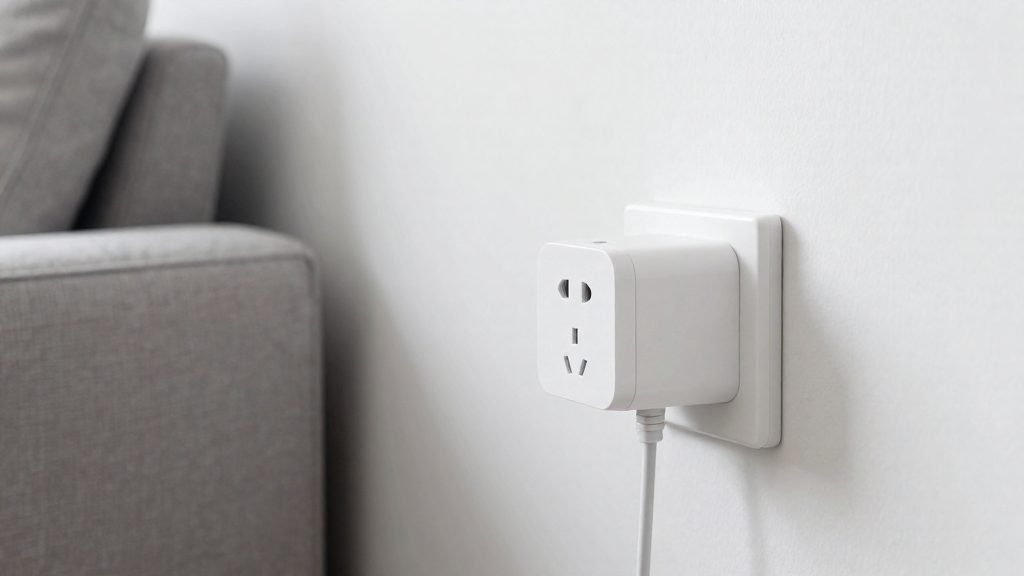
Which plug do you pick for energy monitoring or HomeKit?
Choose the plug by the one feature you cannot do without: energy tracking or Apple HomeKit support. According to BGR (2026-10-08), the Tapo P115 is listed with energy tracking, and the Meross 15A is listed as HomeKit-compatible. Both are controlled through a phone app.
| Plug | Feature listed | What it needs |
|---|---|---|
| Tapo P115 | Energy tracking for consumption monitoring | Phone app over 2.4GHz Wi-Fi, no hub |
| Meross 15A | HomeKit compatibility | Meross app, no hub |
| Meross 15A in Apple’s Home app | Remote control through Apple Home | HomePod or Apple TV as home hub |
The ecosystem you already use decides the rest of the setup. Remote control of a Meross plug through Apple’s Home app requires a HomePod or Apple TV acting as a home hub. The extra device only matters if you want Apple Home control.
Before buying, check two things:
- Measurement scope: Confirm what the energy readings cover before relying on them.
- Network: Both plugs depend on a stable 2.4GHz connection.
Common problems and fixes
Wi-Fi plugs depend on your internet connection, so an unstable connection causes problems. According to BGR (2026-10-08), some Tapo P115 units stopped communicating with the app after about three weeks, and some Wyze users report occasional connectivity bugs.
App stops communicating after about three weeks
BGR notes that some Tapo P115 units stopped communicating with the app after about three weeks of normal use. When this happens, check whether the plug still appears as online in the app.
- Check the device status in the Tapo app first. An “offline” label can mean a connection problem, but also a power loss or a faulty plug, so also check that the outlet has power.
- Power-cycle the plug by unplugging it, then plugging it back in, and wait for it to reconnect.
- Confirm that the plug’s app is updated and that the plug’s firmware is current in the app’s device settings.
- If the plug stays offline after these steps, contact TP-Link support and keep the model name and firmware version ready.
Occasional connectivity bugs
BGR reports that some Wyze users see occasional connectivity bugs. These tend to be intermittent: the plug works for days, then drops off and returns without any change on your side. Start by restarting the plug and the Wyze app, then check the Wyze app for firmware updates. If the behavior continues, record the times when failures occur, since a pattern helps support staff diagnose the problem.
Unstable internet causing unresponsiveness
| Symptom | Likely cause | Action |
|---|---|---|
| Commands are delayed or ignored | Weak signal at the plug’s location | Move the router closer or check the signal strength where the plug is installed |
| The plug drops offline at set times | Internet outages or congestion | Check whether other connected devices lose their connection at the same moments |
| Voice commands fail, but the app works | Voice assistant account link or cloud issue | Re-check the assistant’s linked account and the manufacturer’s service status |
When is a hub worth it?
A hub becomes worth considering when a smart plug must share one control layer with devices that use other protocols. A hub-free plug joins a Wi-Fi network and is controlled from its own app, which is enough for a small set of devices from one brand. Once a home mixes protocols, a hub or a hub-capable platform acts as the translator between them.
Mixing Matter, Thread and Zigbee: Matter is a shared standard meant to let devices from different manufacturers work together. Thread and Zigbee are low-power mesh radios that generally need a border router or coordinator to reach the rest of the network. A single hub that supports all three lets a sensor, a bulb and a plug appear in one device list and one automation engine. Without it, each protocol typically needs its own bridge and app.
Local control: A hub on the home network can keep commands local instead of routing them through a manufacturer’s server. Whether a specific plug works this way depends on its firmware and documentation, so check the manufacturer’s manual before relying on local control.
Automations across brands: Logic such as ‘switch off the space heater plug when the door sensor opens’ requires every device to be visible to one platform. A hub-free plug only exposes its own app, so cross-brand routines usually run through a voice assistant or hub platform.
| Plug | Own app without a hub | Ecosystem or assistant support | Built-in automation features |
|---|---|---|---|
| Kasa Smart Wi-Fi Plug Mini (HS103) | Yes | Amazon Alexa, Google Assistant | App scheduling, Away Mode (randomly switches devices on and off) |
Frequently asked questions
Do I need a hub if my router is dual-band?
No hub is needed, but the 2.4GHz band must be enabled on your router. The Kasa Smart Wi-Fi Plug Mini (HS103) cannot join a 5GHz-only network, so check the band settings in your router’s admin page before buying.
Why does my plug show as offline in the app?
An offline status can come from a weak internet connection, a power cut to the outlet, or a faulty unit. According to BGR (2026-10-08), some Tapo P115 units stopped communicating with the app after about three weeks, and some Wyze users report occasional connectivity bugs. Confirm the outlet has power first, then follow the manufacturer’s troubleshooting steps.
Which voice assistants work with these plugs?
The Kasa HS103 works with Amazon Alexa and Google Assistant. BGR (2026-10-08) lists the Meross 15A as HomeKit-compatible, so check the product page for any other assistants before mixing models in one setup.