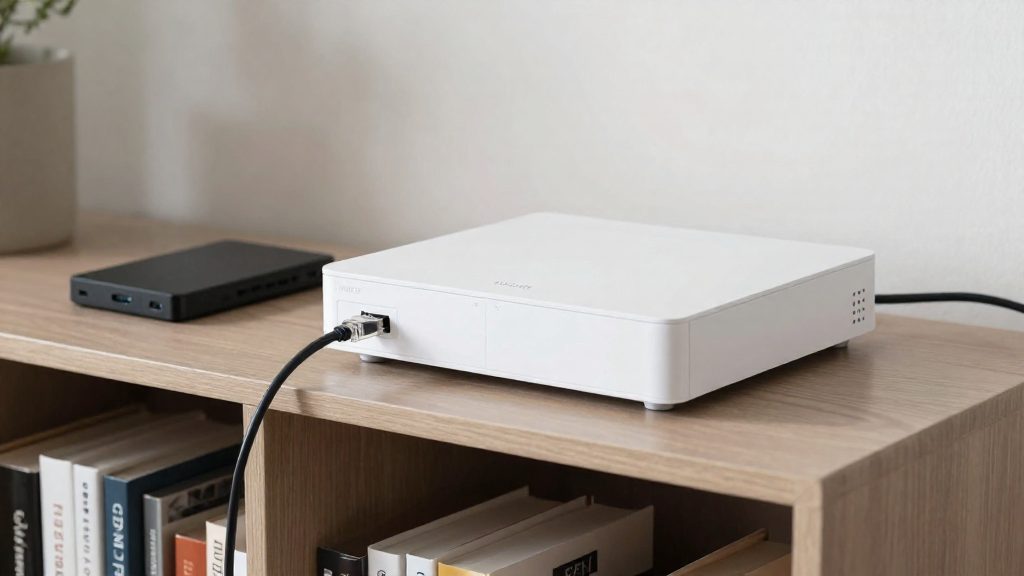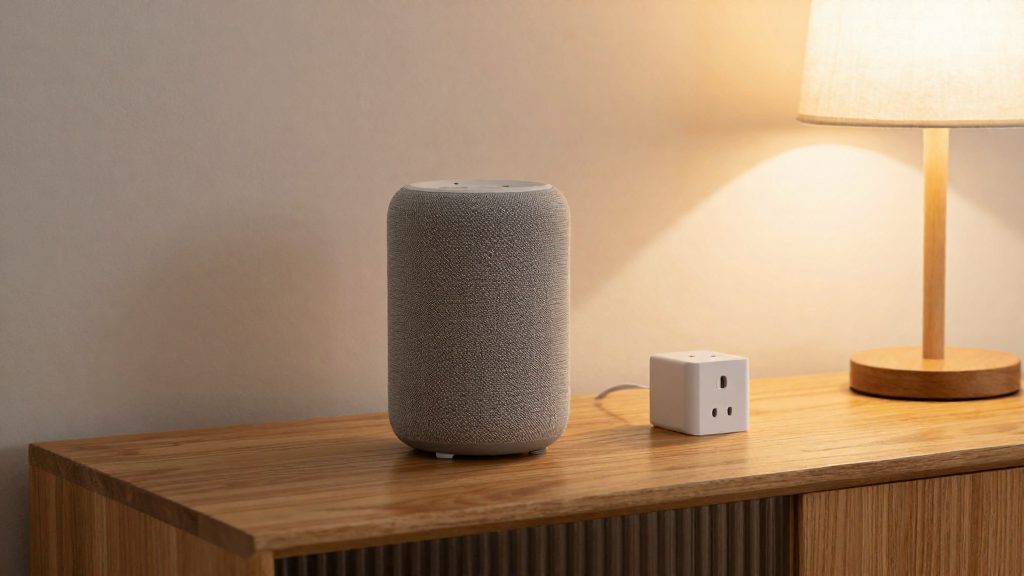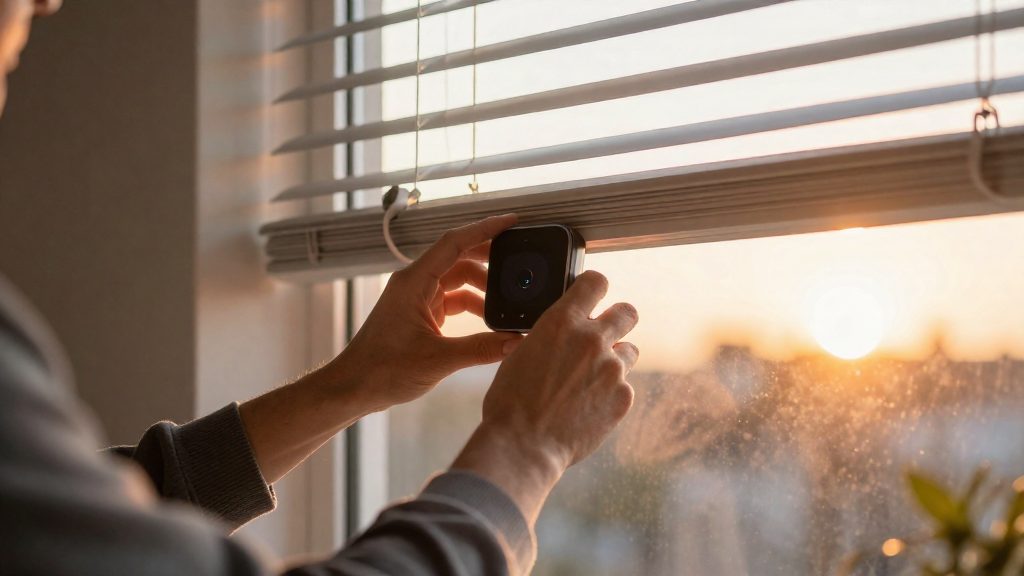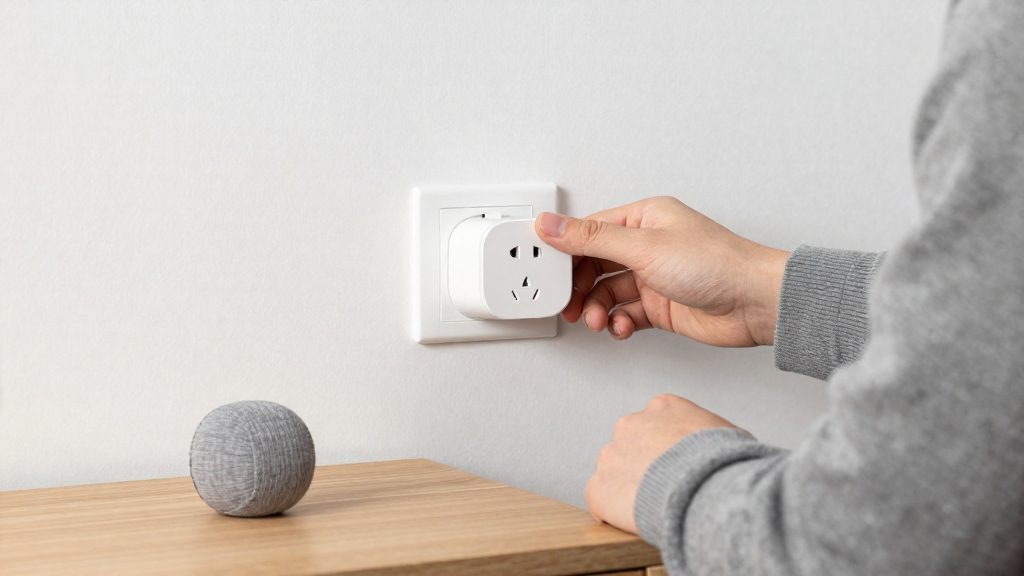
Smart devices send data to manufacturer servers for three main reasons: some features run in the vendor’s cloud, vendors analyze usage to improve products, and the company’s revenue model depends on hardware sales, recurring fees, or data-driven services. Architecture varies by brand, so some devices keep more processing on the device itself than others.
Why do smart devices send data to manufacturers?
Cloud processing for voice commands and video analysis
Cloud processing is the most direct reason. When a voice assistant interprets a spoken request, the audio often has to travel to remote servers before a response returns to the speaker. Camera analysis, such as detecting people, vehicles, or motion, can run either in the vendor’s cloud or locally.
Architecture differs by ecosystem. Checking whether a feature needs internet access to work is a practical way to see which data leaves the home.
Product improvement and vendor analytics
Manufacturers also use interaction records to refine their products. Freethink, republishing The Conversation (2022), reported that Amazon workers listened to, transcribed, and annotated some Alexa conversations, even though manufacturers often say only automated systems see user data.
Telemetry, meaning logs of feature usage, error reports, and device health, typically feeds engineering dashboards. This category is usually the least visible to owners.
Subscription fees versus advertising-based revenue
The business model shapes how much data a company needs and wants.
| Revenue model | How the company earns | Data incentive |
|---|---|---|
| Hardware plus subscription | One-time device sale plus recurring fee for cloud features | Data is needed to deliver paid features such as extended video history |
| Hardware with advertising or partner revenue | Device sale plus advertising or partner services | Data has value for targeting and third-party partners |
Reading a vendor’s privacy policy for sections on “third parties” or “marketing partners” shows which model applies.
What data do smart home devices actually collect?
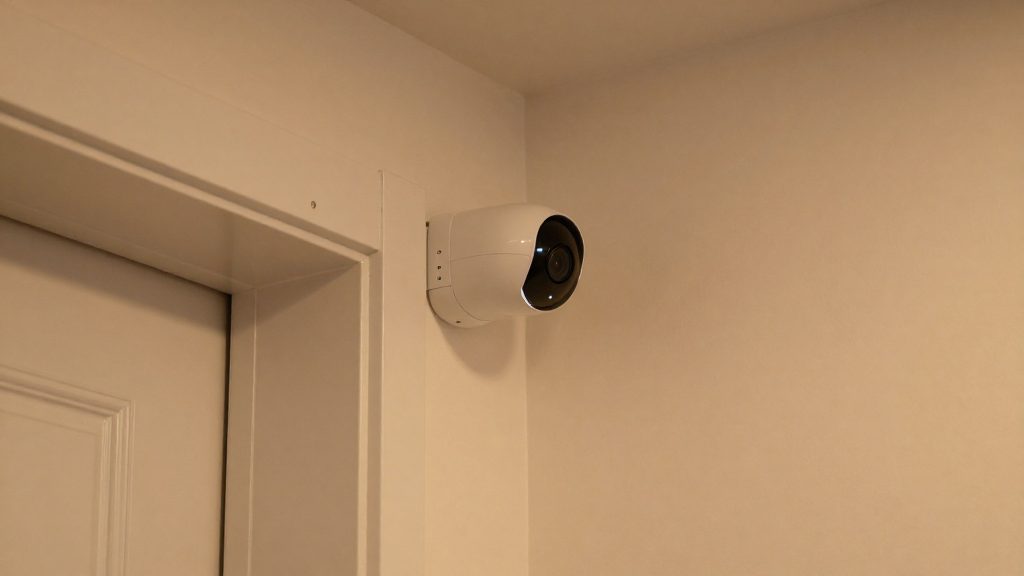
Smart home devices send several distinct categories of data to vendor clouds. The content depends mainly on device type: cameras and motion sensors create the most sensitive records, while plugs, bulbs and locks mainly generate identifiers and timing data. Separating these categories shows which ones a given device produces and which ones you can restrict.
| Data category | What it typically contains |
|---|---|
| Device identifiers | Device and account IDs that link hardware to a user profile |
| IP address and Wi-Fi details | The network address the device uses and the home network it joins |
| Usage logs and timestamps | On/off events, routine runs and the exact times they occurred |
| Camera footage and motion events | Recorded clips and motion-triggered event records |
Device identifiers and IP address data let a vendor tie a device to an account and to a specific home network. Because this information persists across sessions, it links every other record to one household.
Usage logs and timestamps are the most revealing category for everyday life. A thermostat adjustment, a light switching on or a routine firing at a set time shows when people are home and when they are awake. Logs accumulate, so ordinary events can reveal a daily schedule without any audio or video.
Camera data differs in kind. Storage location and encryption are the key questions for any camera’s footage and motion records.
Stored logs and footage also remain exposed if the vendor is breached. According to azfamily.com (Consumer Reports segment, 2026-09-09), data can be stolen in a breach even when the company does not share it.
How do I limit analytics and data sharing in smart home apps?
Each smart home companion app handles data sharing differently, so there is no single menu path that works everywhere. The general method is the same: open the app’s privacy or data section, switch off diagnostic and usage collection, then check separately for third-party marketing sharing and ad personalization. Setting labels and locations change with app versions, so confirm the exact wording against the manufacturer’s current instructions.
Diagnostic and usage data
Most apps collect diagnostic and usage data by default. Look for toggles that mention analytics, diagnostics, usage data or product improvement, and turn them off if you do not need them for troubleshooting. Turning off data collection unrelated to a device’s purpose is one of the steps recommended by Freethink (from The Conversation, 2022-03-20), which also points to the FTC for guidance on the topic. Keep in mind that a disabled diagnostic toggle may limit what support staff can see when you report a fault.
Third-party marketing sharing
Sharing with outside companies is a separate setting from diagnostics, so disable it independently. According to This Old House (2026-05-30), the Electronic Frontier Foundation (EFF) found that Ring’s Android app shared data with third-party marketing services. Check the app’s sharing or partner options on every platform you use, since the iOS and Android versions of an app can behave differently.
Consent settings for personalized ads and profiling
Personalized advertising and profiling are usually opt-in or opt-out choices within the account or privacy menu. Where a toggle is set to on by default, switch it off and then reopen the menu later to confirm it stayed off after app updates.
| Setting type | What to switch off | Check |
|---|---|---|
| Diagnostic and usage data | Analytics, diagnostics, product improvement | Account or privacy section |
| Third-party marketing sharing | Partner or marketing data sharing | Android and iOS versions separately |
| Personalized ads and profiling | Ad personalization, profiling consent | Consent or preferences menu |
How do I delete and auto-delete voice assistant recordings?
Alexa and Siri handle stored voice data differently. Alexa lets you review and delete recordings, set auto-delete, and stop recordings from being used for product development or manual review. According to This Old House (2026-05-30), these controls are available in the Alexa app or on Amazon’s Alexa Privacy Settings page.
Reviewing and deleting Alexa recordings
Open the Alexa app or Amazon’s Alexa Privacy Settings page in a browser. From there you can review stored voice recordings and delete them individually or in bulk. Deleting a recording removes it from your account’s stored recordings; check the list periodically if you want to keep recent data minimal.
Auto-delete and opting out of human review
On the same Alexa Privacy Settings page, turn on auto-delete so that new recordings are removed on a schedule instead of being kept indefinitely. Check the timer options shown on your account to choose how long recordings are kept. Separately, you can switch off the use of your recordings for product development and manual review. These are two distinct controls: auto-delete governs how long recordings stay on your account, while the opt-out governs whether people or development teams may use them.
Siri research sharing
Apple’s default is not to share Siri conversations with researchers. If you are asked to opt in, you can decline. Review the Siri settings on your Apple device to confirm that no research sharing is enabled.
| Assistant | Default setting | Your action |
|---|---|---|
| Alexa | Recordings stored on the account | Review and delete in the Alexa app or Alexa Privacy Settings; enable auto-delete; opt out of product development and manual review |
| Siri | Conversations not shared with researchers | Decline the research opt-in in your Apple device’s Siri settings |
Can I keep smart devices from reaching the cloud at all?
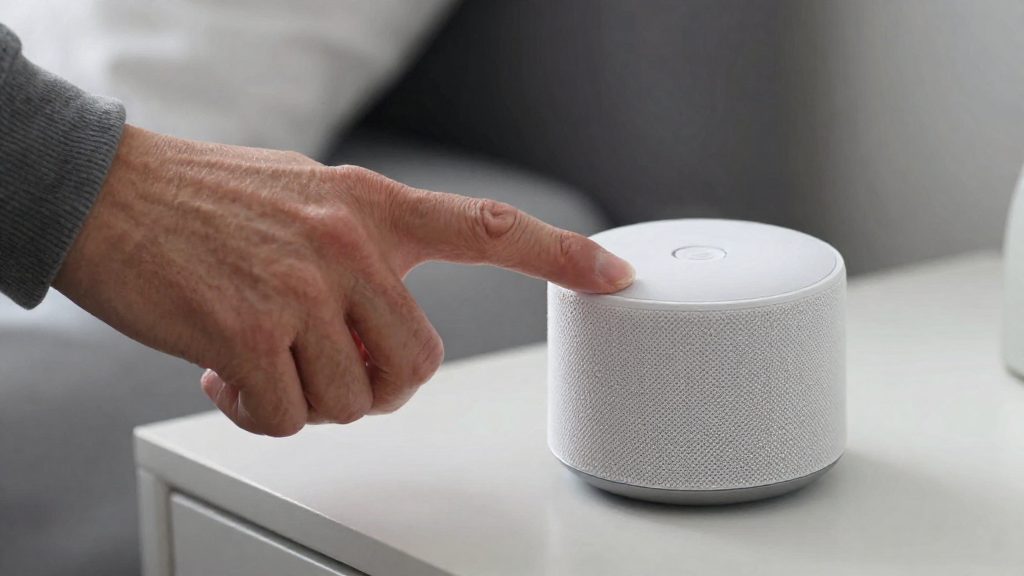
Not completely, for most consumer devices. You can limit what reaches the manufacturer, but cutting a device off from the internet usually removes some of its functions. The practical approach combines two measures: placing devices on a separate network segment and using local control where the product supports it. Both reduce cloud dependence, and each has a feature trade-off that you need to weigh device by device.
Isolating devices on a separate network segment
Consumer Reports, as reported by azfamily.com (2026-09-09), advises keeping smart home devices on a separate Wi-Fi network. Separation limits which other devices a smart plug, camera or lock can reach on your network, which reduces the exposure of laptops, phones and stored files if a device is compromised. It does not by itself stop a device from contacting its manufacturer’s servers. Its main value is containment: isolation limits what an attacker could reach from that device.
Local control modes that avoid the vendor cloud
Some products can be controlled without routing commands through the vendor’s servers. Check the manufacturer’s documentation or product label to see whether a local control option exists, and enable it during setup, since options differ by product and model. The Apple ecosystem shows how this works in practice: according to This Old House (2026-05-30), cameras that support HomeKit Secure Video store encrypted video and run activity analysis on the user’s own Apple devices.
| Setup | Where data is processed | Trade-off |
|---|---|---|
| Default vendor cloud app | Manufacturer’s servers | Full feature set, with data handled under the vendor’s policy |
| HomeKit Secure Video camera | Encrypted video stored and analysed on the user’s own Apple devices | Requires an Apple-based setup |
| Internet access disconnected | Local only | Strongest limit on cloud contact, but often reduced usefulness |
Feature loss when devices lose internet access
Before disconnecting a device, list the functions you rely on and test each one offline. Features that depend on the vendor’s servers stop working when the connection is removed, and the device may still function in a reduced form. Test one device at a time, and keep the app’s default settings recorded so you can restore them if a function you need stops working.
Which smart home platforms keep data local?
Local platforms run automations on hardware you control, so a rule such as “turn on the hallway light at sunset” does not need a round trip to a vendor server. Local options include Home Assistant, a self-hosted platform; Hubitat Elevation, a hub that executes its own rules; and Matter devices, a standard that supports local control over Thread or Wi-Fi. Each keeps a different share of processing and history on your premises, and each still depends on the internet for some features.
Home Assistant is software you install on a machine you own, such as a single-board computer or a home server. Automations, device states and history are processed on that machine, and the platform can run without a vendor cloud account. Individual integrations may still contact external services, so check the integrations you enable.
Hubitat Elevation runs its rule engine on the hub itself. Rules that connect local devices execute on the hub’s own hardware, not on a remote server. Cloud-based integrations you add send their own data to the relevant service.
Matter is a device standard rather than a platform. Matter devices can be commissioned and controlled on your local network over Thread or Wi-Fi, but whether a specific product keeps its automations on-site depends on its firmware and on the controller you use. Confirm this in the manufacturer’s documentation.
What privacy rights do US consumers have?
For US owners of smart home devices, the strongest legal lever for limiting data sharing is in California. Under Proposition 24 (CPRA), California residents can tell covered businesses not to share their data. The law applies only to businesses that meet its statutory thresholds, so the right does not cover every company. Other states have their own privacy laws, so check your state’s rules and the manufacturer’s privacy policy. For disputes, consult legal advice or your state attorney general. The steps below cover the legal opt-out, the limits on collection that the FTC recommends, and requests for access to and deletion of stored data.
California opt-out under Proposition 24
According to This Old House (2026-05-30), California residents can tell a business not to share their data under Proposition 24. To use this right, look for the manufacturer’s opt-out or “Do Not Sell or Share” option in its privacy settings, or use the contact method in its privacy policy. Keep a record of the date and channel you used.
Disabling unrelated data collection
Freethink (from The Conversation) (2022-03-20) recommends turning off data collection unrelated to a device’s purpose and points to FTC guidance on doing so. In the device’s app, review toggles for analytics, product improvement, personalization, and diagnostics. Disable any that do not support the function you bought the device for, and leave on those that the device needs to work.
Requesting access to and deletion of stored data
A deletion request asks the company to remove the data it holds about you. Find the request channel in the manufacturer’s privacy policy and note any identity-verification steps.
| Right or lever | What it limits | Source |
|---|---|---|
| CPRA opt-out (California) | Sharing of personal data with others | This Old House (2026-05-30) |
| Turning off unrelated collection | Data gathered beyond the device’s purpose | FTC guidance, via Freethink (2022-03-20) |
| Sharing only what the device needs | Data sent to the manufacturer | Consumer Reports (2026-09-09) |
Frequently asked questions
Can I stop Alexa from keeping my voice recordings?
Yes. In the Alexa app or on Amazon’s Alexa Privacy Settings page, you can review and delete stored recordings, turn on auto-delete, and stop recordings from being used for product development or manual review, according to This Old House (2026-05-30).
Does Siri send my home conversations to Apple researchers?
Apple’s default is to keep Siri conversations out of research sharing, and you can decline if you are asked to opt in. Cameras that support HomeKit Secure Video store encrypted footage and run activity analysis on your own Apple devices, according to This Old House (2026-05-30).
Will cutting internet access stop my device from sending data?
Yes, but usually at a cost. Disabling internet connectivity protects privacy, yet it often reduces what the device can do, according to Freethink, republishing The Conversation (2022-03-20). Before you disconnect a device, check the manufacturer’s documentation to see which features still work offline.