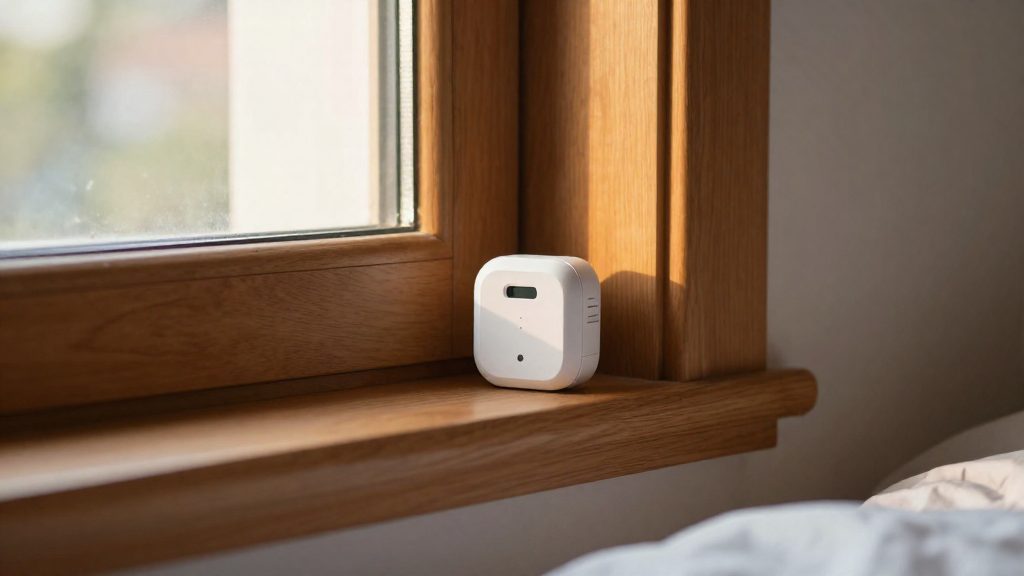
Wireless door and window contact sensors typically run on a single battery for about 3 to 5 years. According to Alarm Grid (2026), a lithium battery in a wireless alarm sensor lasts on average about 3 to 5 years. That is an average, so individual sensors can fall above or below it. Plan replacements around this range rather than a fixed date.
How long do door and window sensor batteries last?
Reference lifespans
Two published figures place a standard door and window contact sensor in the same window:
| Reference point | Battery | Stated lifespan | Source |
|---|---|---|---|
| Average wireless alarm sensor | Lithium | About 3 to 5 years | Alarm Grid (2026) |
| Frontpoint Long Range Door and Window Sensor | Single CR123A | 3 to 5 years (manufacturer rating) | Frontpoint Security (2026) |
The Alarm Grid figure describes an average across wireless alarm sensors. The Frontpoint figure is the manufacturer’s own rating for one model, so it reflects that product’s design rather than a general benchmark.
Why lifespan varies
A single average cannot predict every unit, for three reasons:
- Usage differs by location. Each household opens its doors and windows at a different rate. According to Alarm Grid (2026), a sensor that triggers often drains its battery sooner than a rarely opened window sensor.
- Ratings are model-specific. Expected life depends on the sensor’s design and approved battery. Other models publish their own figures.
- Averages hide spread. Because 3 to 5 years is an average, some sensors in the same home may need replacing earlier than others.
Tracking replacement timing
Record the installation date of each door and window contact sensor in your home-automation app or a simple list. Compare that date with the lifespan in the sensor’s manual. This shows which units are approaching the end of their expected life before they stop reporting.
Battery types: CR2032, CR2450 and CR123A
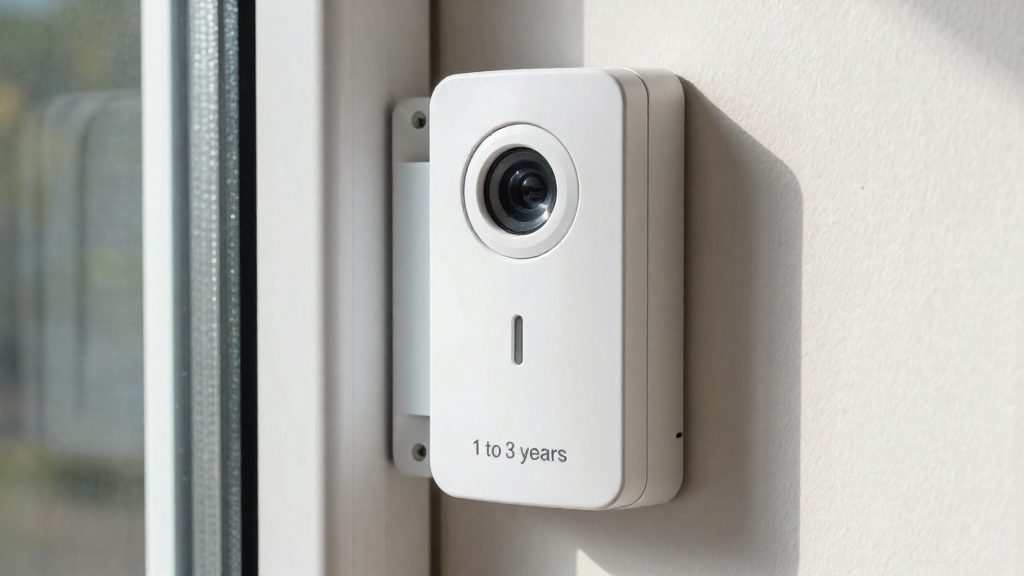
Wireless door and window contact sensors use three common lithium formats: the CR2032 and CR2450 coin cells, and the CR123A cylindrical cell. The sensor’s design determines which format it accepts, so the battery type is not a free choice.
Coin cells versus cylindrical cells
- Coin cells (CR2032, CR2450): flat, disc-shaped lithium cells. Their sizes differ, so a holder designed for one will not fit the other.
- Cylindrical cell (CR123A): a single cell in a tube-shaped form. The Frontpoint Long Range Door and Window Sensor uses one CR123A.
The sources do not give the nominal voltage or capacity of the CR2032, CR2450 or CR123A, so compare those values on the cell packaging or the manufacturer’s datasheet before buying in bulk.
Lithium versus alkaline in alarm sensors
According to Alarm Grid (2026), lithium generally outlasts alkaline in wireless alarm sensors. Alkaline cells are not interchangeable with lithium in terms of expected life, so the choice matters when replacing batteries in a set of sensors.
Checking the approved battery type
To confirm the right format:
- Open the battery compartment and read the marking printed on the existing cell.
- Find the battery specification in the manual or on the manufacturer’s product page.
- Match the cell format and chemistry exactly before installing a replacement.
What shortens contact sensor battery life?
Actual battery life can differ from the rated figure, because usage and environment set the real drain rate. Usage and environment set the actual drain rate. Three factors matter most: how often the monitored door or window opens, the temperature the sensor operates in, and how often the sensor has to transmit over radio. Each one draws on the same cell, so their effects add up.
Door opening frequency and daily trigger count
Every open or close event makes the sensor send a status change to its hub. A front door, a garage entry, or a child’s bedroom door can run through its battery well before a bathroom window sensor does. If your hub’s app keeps an activity log, count the daily triggers per sensor to find the ones that need replacement planning first.
Temperature extremes and usable capacity
Battery capacity depends on temperature. In cold conditions, a cell delivers less usable energy than it does at room temperature, and sustained heat speeds up internal self-discharge. Sensors on exterior doors, or in unheated garages and attics, are more exposed than indoor ones. Check the operating temperature range in the sensor’s manual before mounting it in such a location.
Radio transmission frequency and retries
Transmitting uses far more energy than idle standby. When the signal is weak, or the hub does not acknowledge a message, the sensor may resend it, which adds drain with every retry. Sensors placed far from the hub or behind dense walls and large metal objects tend to retry more often. Improving placement is the most direct way to reduce this extra load.
Do Zigbee, Z-Wave and Wi-Fi sensors differ in battery life?
The radio protocol affects how much energy each report costs, so it is one factor in a contact sensor’s battery drain. It is not the only one. Usage pattern and battery chemistry also matter, and the protocol name alone does not tell you how long a specific model will last.
How each protocol affects drain
A door or window sensor spends most of its life asleep. Its battery is used mainly when it wakes to send an open or close event, so the cost of each transmission matters most.
- Wi-Fi sensors connect directly to the home router and maintain that connection. Keeping a Wi-Fi link active can cost more energy than a short, low-power message, so Wi-Fi models may be more demanding on their battery, though the sources here do not compare protocols.
- Zigbee and Z-Wave sensors use low-power mesh radios built for small, infrequent messages. Battery-powered sensors typically send their messages to the hub directly or through mains-powered neighboring devices, which keeps each transmission short.
Hub-dependent versus direct connection
The protocols also differ in where the network logic lives:
| Connection type | Protocols | Battery trade-off |
|---|---|---|
| Hub-dependent | Zigbee, Z-Wave | Short messages per event, but the hub and any mains-powered repeaters must stay online |
| Direct | Wi-Fi | No hub required, but the sensor’s radio must stay connected to the router |
A hub-dependent sensor can use less energy per event, but it loses its reporting path if the hub fails. A direct Wi-Fi sensor avoids that dependency at the cost of a heavier radio link.
What changes the result most
Usage, such as how often the door opens, clearly affects battery drain, and the protocol is only one factor among several. Battery chemistry also matters: lithium generally outlasts alkaline in wireless alarm sensors. Published lifespans apply to specific products and conditions, not to every sensor using a given protocol.
How to read manufacturer battery claims
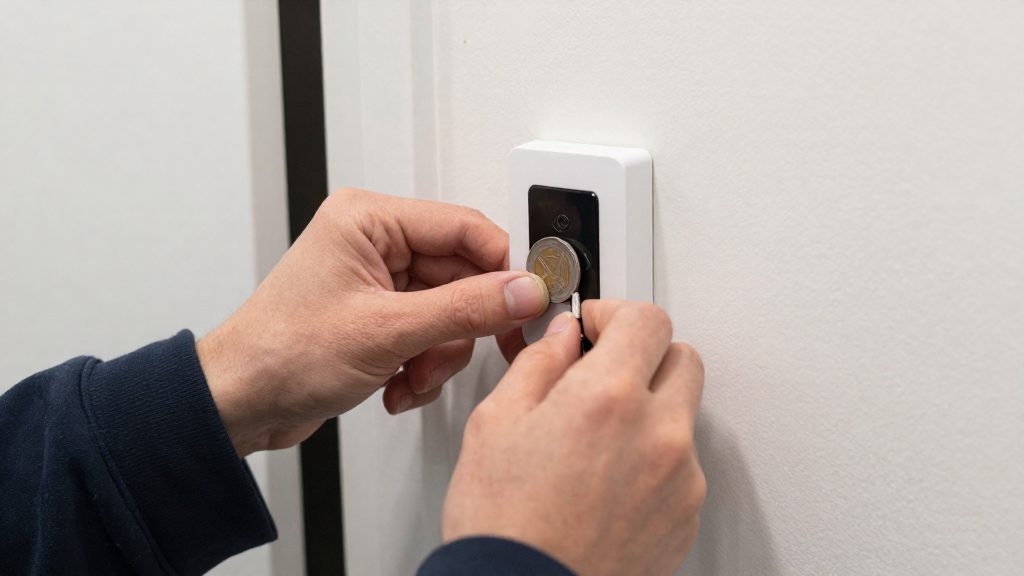
A rated battery life is a manufacturer’s estimate for a specific battery and usage pattern, not a guarantee. Such figures are only meaningful when read together with the assumptions behind them.
What to check behind a stated figure
| Claim element | Question to ask | Where to look |
|---|---|---|
| Battery model | Is the figure tied to one named cell, such as the CR123A in the Frontpoint sensor? | Product manual, battery compartment label |
| Expected life | Does the manual state the expected life in the same unit (years) as the marketing claim? | Product manual |
| Usage pattern | Does the figure assume a typical number of openings per day? | Manufacturer documentation or support contact |
| Test conditions | Under which temperature and reporting schedule was the figure measured? | Manufacturer support, if not published |
A stated range therefore describes a typical installation, and a busy door can fall below it.
Compare only identical battery types
A battery life claim applies to the battery the manufacturer tested. Two sensors can only be compared fairly when they use the same battery type.
How do you know when the battery is low?
A contact sensor rarely announces a low battery on its own. The warning reaches you through the hub or the companion app, so the reliable way to catch it is to check the device status in the system you already use. Because a sensor’s battery drains at different rates depending on how often its door or window moves, a low-battery alert can arrive well before any visible symptom. Knowing where those signals appear, and how to act on them, prevents a sensor from going silent during the moment you need it.
Reading the status in the app or hub
Open the device list in your app or hub and look for the battery indicator on each contact sensor. Most platforms show either a percentage or a simple low, normal, or critical state. Check this list on a fixed schedule, such as once a month, rather than waiting for a notification. Sensors that sit on frequently used doors tend to show a lower reading first, so compare them against the rarely opened windows in your home.
Missed check-ins as a warning
Wireless sensors normally report to the hub at regular intervals. If a sensor stops checking in, the hub or app may mark it as offline or unavailable. This is not always caused by a dead battery, since signal range and hub connectivity also play a role, but a sensor that goes offline with an already low battery reading is a likely battery problem. Replace the battery, then check range and hub connectivity if it still does not report.
Replacing the cell before the sensor stops reporting
Replace the battery as soon as a low-battery alert appears instead of waiting for the sensor to fail. Confirm the cell type in the manufacturer’s manual or on the device label before buying a replacement. After swapping the cell, open and close the door or window while watching the app. The sensor should update its state within the app, which confirms the new battery is working and the sensor is reporting again.
Tips to make batteries last longer
Battery life in a contact sensor depends on how often the sensor transmits and how reliably it reaches the hub. Three levers matter most: reporting settings, radio link quality, and installation.
Adjust the reporting and heartbeat settings
Many hubs and sensor apps let you change how often a sensor checks in. The heartbeat interval (sometimes called supervision) confirms that the sensor is still online. A shorter interval means more transmissions and more battery use.
- Lengthen the check-in interval on windows and doors that rarely change state, where a longer silence is acceptable.
- Keep shorter intervals only on entry points where you need quick confirmation that the sensor is reachable.
- Read the allowed range and default value in your platform’s documentation, since they vary between systems.
Change one sensor at a time.
Keep each sensor within hub range
A sensor that struggles to reach the hub retransmits, and each retransmission draws power. To protect hub range:
- Place the hub as centrally as practical, and avoid placing sensors behind large metal objects or thick masonry.
- Check the signal strength shown in your app after installation, and move the sensor if the reading is weak.
- On mesh protocols such as Zigbee, Z-Wave and Thread, mains-powered devices like smart plugs can act as repeaters. A well-placed plug can help distant sensors reach the hub with fewer retries.
Wi-Fi sensors do not relay traffic for one another, so distance from the access point matters more for them.
Clean the contacts and align the magnet at installation
A misaligned magnet or a gap larger than the manual allows can cause open and closed states to flicker, which may generate extra messages. At installation:
- Wipe the sensor and magnet faces with a dry cloth.
- Mount the magnet so it lines up with the sensor’s alignment mark when the door or window is fully closed.
- Keep the gap within the maximum stated in the manual.
Frequently asked questions
Why does my sensor’s battery die sooner than the average?
A sensor on a door that opens many times a day sends more signals and uses its power faster than one on a rarely opened window. Check how often each sensor triggers, because trigger frequency is the main factor that the average figure does not capture.
Is a lithium battery better than alkaline for these sensors?
According to Alarm Grid (2026), lithium generally outlasts alkaline in wireless alarm sensors. Before buying a replacement, confirm the approved battery type in the sensor’s manual, since the manufacturer specifies which chemistry and size the device is designed to use.
How can I find the expected battery life for my specific model?
Use the manufacturer’s rating for that exact model rather than a general benchmark. For example, the Frontpoint Long Range Door and Window Sensor runs on one CR123A battery, which Frontpoint Security (2026) rates at 3 to 5 years.