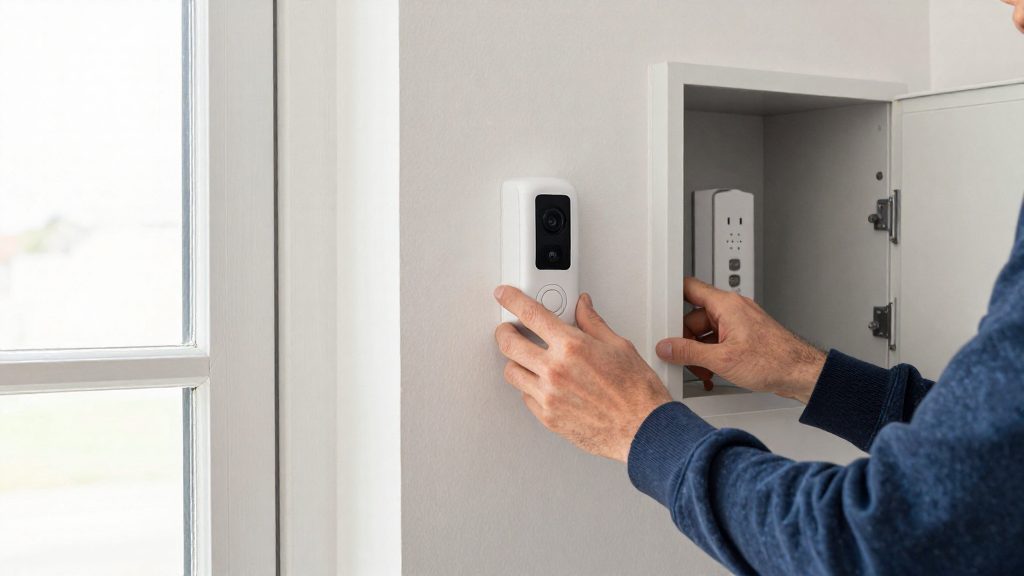
Yes, in many homes. The Reolink battery video doorbell works with existing wired mechanical and digital chimes, according to Reolink Support (2026). Compatibility depends on the chime type and on how the camera is wired to the existing doorbell circuit.
Can a doorbell camera use your existing chime?
The camera replaces the push button
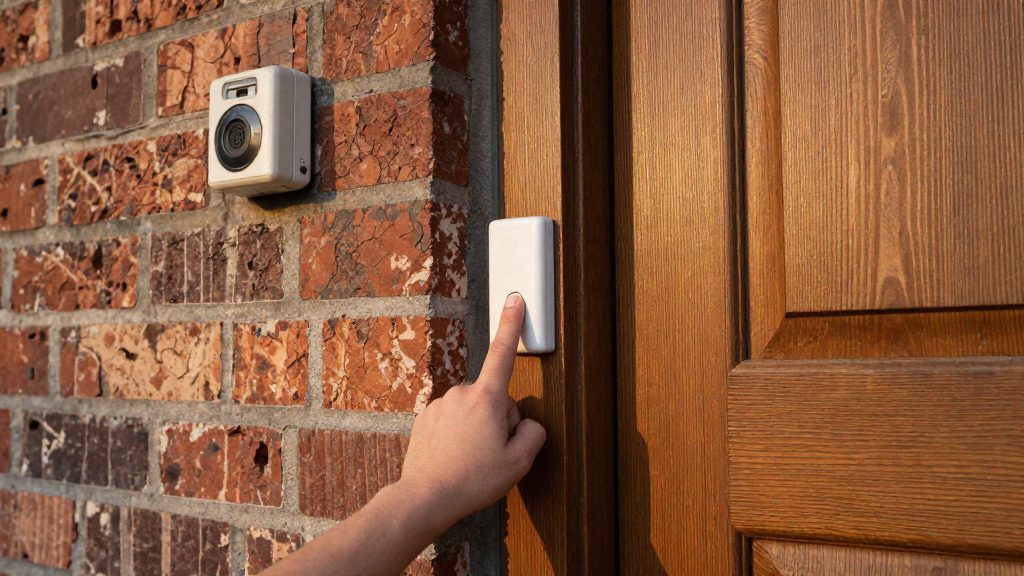
A doorbell camera does not replace the chime. It replaces the push button. On compatible models, the camera is wired to the circuit that already runs to the chime, so pressing the camera’s button sounds the existing chime. Reolink recommends wiring directly to the existing doorbell circuit (Reolink Support, 2026).
Battery and wired installation paths
- Battery models still connect to the existing wires. For the Reolink battery doorbell, wire polarity does not matter (Reolink Support, 2026).
- Wired models follow a different power path. Follow the manufacturer’s installation guide for power and wiring.
Chime type decides the outcome
| Chime type | Outcome | Example |
|---|---|---|
| Mechanical and digital | Works with existing chime | Reolink battery video doorbell (Reolink Support, 2026) |
| Mechanical only | Works with mechanical chime without extra accessories; digital not supported | eufy Video Doorbell E340 (eufy (Anker), 2026) |
| Neither traditional type | Requires included accessory | eufy Video Doorbell S4 requires the eufy Video Doorbell Chime 2, which is included (eufy (Anker), 2026) |
Mechanical vs digital chimes
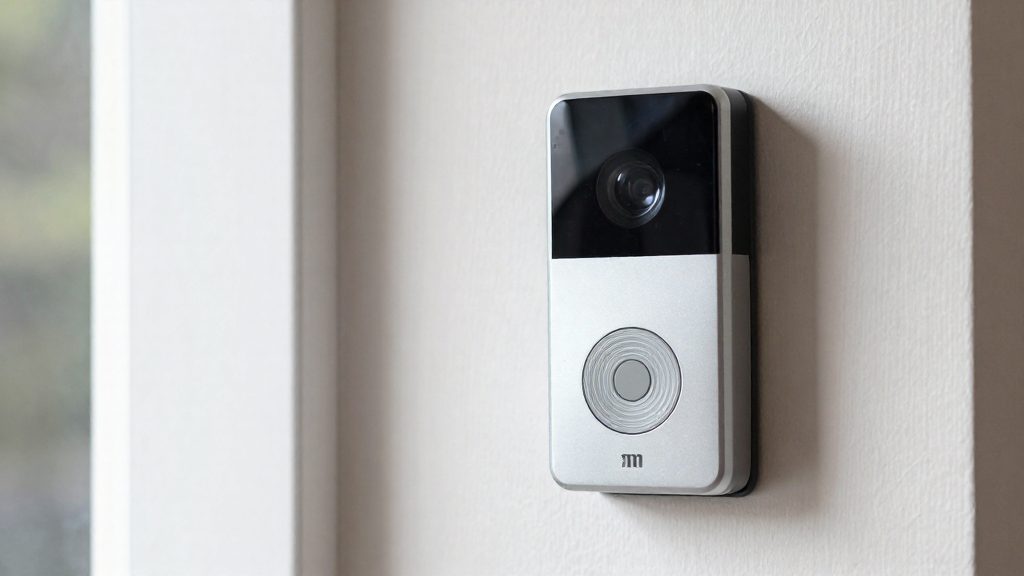
A mechanical chime and a digital chime both sound when someone presses the doorbell, but they produce the sound differently, and that difference decides which camera doorbells can drive them. Identifying your chime type before you buy a doorbell prevents an incompatible purchase.
Plunger solenoid operation in mechanical chimes
A mechanical chime contains a solenoid, an electromagnetic coil with a movable plunger. When current passes through the coil, it pulls the plunger, which strikes a tuned metal bar or bell. When the current stops, a spring returns the plunger to its resting position. The sound is produced by physical impact, so the chime needs an electrical pulse from the doorbell circuit to move the plunger. A camera doorbell that replaces the button must deliver that pulse through the existing wiring.
To check your chime type, look for a visible plunger or coil and metal striker bars inside the housing. A mechanical chime has moving parts that you can see or hear when pressed.
Electronic tone generator in digital chimes
A digital chime has no moving parts. An electronic circuit, a tone generator, produces the sound, typically a stored melody or a two-note tone, through a small speaker. The circuit responds only to a signal it recognises, so the power and trigger behaviour the camera sends must match what the chime expects.
Why digital chimes need compatible camera triggers
Compatibility with digital chimes is product-specific: the Reolink battery doorbell supports them, while the eufy E340 does not. Check the manufacturer’s specifications before you buy.
Check your transformer voltage first
Before connecting a Reolink battery video doorbell to an existing chime, confirm that the doorbell transformer falls within the camera’s electrical limits. According to Reolink Support (2026), the transformer should output 8–24V AC at 50/60Hz and be rated 5–40VA. A transformer outside that range should be replaced, not used as is.
Required electrical limits
| Parameter | Requirement for the Reolink battery video doorbell |
|---|---|
| AC voltage | 8–24V AC |
| Frequency | 50/60Hz |
| VA rating | 5–40VA |
Check all three values against the table.
How to check the transformer
- Switch off the circuit at the breaker panel before touching any wiring.
- Read the printed label on the transformer case. It should state the output voltage, frequency, and VA rating.
- If the label is missing or unreadable, do not guess. A multimeter reading shows only voltage, not the VA rating, so it cannot confirm compatibility on its own. Have a licensed electrician identify or test the transformer.
- Compare the label values with the limits above.
If you are not comfortable working with mains-connected wiring, contact a licensed electrician.
When to replace the transformer
- The measured or labelled AC voltage is outside 8–24V AC.
- The labelled VA rating is outside 5–40VA.
- The frequency is outside 50/60Hz.
How do you wire a doorbell camera to an existing chime?
A battery doorbell camera connects to the existing doorbell circuit, not to the chime itself. For the Reolink battery video doorbell, Reolink recommends wiring directly to that circuit. Wire polarity does not matter for this model, so the two leads can go on either terminal. The chime stays in the circuit, sounds when the button is pressed, and the camera works alongside it.
Connecting across the existing doorbell circuit terminals
- Switch off power to the doorbell circuit at the breaker before touching any wires.
- Remove the old doorbell button and identify the two wires connected to it.
- Connect the camera’s two leads to those doorbell circuit terminals and tighten the connections.
- Restore power, then press the button to confirm the chime sounds.
Why polarity does not matter for this model
Reolink states that polarity does not matter for this battery doorbell, so the two leads can go on either terminal.
Why jumper cables across the chime fail
Running jumper cables directly across the chime’s terminals bypasses it. Current takes the jumper path instead of passing through the chime, so the chime does not ring. Reolink’s guidance rules out this method for that reason.
| Wiring method | Chime rings when button is pressed | Reolink recommendation |
|---|---|---|
| Camera leads on existing doorbell circuit terminals | Yes | Recommended |
| Jumper cables across chime terminals | No, chime is bypassed | Not recommended |
Models that work with existing chimes
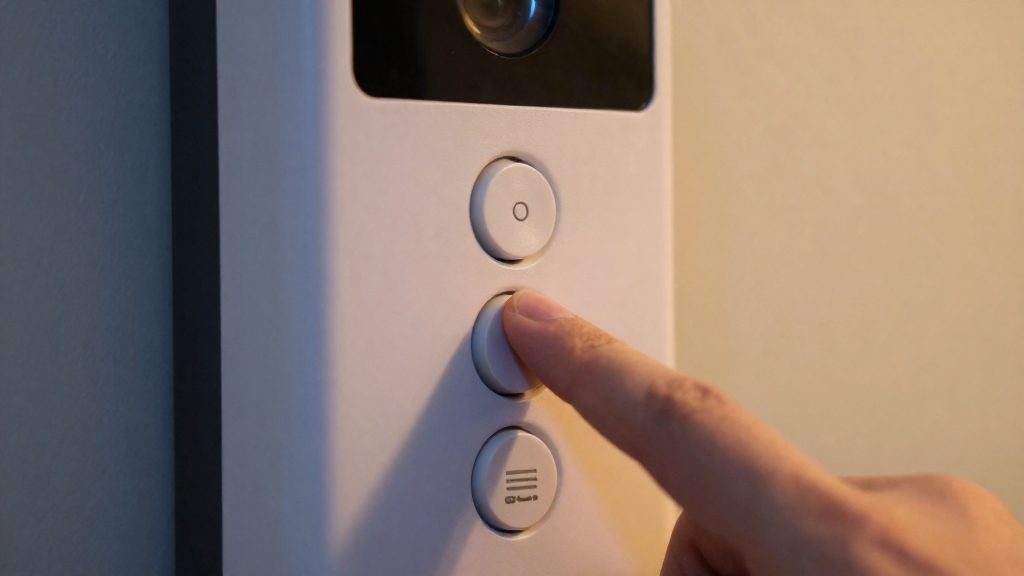
Compatibility depends on the camera model. According to Reolink Support (2026) and eufy (Anker) (2026), these three models differ in chime type support, required accessories and setup.
| Model | Supported chime type | Accessory needed | Chime setup |
|---|---|---|---|
| Reolink battery video doorbell | Wired mechanical and digital chimes | None for compatibility; RLA-PK1 power kit offered for mechanical chimes | Enable Automatic Chime Detection |
| eufy Video Doorbell E340 | Mechanical chimes only | None | Works with the existing mechanical chime |
| eufy Video Doorbell S4 | Not compatible with traditional mechanical or digital chimes | eufy Video Doorbell Chime 2 (included) | Chime 2 provides the ringing function |
Reolink battery video doorbell
The Reolink battery video doorbell supports both mechanical and digital wired chime types, so you do not need to replace a working chime to add the camera. You do not need to replace a working chime to add the camera.
eufy Video Doorbell E340
The E340 is a mechanical-only device. Per eufy (Anker) (2026), it works with an existing mechanical chime without extra accessories. If your home has a digital chime, the E340 is not a suitable match, and a different model or a chime replacement is required.
eufy Video Doorbell S4 and Chime 2
The S4 has no direct chime connection. eufy (Anker) (2026) states it requires the eufy Video Doorbell Chime 2, which is included in the package. The existing house chime is therefore not used with this model.
Why does my chime buzz or not ring?
A silent or weak ring and a buzzing sound have different causes, so identify the symptom before changing any setting. A silent or weak ring is addressed in the Reolink app settings. For a buzzing mechanical chime, Reolink offers the RLA-PK1 power kit.
Silent or weak ring: Automatic Chime Detection, then Advanced settings
- Enable Automatic Chime Detection. Open Settings > Chime > Existing Chime Settings and enable it so the doorbell recognises the existing chime.
- Adjust the Advanced settings if the chime still does not ring properly. Change one setting at a time, press the doorbell button after each change, and keep the combination that gives a clear ring.
Buzzing mechanical chime: RLA-PK1 power kit
Buzzing is a separate symptom, so do not start with the Advanced settings. Reolink offers the RLA-PK1 power kit for mechanical chimes that buzz (Reolink Support, 2026). Confirm that your chime is mechanical before ordering the kit.
Symptom-to-fix reference
| Symptom | Check first | Fix |
|---|---|---|
| Chime silent or weak after installing the Reolink battery doorbell | Automatic Chime Detection is enabled under Settings > Chime > Existing Chime Settings | Adjust the Advanced settings |
| Mechanical chime buzzes | Chime type is mechanical | Install the RLA-PK1 power kit |
When to add a plug-in chime instead
A plug-in chime is the better option when the doorbell cannot drive the existing chime, or when the home has no wired chime at all. Reusing the old chime is the simpler route when the two are compatible, but three situations call for a separate indoor unit: the camera type does not match the chime technology, no chime is wired, or the existing chime sits where you cannot hear it.
Existing chime incompatible with the camera type
Compatibility depends on the chime technology, not only on the doorbell brand. If the doorbell cannot use the existing chime, the bundled or standalone indoor chime becomes the only indoor alert.
Homes without a wired chime
Many homes have no chime, or the original one was removed during a renovation. A doorbell designed around wired indoor hardware then has nothing to drive. In that case, choose a model that ships with its own indoor unit, or buy a standalone plug-in chime that the manufacturer documents as compatible with that doorbell.
Placement and pairing considerations
A wired chime stays where the wiring ran, often in a hallway or utility area. A plug-in chime can go in the room where you actually hear it. Before mounting, follow the manufacturer’s pairing steps in its app or instruction booklet, then trigger a test ring from the doorbell. Confirm the power requirements on the product label and use the power source it specifies.
A plug-in chime avoids jumper wiring entirely.
Frequently asked questions
Will my existing chime still ring after a doorbell camera is installed?
It depends on the model. According to Reolink Support (2026), the Reolink battery video doorbell works with wired mechanical and digital chimes. According to eufy (Anker) (2026), the eufy Video Doorbell E340 works only with mechanical chimes, and the eufy Video Doorbell S4 does not connect to traditional chimes and instead uses the included eufy Video Doorbell Chime 2.
What should I do if my chime is silent, weak, or buzzing?
For a silent or weak ring, enable Automatic Chime Detection under Settings > Chime > Existing Chime Settings in the Reolink app, then adjust the Advanced settings if the chime still does not ring properly (Reolink Support, 2026). For a buzzing mechanical chime, Reolink offers the RLA-PK1 power kit (Reolink Support, 2026).
What transformer specifications should I check before installing a Reolink battery doorbell?
Reolink Support (2026) specifies a transformer output of 8–24V AC at 50/60Hz, rated 5–40VA, and says to replace the transformer if its voltage falls outside that range. A multimeter reads voltage only, not the VA rating, so have a licensed electrician confirm the transformer’s rating.