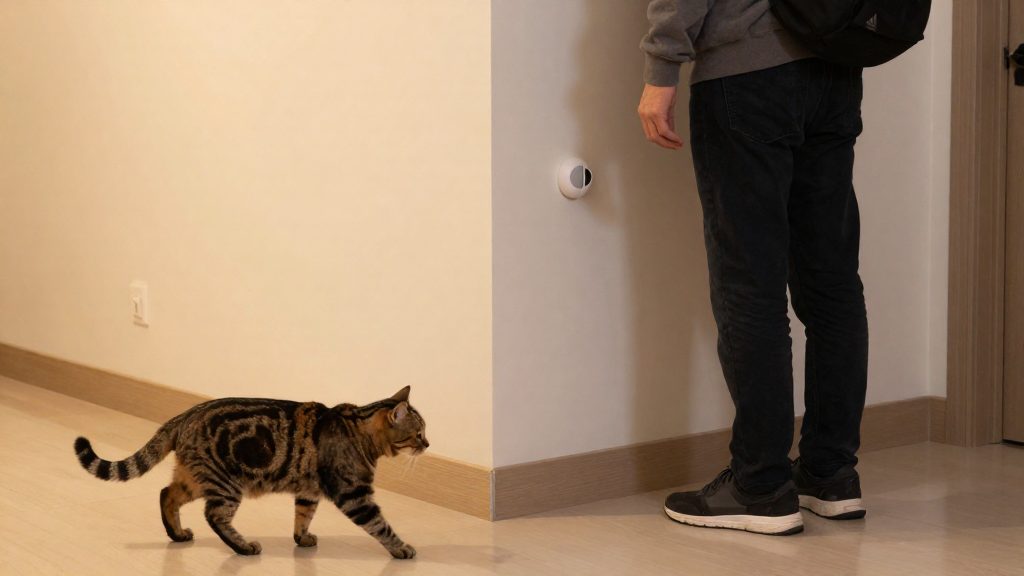
Pets, Zigbee motion sensors, and why they trigger
Pets trigger Zigbee motion sensors because detection happens in the sensor’s infrared element, not in the Zigbee radio. Zigbee only carries the resulting motion event to the hub. Three physical characteristics of a cat or dog produce the same kind of signal as a person walking through a room: the heat it emits, its low body height, and its fast, irregular movement. None of these depends on the animal being recognised, so a standard sensor reports a pet as it would report a person.
Why pets trigger Zigbee motion sensors
Zigbee motion sensors do not classify what they detect. The radio transmits a motion event that the sensor’s detector has already generated, so the causes below act before any filtering logic applies.
PIR detection of infrared heat from moving bodies
Most Zigbee motion sensors use a passive infrared (PIR) element that measures changes in infrared radiation across its detection zones. A warm body moving through those zones produces such a change. A dog or cat emits body heat, so its movement registers as a thermal change, and the element has no way to tell a pet’s infrared pattern from a person’s.
Low body height
A pet’s heat source sits low, so it stays inside the lower part of the detection pattern while the animal walks, sits, or lies near furniture. Because it remains in view for longer, the sensor records more consecutive events than a brief, high crossing would produce.
Fast, irregular movement
Intrusion detection responds to abrupt changes in heat across zones. A pet that darts, jumps onto a sofa, or reverses direction several times creates rapid transitions between zones, the same type of uneven movement a person entering a room makes. The sensor treats that pattern as a possible intrusion.
How does pet immunity work?
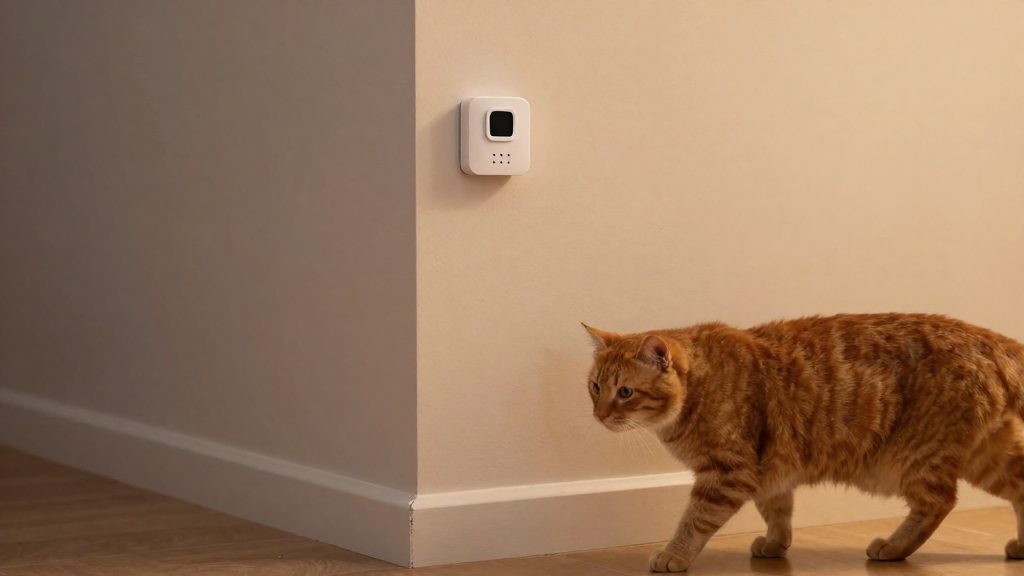
A pet-immune Zigbee motion sensor tries to tell a person from a pet using two layers: the detection hardware and the filtering logic that interprets its signal. The hardware is typically a passive infrared (PIR) element, which reacts to changes in infrared heat across its field of view. Dual-element PIR designs use two sensing elements instead of one, so the sensor can compare the signals from each element. The filtering logic can use that comparison to judge whether a moving heat source is large enough to count as a person.
Vendors describe two software methods on top of the hardware:
- Weight-based filtering: Vesternet (2025) describes Frient’s Pet version as relying on weight-based filtering.
- Movement-pattern analysis over time windows: the same source describes Frient’s Pet version as analysing movement patterns. Instead of reacting to a single trigger, the logic evaluates how a heat source moves across a window of time, which can separate a brief, repetitive animal movement from a sustained walk.
Certification is a separate question. Ecolink’s pet-immune Zigbee motion detector is certified under the Zigbee Home Automation profile, spec version 1.2.1, according to the Connectivity Standards Alliance (2017). That certification confirms protocol compliance and interoperability with Zigbee hubs. It does not, by itself, establish how well the sensor rejects pets.
Pet-immune sensor settings and weight limits
Pet-immune Zigbee motion sensors use a sensitivity option to decide which moving bodies trigger an alert. For the Ecolink Zigbee pet-immune motion detector, the Connectivity Standards Alliance listing (2017-06-20) names three options: no pet, small and medium. Weight limits for this product circulate as vendor-stated weight ceilings, which have not been independently confirmed.
| Product | Sensitivity setting | Weight figure | Verification status |
|---|---|---|---|
| Ecolink Zigbee pet-immune motion detector | No pet, small, medium | No weight confirmed (unverified vendor claim of 40 lb and 85 lb, not matched to any setting) | Not independently confirmed |
| Frient PET | Weight-based filtering | Up to 25 kg (vendor-stated) | Not independently confirmed |
The weight figures are not confirmed as matching any specific Ecolink setting. Do not assume that “small” or “medium” corresponds to a particular weight until the manufacturer documents it. Check the manufacturer’s manual for the weight rating (in kg) and the default sensitivity option of your exact model, and confirm that the model is sold in Canada.
Frient PET: the sensitivity trade-off
Frient’s Pet version relies on weight-based filtering and movement-pattern analysis. According to Vesternet (2025), this filtering may reduce sensitivity and occasionally miss very subtle movements, so do not rely on it alone to detect a person who barely moves.
Reliability with real pets
Vendors claim that these sensors ignore pets, but no independent test confirms this performance for real animals across breeds or sizes.
Where should you mount a motion sensor?
Placement affects how a pet-immune motion sensor reads movement, so the mounting position and viewing angle need as much attention as the sensitivity setting. According to Vesternet (2025), Frient’s Pet version performs best when mounted in an upper corner with a downward view. For other pet-immune sensors, the mounting height is model-specific, so check the manufacturer’s manual before fixing the device to a wall or ceiling.
| Factor | Guidance | Source |
|---|---|---|
| Position | Upper corner of the room | Vesternet (2025), for Frient PET |
| Viewing angle | Aimed downward | Vesternet (2025), for Frient PET |
| Floor-level pet paths | Walk-test the area where the pet moves and adjust the position or aim if it still triggers | Manufacturer manual / own testing |
| Mounting height | Follow the value in the device manual; none is universal | Manufacturer manual |
Mount the sensor in an upper corner with a downward view, as Vesternet (2025) describes for Frient PET, then walk-test the areas where your pet moves. If your pet regularly passes beneath the sensor, adjust its position or aim and repeat the test rather than relying on settings alone. If your pet regularly passes beneath the sensor, shift the sensor’s aim or position rather than relying on settings alone.
Will a pet-immune sensor still detect people?
Yes, but detection is less reliable for some human movement patterns. Pet-immune Zigbee motion sensors reduce false alarms by filtering out low-mass, pet-like signals, and that filtering can also reject people who move very little. Frient’s pet-immune model, Frient PET, carries the clearest published warning: according to Vesternet (2025), the filtering may reduce sensitivity and occasionally miss very subtle movements.
Two situations deserve particular attention:
- Very subtle movement: A person making small, low-amplitude motions, such as a seated occupant shifting in a chair, may produce a signal the filter treats as noise.
- Slow or stationary occupants: A person who walks slowly, pauses, or stays still for long periods may go undetected. This is a practical implication of movement-based filtering rather than a result from a documented test, so treat it as a risk to verify, not a measured failure rate.
Anecdotal forum reports point in the same direction. One user report on the SmartThings community describes an Ecolink sensor that stopped triggering. It is a single, unverified account and should not be read as a confirmed fault.
Fixes for sensors you already own
Fixes that don’t require moving the sensor or changing its detection settings fall into two groups: steps the manufacturer documents, and anecdotal forum reports with no independent testing behind them. For a Zigbee motion sensor that triggers on pets, start with the connection and firmware, since a weak or outdated link can make a sensor report erratically.
Manufacturer-backed steps
- Firmware: check the installed firmware version in your hub or app, and install any update the manufacturer publishes, following its manual.
- Manufacturer support: if the sensor behaves inconsistently after an update, contact the manufacturer’s support channel for the model you own. Keep your model number and firmware version ready.
Checking Zigbee signal and hub logs
Many Zigbee hubs report a link quality indicator (LQI) for each device. Use it to check the connection:
- Open the sensor’s device page and note its LQI and last-seen time.
- Review the event log and compare motion timestamps with known pet activity. Events that line up with your pet’s activity suggest a detection or placement issue, but this single check does not rule out a connection or firmware problem. Unexplained events with no pet or person present, or a low LQI, point more toward a sensor or connection problem. Combine the timestamp check with the LQI reading and a walk-test before concluding.
- If the LQI is low, move the hub closer to the sensor or add a mains-powered Zigbee router between them. Check your hub’s documentation for what counts as a weak value, because scales differ between platforms.
Anecdotal reports (unverified)
- Covering the lower part of the lens: a SmartThings community forum post suggests this reduces pet triggers. No manufacturer documentation or independent test supports it.
- Sensor that stops triggering: a forum report describes an Ecolink pet-immune motion detector that stopped triggering. The report does not establish a repeatable procedure, so treat it as unverified. If a sensor stops reporting motion entirely, check its battery and its LQI first.
Are mmWave or other sensors a better choice?
Pet-immune PIR sensors, mmWave radar and camera-based detection each measure something different, so none is a drop-in replacement for the others. The most important difference is what each method senses. A pet-immune PIR sensor responds to infrared changes caused by motion. mmWave radar can register presence, including a person or pet that is sitting or standing still. Camera-based detection classifies what appears in the image.
What pet-immune PIR sensors detect
A pet-immune PIR sensor responds to infrared changes caused by motion, so a person who stays still may not be detected reliably. Radar and camera methods sense different things and may handle that case differently.
mmWave radar
mmWave radar detects reflected radio signals rather than heat. It can register stationary presence, which PIR cannot do reliably.
Camera-based person detection
Camera-based systems use image analysis to classify a person, which is a different principle from heat or radar reflection. Their pet handling depends on the classifier used.
Privacy is the main trade-off. A camera captures video of the monitored area. Check the manufacturer’s documentation to see whether detection runs locally or in the cloud, and whether recordings are stored.
| Method | What it senses | Stationary presence | Pet handling basis | Independent pet data |
|---|---|---|---|---|
| Pet-immune PIR (Ecolink) | Infrared changes from motion | Not reliably | Sensitivity presets, including “no pet” (CSA listing) | No independent data |
| Pet-immune PIR (Frient Pet) | Motion with movement-pattern analysis and weight-based filtering | Not reliably (inferred; Vesternet notes subtle movements may be missed) | Movement-pattern and weight-based filtering | No independent data |
| mmWave radar | Reflected radio signals | Yes | Manufacturer claims only | No independent data |
| Camera-based detection | Image classification | Depends on the camera view | Depends on the classifier | No independent data |