Neither Z-Wave nor Zigbee is universally more reliable. Both are mesh networks that depend on mains-powered devices to relay signals, so the result depends on the home’s layout and the mix of devices. According to Reviewed (2026), both protocols tend to keep more dependable connections than Wi-Fi or Bluetooth devices, and they work best with many (mains-powered) devices on the network. Vendor and retailer articles favour Z-Wave mainly through frequency and range reasoning, and controlled, independent reliability tests are not established, so treat that advantage as a plausible expectation rather than a measured result.
Z-Wave vs Zigbee: which is more reliable?
How mesh routing affects reliability
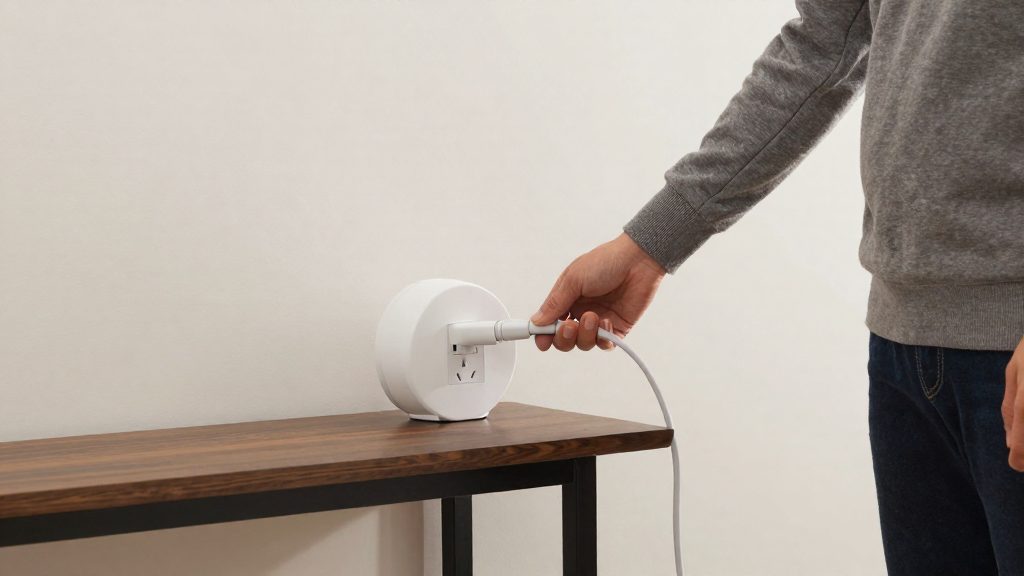
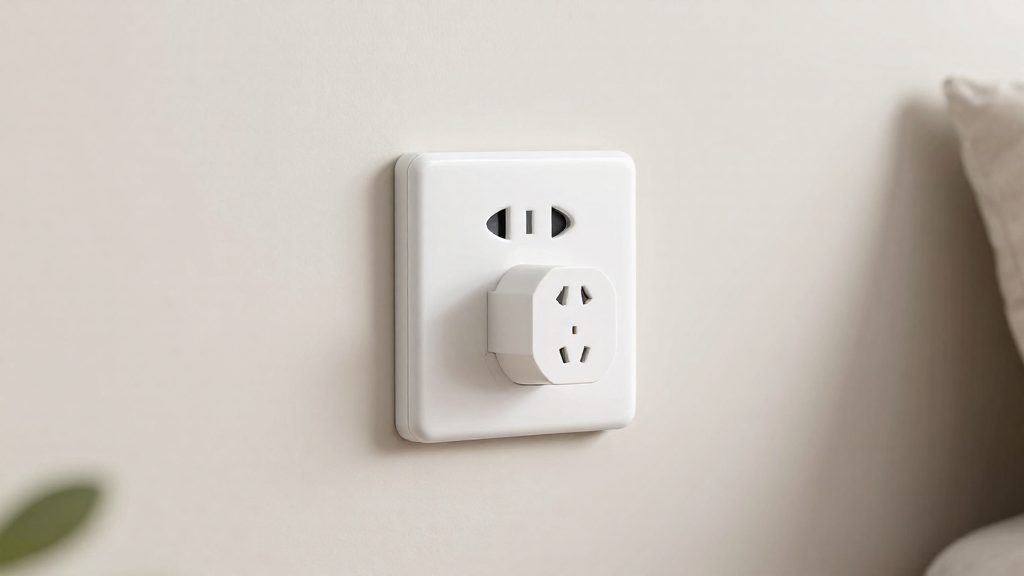
Both protocols relay traffic through mains-powered devices. A plug, bulb or switch wired to the mains can forward messages for other devices, and if one node fails, the network can route around it. This makes the device mix as important as the protocol itself.
- Mains-powered devices act as relays. Their number and placement determine how many alternative paths exist.
- Battery sensors alone can make either protocol feel unreliable, because they add devices without adding relay capacity (Homey, 2026).
- Zigbee stability depends heavily on mesh density. Affordable mains-powered bulbs and plugs act as routers, and each one adds stability (Homey, 2026).
Why the verdict depends on your home
| Home condition | What it means for reliability |
|---|---|
| Few mains-powered devices | Either protocol has fewer relay paths, so a failed node can leave devices isolated |
| Older or multi-storey homes | Vendor-side sources report Z-Wave often gives more reliable coverage here (Vesternet, 2026) |
| Sensor-heavy setup | Battery sensors add devices but little relay capacity, weakening either network |
How do the two radios differ?
Z-Wave and Zigbee differ mainly in the radio band they use. Z-Wave runs in a sub-GHz band, at about 908 MHz in the US and 868 MHz in Europe. The Canadian frequency is not confirmed in the sources used here (it is believed to match the US band), so check the regional version of any Z-Wave product before buying. Zigbee runs at 2.4 GHz, the 2.4 GHz band that Wi-Fi and Bluetooth also use. Because the two protocols sit in different parts of the spectrum, they face different sources of interference.
| Protocol | Band | Frequency |
|---|---|---|
| Z-Wave (US) | Sub-GHz | About 908 MHz |
| Z-Wave (Europe) | Sub-GHz | 868 MHz |
| Zigbee | 2.4 GHz | 2.4 GHz, shared with Wi-Fi and Bluetooth |
Lower-frequency signals generally pass through building materials more easily than higher-frequency ones. Vesternet (2026) credits Z-Wave with better wall penetration and with being less affected by Wi-Fi and 2.4 GHz interference. It links these traits to more dependable coverage in older or multi-storey homes.
Zigbee’s position in the crowded 2.4 GHz band is not a fixed weakness. Homey (2026) states that its reliability depends heavily on mesh density: mains-powered bulbs and plugs act as routers, and each added router improves stability. Battery-powered sensors do not relay signals, so a network built mostly from them can feel unreliable with either protocol.
Vendor and retailer guides such as Vesternet (2026) and Homey (2026) present the band-based advantage as reasoning from frequency and range, not as the result of a controlled comparison. Real results depend on construction materials, interference sources and device placement in each home.
Why does Wi-Fi interference matter for Zigbee?
Zigbee operates in the 2.4 GHz band, the same spectrum used by Wi-Fi and Bluetooth. Every Wi-Fi access point, phone, laptop and Bluetooth device nearby competes for the same airspace as your Zigbee radios, which is why Zigbee is generally considered more exposed to congestion than Z-Wave (Vesternet, 2026).
In practice, shared-band congestion shows up in three ways:
- Wi-Fi traffic: busy Wi-Fi transmissions occupy the band in bursts, and Zigbee packets that collide with them are lost and must be resent.
- Bluetooth traffic: Bluetooth peripherals add more 2.4 GHz activity, leaving less free airtime for Zigbee devices in the same room.
- Delayed or failed commands: each lost packet adds retries, so a light or sensor can respond slowly or miss a command entirely.
Z-Wave uses a sub-GHz frequency, outside the 2.4 GHz spectrum that Wi-Fi and Bluetooth use, so it is described as less affected by that interference. Vesternet (2026) also describes Z-Wave as having better wall penetration, which matters in older or multi-storey homes. The reliability advantage is inferred from this frequency and range reasoning in vendor and retailer articles such as Vesternet (2026) and Homey (2026), not from controlled, independent interference testing. Treat it as a likely advantage rather than a measured one.
Mesh density: the hidden factor
Both Zigbee and Z-Wave build mesh networks, and in practice the number and power type of your devices shape stability as much as the protocol does. According to Homey (2026), affordable mains-powered bulbs and plugs act as routers, and each added router increases stability. Battery sensors alone can make either protocol feel unreliable.
| Device type | Role in the mesh | Effect on stability |
|---|---|---|
| Mains-powered bulb or plug | Acts as a router that relays signals (Homey, 2026) | Each one added increases stability (Homey, 2026) |
| Battery sensor | Typically sends its own readings without relaying traffic for other devices | A network made only of these can feel unreliable (Homey, 2026) |
Mains-powered routers are the main lever. Because mains-powered devices relay signals in both protocols (Reviewed, 2026), a home with few of them has fewer paths for messages to travel, and a battery sensor far from the hub may have no nearby device to pass its signal through.
Range, hops and walls in multi-storey homes
Hop count and wall penetration are the two range factors that matter most in a multi-storey house. According to Vesternet (2026), Z-Wave runs in a sub-GHz band, which it describes as having better wall penetration than Zigbee’s 2.4 GHz band, and this often gives more reliable coverage in older or multi-storey homes. Both protocols extend range by relaying messages through mains-powered devices, but they differ in how many relay steps a single message can take.
Hop limits compared
| Specification | Z-Wave | Zigbee |
|---|---|---|
| Maximum hops per route | Up to four devices (Vesternet, 2026) | 15 or more, depending on implementation (Vesternet, 2026) |
| Maximum devices per network | Up to 232 (Vesternet, 2026) | About 65,000, theoretically (Vesternet, 2026) |
A hop limit caps how many relay steps a message can take between the controller and a device. Z-Wave’s four-hop limit means a sensor at the far end of a house must be reachable through four or fewer intermediate devices. Zigbee’s higher figure allows longer chains, but Vesternet (2026) notes that the number depends on the implementation, so the limit on any given product should be checked in its documentation.
Multi-storey layouts
Each floor adds structural material between devices, and the sources do not give measured signal-loss figures per floor. The practical consequence is that mains-powered relay devices on every floor, not only on the ground floor, shorten the paths that messages must cover. Homey (2026) states that Zigbee’s reliability depends heavily on mesh density, and that battery sensors alone can make either protocol feel unreliable.
Rated specifications versus real-world results
Controlled, independent range tests are not established for either protocol. The conclusion that Z-Wave is more reliable in difficult layouts rests on reasoning about frequency and hop limits in articles from vendors and retailers, including Vesternet (2026) and Homey (2026). Reviewed (2026) describes both protocols as mesh networks that generally keep more dependable connections than Wi-Fi or Bluetooth devices. Rated hop counts describe the protocol’s ceiling, not the result in a specific house.
Speed, device limits and cost
Zigbee has the higher data rate, but for typical smart home traffic the difference has little practical effect. According to Vesternet (2026), Zigbee reaches up to 250 kbps and Z-Wave up to 100 kbps. Both are fast enough for lighting, sensors and thermostats, where users will not notice a difference.
| Metric | Z-Wave | Zigbee |
|---|---|---|
| Maximum data rate | Up to 100 kbps | Up to 250 kbps |
| Devices per network | Up to 232 | About 65,000 in theory |
Vesternet (2026) gives 232 devices as the Z-Wave limit per network, and about 65,000 as the theoretical Zigbee limit. The Zigbee figure is a ceiling, not a guarantee: the usable number depends on the implementation, so a typical home is unlikely to approach either limit.
Cost is harder to pin down. Published comparisons between the two protocols do not agree on which is cheaper, so this guide does not rank them on price. Per-device prices vary by brand, region and retailer. To compare fairly, add up the hub and the devices you plan to run on each protocol, then check current retailer listings in your local currency, including shipping and taxes.
Which should you pick for your home?
Choose the protocol that your hub already supports and that fits the size of your planned installation. Reputation alone is a weak guide. Device capacity is the first filter: a Z-Wave network supports up to 232 devices, while Zigbee can theoretically support about 65,000 devices, according to Vesternet (2026). Most households install far fewer devices than the Z-Wave limit, so capacity only decides the choice for large installations. Those figures vary by implementation, so confirm them in your hub’s documentation.
Choosing by home size and floor count
| Home profile | Selection rule |
|---|---|
| Single-storey home, modest device count | Either protocol works. Decide by hub and ecosystem compatibility. |
| Multi-storey or older home | Vesternet (2026) reports that Z-Wave often gives more reliable coverage in these homes. This is an expectation, not a measured result, so check hub and device compatibility first. |
| Large installation with many devices | Zigbee’s higher theoretical device ceiling and hop count (15 or more, depending on implementation) matter. Confirm the limits your chosen hub enforces. |
Floor count is the main criterion here. Hop limits also apply: Z-Wave signals hop through up to four devices, so a sparse Z-Wave layout may need more mains-powered nodes to cover every floor.
Checking existing hub support before buying devices
- Read your hub’s specifications and identify which radio it includes (Z-Wave, Zigbee, or both).
- Check the manufacturer’s compatibility list for each device model you intend to buy, not just the protocol name.
- Note the hub’s device and hop limits in its documentation, since they may be lower than the protocol maximums.
Matching protocol to current ecosystem compatibility
If your existing devices use one protocol, keep that protocol for new purchases unless you have a reason to change. Running two protocols requires a hub with both radios, or a separate bridge for each. A single-radio hub cannot natively run the other protocol without an extra bridge or adapter.
Controlled, independent reliability tests are not established for either protocol. The conclusion that Z-Wave is more reliable in some homes rests on frequency and range reasoning in vendor and retailer articles, so treat it as a starting rule and verify it in your own home.
What about Matter and Thread?
Thread and Zigbee share the same radio foundation. Both use the IEEE 802.15.4 radio standard and form mesh networks, in which mains-powered devices relay signals and the network can route around a failed node. Matter is a different kind of layer. It is an application layer that defines how devices describe and control themselves, so products from different brands can interoperate. It is not a radio or a mesh protocol.
| Layer | Thread | Zigbee | Z-Wave | Matter |
|---|---|---|---|---|
| Role | Mesh networking protocol | Mesh networking protocol | Mesh networking protocol | Application layer for device interoperability |
| Radio | IEEE 802.15.4 | IEEE 802.15.4 (2.4 GHz) | Proprietary sub-GHz radio (868 MHz in Europe, about 908 MHz in the US) | Not a radio; runs over Thread, Wi-Fi or Ethernet |
Because Matter sits above the radio, a Matter device’s wireless behaviour depends on its transport. Comparing “Matter” with Zigbee or Z-Wave on reliability therefore compares a control standard with radio protocols. A Matter device that uses Thread shares the 802.15.4 radio layer with Zigbee, while a Matter device that uses Wi-Fi has the Wi-Fi radio characteristics.