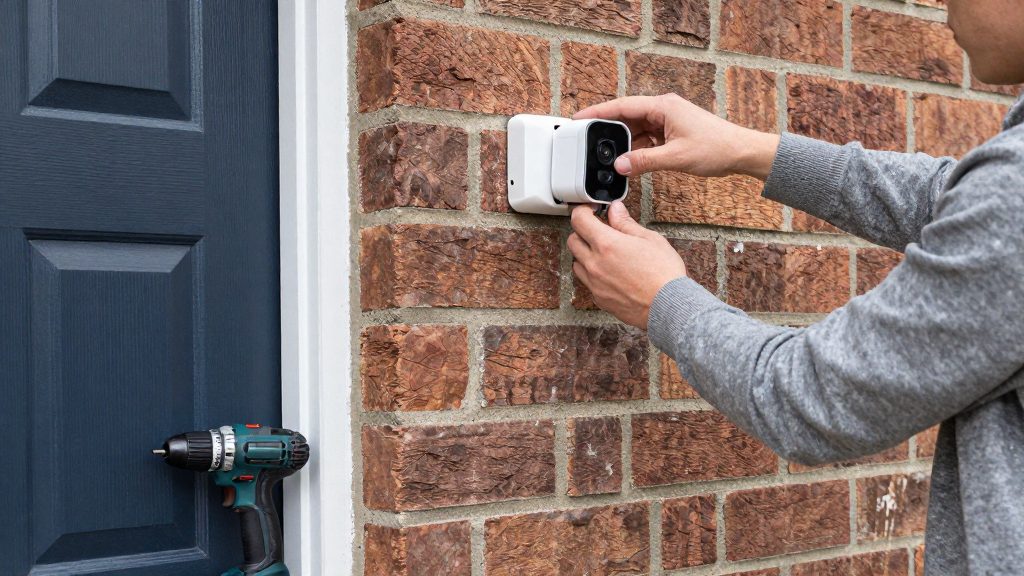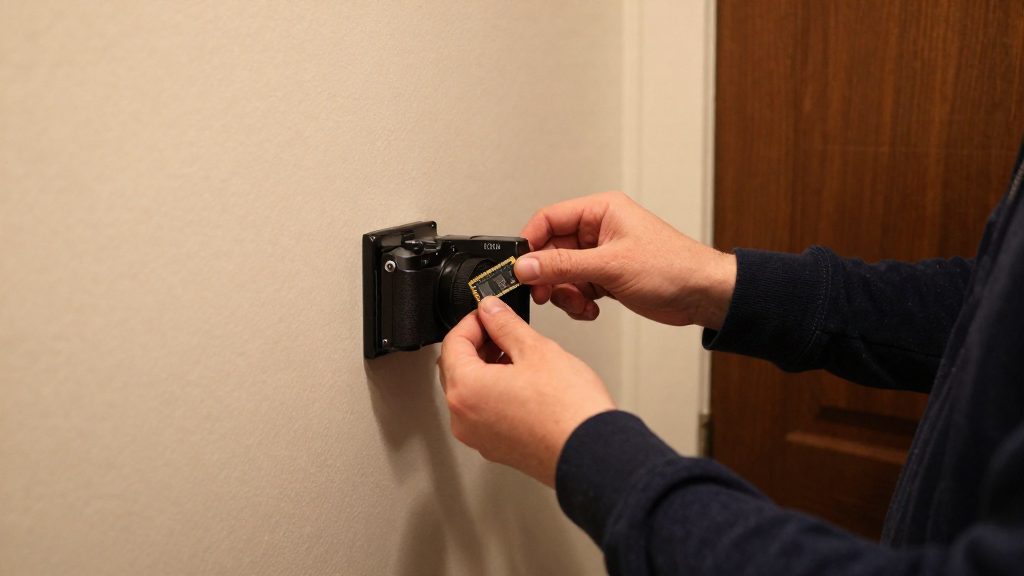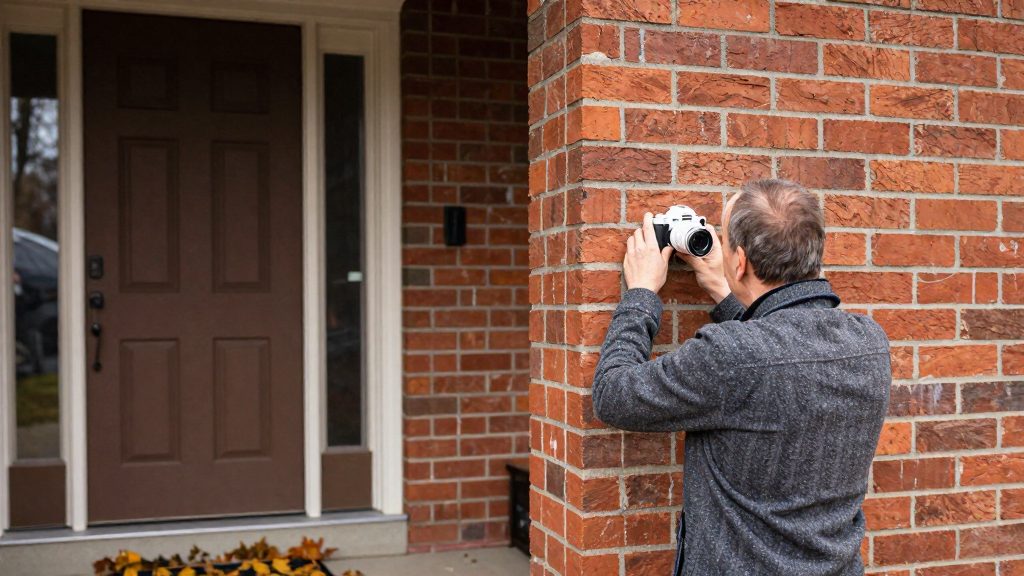
A no-monthly-fee outdoor security camera stores its recordings on hardware you own, such as a microSD card or a local hub, instead of a manufacturer cloud service billed monthly. Reolink and eufy (Anker) both state that their outdoor cameras need no mandatory subscription for local recording. Those claims cover storage, though, not every feature, and some functions depend on the hub model or firmware version you install.
What does no monthly fee really mean?
A zero-fee claim applies to the recording path. It does not confirm that every app function is free, so you need to separate the two.
Local storage versus paid cloud features
- Local storage: footage goes to a microSD card, an NVR, or a hub’s internal drive. No recurring charge applies for keeping recordings on this hardware.
- Cloud features: event history, remote clips, and AI detection may run through a manufacturer account, and some vendors offer these as optional paid tiers.
Check the manufacturer’s current product page and app settings for subscription tiers before you buy, because cloud-only functions and AI features differ by model.
Reolink and eufy zero-fee claims compared
| Item | Reolink | eufy (Anker) Canada |
|---|---|---|
| Stated policy | Zero monthly subscription fees (Reolink, 2026) | No mandatory subscription fees for outdoor cameras with local storage (Anker / eufy Canada, 2026) |
| Standalone storage | microSD card up to 512GB | eufyCam S4: 32 GB built-in, expandable to 256 GB by microSD (not included) |
| Multi-camera storage | NVR or Home Hub, 24/7 recording on 4 to 16 channels | eufyCam S4 with HomeBase S380: 16 GB built-in, expandable to 16 TB |
Firmware and hub gating
Continuous recording depends on the hardware pairing, not just the camera. According to Anker / eufy Canada (2026), 24/7 recording on the eufyCam S4 with the HomeBase S380 requires firmware-gated support of V3.7.2.8 or later. The HomeBase 2, HomeBase mini, HomeBase Professional and eufy NVR are not supported with the S4.
Before relying on continuous recording, confirm the firmware version in the app and confirm that your hub model appears in the manufacturer’s compatibility list. Reolink ties its 24/7 multi-camera recording to an NVR or Home Hub, so the hub dependency is the main variable to check when you compare the two brands.

Local storage: microSD, hub or NVR
Fee-free systems store footage on the device or on a local recorder instead of a paid cloud service. Reolink states that standalone cameras accept a microSD card of up to 512 GB. eufy Canada lists 32 GB of built-in storage on the eufyCam S4, expandable to 256 GB with a microSD card that is sold separately. The capacity you can use depends on the storage type, the model and the firmware. Each option below is a manufacturer statement, and the figures are not independently verified.
Standalone microSD capacity
| Camera or setup | Storage stated by manufacturer | Source |
|---|---|---|
| Reolink standalone cameras | microSD up to 512 GB | Reolink (2026) |
| eufyCam S4, standalone | 32 GB built-in, up to 256 GB by microSD (not included) | eufy Canada (2026) |
Check the card specification in the camera’s manual before you buy, since the stated maximum applies to the model you have.
Hub and NVR channel counts
Reolink describes its NVR and Home Hub as supporting 24/7 recording on 4 to 16 channels. A channel is one camera stream recorded by the recorder. Count your cameras against the channel rating of the specific unit, and do not assume that every camera uses one channel. Reolink does not state in the source material how many channels each individual model supports, so confirm that figure on the product page or in the manual.
eufy HomeBase S380 firmware and compatibility
The HomeBase S380 extends the eufyCam S4 to 16 GB built-in storage, expandable to 16 TB, according to eufy Canada (2026).
Which outdoor cameras skip subscriptions in Canada?
This guide covers two brands that sell outdoor cameras in Canada, eufy (Anker) and Reolink. Other brands also sell no-fee cameras, but their claims were not verified here. eufy Canada lists CAD prices for its outdoor models: the eufyCam S4 at CAD 419.99, the SoloCam S340 at CAD 259.99, the Floodlight Camera E340 at CAD 299.99, and the Floodlight Camera E30 at CAD 189.99. Reolink’s OMVI 3i and TrackMix have no Canadian price confirmed here, so check their current availability directly with the brand.
eufy models with listed Canadian prices
| Model | Type | Price listed by eufy Canada (2026) |
|---|---|---|
| SoloCam S340 | Solar, dual lens | CAD 259.99 |
| eufyCam S4 | Standalone outdoor camera | CAD 419.99 |
| Floodlight Camera E340 | Floodlight camera | CAD 299.99 |
| Floodlight Camera E30 | Floodlight camera | CAD 189.99 |
Floodlight Camera E340 versus E30
The E340 costs CAD 110.00 more than the E30 (CAD 299.99 against CAD 189.99). Both are covered by eufy’s no-mandatory-subscription statement for local storage. Optional cloud features were not checked, so confirm them on each product page. The feature differences between the two are not covered in this section; compare the specification tables on eufy Canada’s product pages.
eufyCam S4 recording requirements
Reolink OMVI 3i and TrackMix
According to Reolink (2026), its cameras carry zero monthly subscription fees, and footage is stored locally rather than in a paid cloud. The OMVI 3i is a Wi-Fi model. The TrackMix is a PoE model, meaning it receives power and data over an Ethernet cable and needs a wired installation.
Before buying either Reolink model in Canada, confirm two things on Reolink’s Canadian storefront or an authorised Canadian retailer: the current CAD price and whether the model is in stock.
Will a battery camera survive a Canadian winter?
Whether a battery camera survives a Canadian winter cannot be confirmed from the sources: cold reduces usable battery capacity, and no model’s operating temperature range was verified. Whether a camera keeps recording depends on the battery chemistry, how it is recharged and how long the cold lasts. According to Reolink (2026), standard lithium batteries lose capacity rapidly below -20°C, and the company notes this matters for Canadian winters. Cameras that recharge from a solar panel or draw power from a wired connection behave differently in cold weather.
Lithium capacity loss below -20°C
Reolink states that standard lithium batteries lose capacity rapidly below -20°C. Real runtime in deep cold varies by model and is not quantified in the manufacturer sources, so test it on your own camera. Check the minimum operating temperature in the manufacturer’s specification for your exact model, since cold ratings differ between products and are not interchangeable across brands.
Solar charging on short winter days
Solar models such as eufy’s SoloCam S340 replenish the battery from a panel rather than relying only on the battery reserve. Winter days are shorter and the sun sits lower, so the panel receives less usable light per day. To keep input as high as possible:
- Mount the panel where it gets the most direct sun during the winter months, away from trees and eaves.
- Clear snow and ice from the panel after storms.
- Track the battery level for a week of short days to see whether daily solar input keeps pace with daily use.
Battery drain during prolonged cold snaps
The drain rate during a cold stretch depends on how often the camera records, streams and sends alerts. To measure it on your own system:
- Note the battery percentage each morning in the app during a cold period.
- Compare the daily drop against a mild period with the same settings.
- If the drop is too steep, reduce motion sensitivity or live-view use, since fewer recording and streaming events draw less power.
Which designs cope best with cold
| Design | Power source | Cold behaviour, per manufacturer |
|---|---|---|
| Standard battery camera | Lithium battery | Capacity drops rapidly below -20°C (Reolink, 2026) |
| Solar battery camera | Battery plus solar panel | Recharge depends on winter sun exposure |
| Hardwired PoE camera | Power over Ethernet cable | Generates internal heat; Reolink presents it as the most reliable option in severe cold (Reolink, 2026) |
PoE or Wi-Fi: which is the better choice?
For a permanent outdoor camera, Power over Ethernet (PoE) is the more dependable option, because one cable carries both power and video data. Wi-Fi is easier to install but depends on signal quality at the mounting point.
PoE: power and data on one cable
PoE avoids a separate power supply at the camera and removes the dependence on local Wi-Fi. Before buying, verify three things:
- Switch or injector: the camera needs a PoE switch or a PoE injector that supplies power on the Ethernet line. A standard network switch will not power the camera.
- Cable run: check the maximum cable length in the manufacturer’s manual. Every model has a maximum cable length, so do not exceed the one in the manual.
- Outdoor-rated cable and junctions: use cable rated for outdoor use and seal every connection point against moisture.
Reolink’s PoE models in the reference data are the Duo 3 PoE and the TrackMix PoE. Their ingress protection ratings differ, so check the rating against your exposure (see the table below).
Wi-Fi: simpler installation, variable stream stability
Wi-Fi cameras need only a power connection, but the video stream travels over the air. Stability depends on:
- Signal strength at the camera: test it with the camera’s app at the exact mounting spot before fixing the bracket.
- Obstacles and distance: walls, siding, and metal structures reduce signal.
- Upload bandwidth: a continuous video stream uses your home’s upload capacity, so a congested connection can cause dropped frames or gaps in recording.
Reolink models compared by connection and rating
| Model | Connection | IP rating (per Reolink) |
|---|---|---|
| Duo 3 PoE | PoE | IP67 |
| TrackMix PoE | PoE | IP66 |
| OMVI 3i WiFi | Wi-Fi | IP66 |
Reolink lists these ratings in its product pages (2026). The ratings describe dust and water resistance only. They do not confirm performance at low temperatures, which varies by model and is not established in the reference data.
Are weatherproof ratings enough?
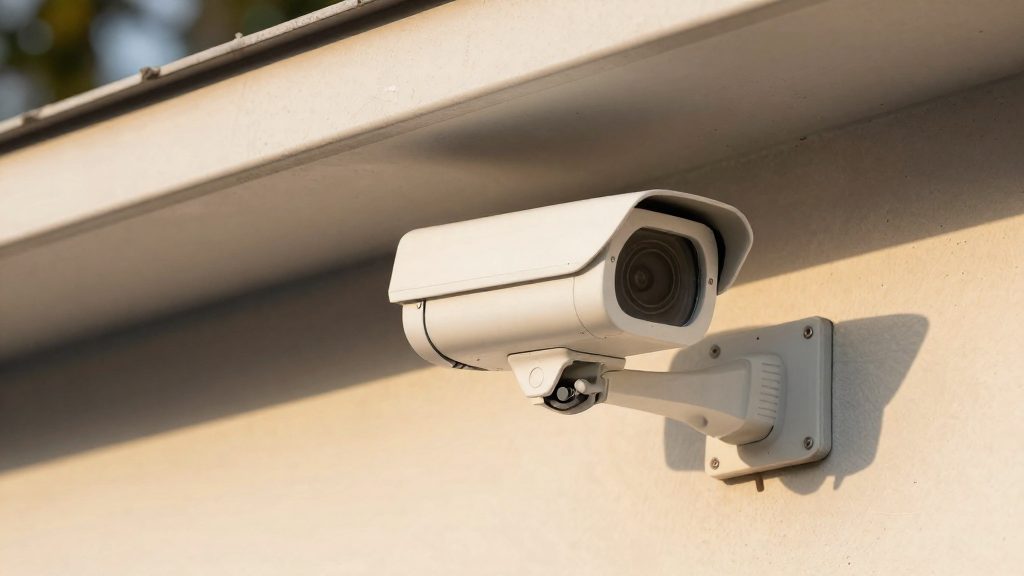
An IP code describes how well a camera resists dust and water. It says nothing about whether the camera will keep running in cold weather. Reolink and eufy both publish IP ratings for their outdoor models, but a rating alone does not tell you how the camera performs at Canadian winter temperatures.
IP65, IP66 and IP67 compared
In an IP code, the first digit covers solid particles and the second covers water. All three codes below share the same dust protection. They differ in the water test:
| Code | Water protection | Rated models |
|---|---|---|
| IP65 | Low-pressure water jets | No model confirmed in the sources (eufy states IP65 or IP67 across its outdoor range; check each model’s label) |
| IP66 | Powerful water jets | Reolink OMVI 3i WiFi, Reolink TrackMix PoE |
| IP67 | Temporary immersion | Reolink Duo 3 PoE, eufyCam S4 |
Ratings by model
| Brand | Model | IP rating |
|---|---|---|
| Reolink | OMVI 3i WiFi | IP66 |
| Reolink | TrackMix PoE | IP66 |
| Reolink | Duo 3 PoE | IP67 |
| eufy | eufyCam S4 | IP67 |
Where IP ratings stop
- Temperature is not covered. An IP code certifies only dust and water performance under its defined test conditions. A higher code does not imply a wider operating temperature range.
- Ratings are per model. Do not assume that a sibling model or accessory shares the same code.
- Neither brand’s listed IP rating states a cold-weather limit.
What hidden costs should you check?
For a no-fee outdoor camera in Canada, the main extra costs are storage media, a hub or NVR for 24/7 recording on multi-camera setups, and solar or mounting accessories. The only verified CAD price for these items is eufy Canada’s CA$249.99 for a 1 TB hard drive sold separately (Anker / eufy Canada, 2026). Other costs depend on the camera model, channel count and configuration, so compare the full bill of materials on each product page before buying.
Storage media: microSD and hard drives
Storage is the first extra cost, because most no-fee cameras keep footage on local media rather than in a subscription cloud.
| Item | Brand | Capacity | Listed price (CAD) |
|---|---|---|---|
| 1 TB hard drive, sold separately | eufy (Anker) | 1 TB | CA$249.99 |
| microSD card, not included | eufyCam S4 | Up to 256 GB | Not listed; buy separately |
| microSD card, standalone camera | Reolink | Up to 512 GB | Not listed |
- The eufyCam S4 ships with 32 GB built-in storage and takes a microSD card of up to 256 GB, which is not included in the box.
- Reolink says its standalone cameras accept a microSD card of up to 512 GB. The source gives no CAD price for these cards.
Hubs for 24/7 recording on multiple cameras
Continuous recording on several cameras usually requires a dedicated hub, and the hub is often the largest extra purchase.
- Reolink NVR or Home Hub: no price is listed here, so get the current figure from Reolink or an authorised retailer.
- eufy HomeBase S380: With the S380, the eufyCam S4 has 16 GB built-in storage, expandable to 16 TB (Anker / eufy Canada, 2026).
Solar panels and mounting accessories
Solar models add cost only if the panel or mount is sold separately, and the sources do not give prices for either.
- The SoloCam S340 is a solar, dual-lens camera listed at CA$259.99 (Anker / eufy Canada, 2026). The listing is the reference point for the camera price, not for the panel.
- Check the product listing to confirm whether the solar panel and mounting bracket are in the box. If they are sold separately, get the CAD price from the retailer before comparing totals with wired or battery models.
Privacy and control of your footage
Where an outdoor camera stores its recordings determines who can reach them and what happens during an internet or manufacturer outage. Recordings can stay on a microSD card or a local recorder instead of a manufacturer server.
Local-only recording versus cloud access
| Setup | Where footage is stored | Maximum local capacity |
|---|---|---|
| Reolink standalone camera | microSD card inside the camera | Up to 512 GB |
| eufyCam S4 standalone | Built-in storage plus microSD (sold separately) | 32 GB built-in, up to 256 GB with microSD |
| eufyCam S4 with HomeBase S380 | Built-in storage on the HomeBase | 16 GB built-in, up to 16 TB |
Reolink’s multi-camera systems keep footage on an NVR or Home Hub in your home.
Local storage has a physical exposure risk. A microSD card can be removed from the camera and read on a computer, so mount the camera out of reach of a thief or intruder and copy any clips you need to a second location.
Remote app access and two-factor authentication
Remote viewing runs through the manufacturer’s app account, and that account grants live view and playback of your footage. Protect it as carefully as the camera itself:
- Use a unique password for the camera account, not one reused from other services.
- Turn on two-factor authentication in the account security settings if the app offers it. The option’s location varies by app version, so check the current menu.
- Review the list of signed-in devices and remove any you do not recognise.
- Confirm which user accounts have live view, playback and notification access, and remove users who no longer need it.
Firmware updates and third-party access permissions
Firmware updates can close security gaps and enable features. Install pending updates promptly.
Third-party connections are a second access path. Voice assistants and platforms such as Home Assistant request permission to read camera data or control devices. Review each linked integration, revoke ones you no longer use, and grant access only to services you actively rely on.