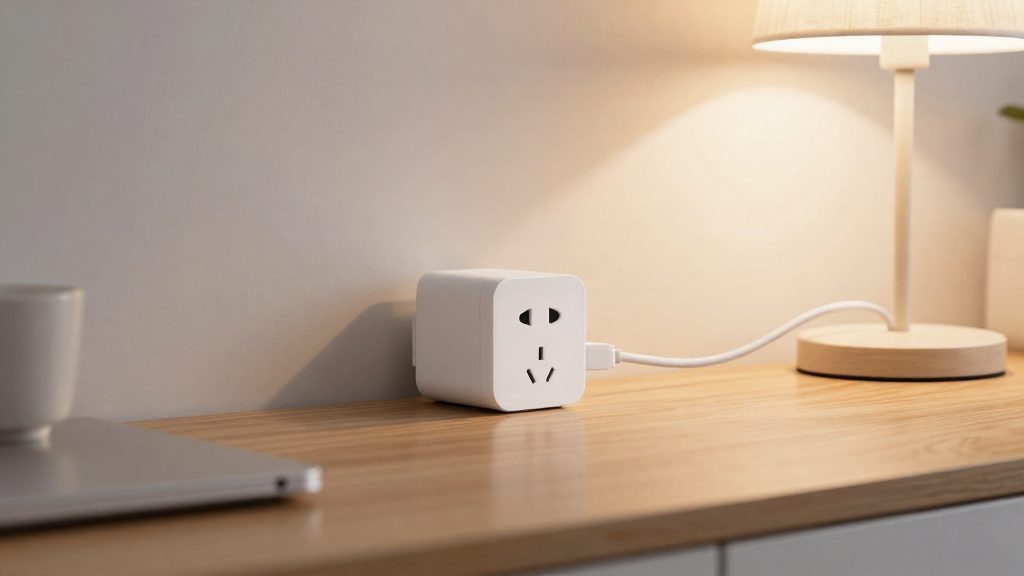
Smart plugs with energy monitoring should be selected on three requirements before price: per-plug kWh reporting, a Canadian listing with working voice-assistant support, and a maximum load rating that matches the appliance. Form factor comes next, choosing between a single outlet and a multi-outlet strip. CTV Shopping Trends (2024-08-22) puts typical smart plugs at about $20 to close to $100, but that is a 2024 figure. Current prices and stock must be checked at the retailer.
How we picked smart plugs with energy monitoring
Per-plug kWh reporting as a baseline
A plug qualifies only if it reports energy use in kWh for the appliance on its own outlet. Hourly data matters only if your electricity rate changes during the day (time-of-use billing). On a flat rate, the monthly total is the figure that counts, according to 3zebras (2026). Compare that monthly total against your utility statement, since manufacturers rarely publish accuracy specifications for these plugs.
| Reporting level | Useful when |
|---|---|
| Monthly kWh total | Your utility bills at a flat rate |
| Hourly kWh | Your utility bills by time of use |
Products sold and supported in Canada
Check that the listing ships to Canada and that the manufacturer supports Canadian accounts. Voice-assistant compatibility is part of support: CTV Shopping Trends (2024-08-22) states that the Kasa Smart Matter Smart Plug with Energy Monitoring works with the major platforms (listed in the Matter section below) and carries a 2-year warranty. Stock is less certain. A forum user reported that Kasa energy-monitoring plugs were hard to find in Canada, and the Best Buy Canada page could only be partly read, so availability was not confirmed.
Maximum load rating against the appliance
The rating must cover the appliance’s draw. The TP-Link Kasa EP25 is rated for 15 A and 1.8 kW at 120 V (3zebras, 2026).
Single-outlet versus multi-outlet form factor
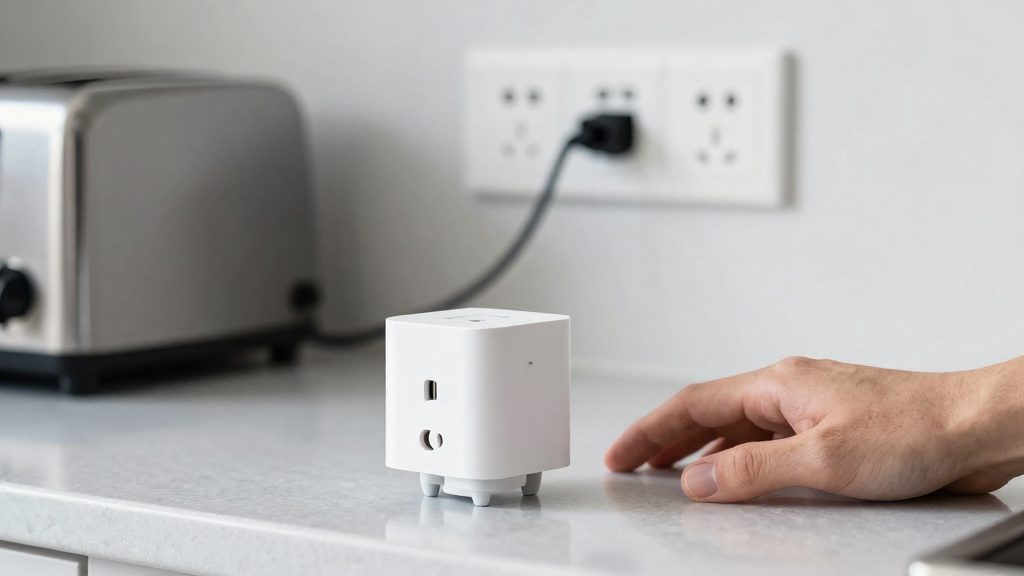
Choose a single-outlet plug to track one appliance. Choose a multi-outlet strip when several devices share a location and surge protection is needed. CTV Shopping Trends (2024-08-22) picks the Kasa HS300 6-outlet power strip for its surge protection, at a higher price, and the Kasa Ultra Mini 15A for tight spaces.
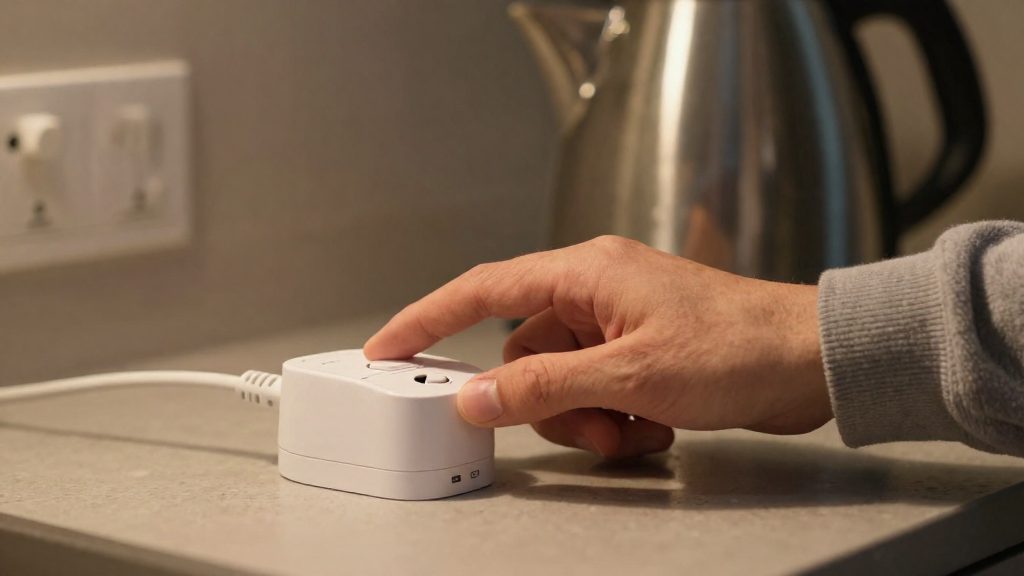
Best smart plugs with energy monitoring in Canada
Two Kasa models come up for Canadian shoppers: the Kasa EP25, a single-outlet energy-monitoring plug (specifications from 3zebras), and the Kasa HS300, a six-outlet power strip with surge protection (picked by CTV Shopping Trends). Canadian availability of both is unconfirmed. CTV Shopping Trends (2024-08-22) names a Kasa Smart Matter Smart Plug with Energy Monitoring as its top pick, and picks the HS300 as a six-outlet strip at a higher price. The same guide puts smart plugs generally at about $20 to close to $100. These figures are from 2024, and current Canadian prices and stock were not verified.
Kasa EP25 and Kasa HS300 compared
| Model | Form factor | Price reference (CTV Shopping Trends, 2024-08-22) |
|---|---|---|
| Kasa EP25 | Single-outlet plug with energy monitoring | No EP25 price in the guide (the guide’s general smart plug range is about $20 to near $100) |
| Kasa HS300 | Six-outlet power strip with surge protection | Higher-priced pick in the same guide |
- Form factor is the main difference. The EP25 measures the one appliance plugged into it. The HS300 gives six outlets and adds surge protection, which suits a group of devices at one location.
- The guide’s pick details are inconsistent on pack size (1-pack versus 2-pack listings), so confirm the quantity on the retailer page before comparing prices.
- The guide cites a 2-year warranty for its top pick, the Kasa Smart Matter Smart Plug with Energy Monitoring, not specifically for the EP25.
What does the 15 A limit mean for your appliances?
The TP-Link Kasa EP25 energy-monitoring plug is rated for a maximum load of 15 A and 1.8 kW at 120 V, according to 3zebras (2026). These two figures describe the same limit: 15 A × 120 V = 1,800 W. Any appliance that draws more than 15 A, or more than 1.8 kW on a 120 V outlet, exceeds the plug’s rating.
To check an appliance, convert its wattage into amps:
amps = watts / volts
On a 120 V outlet, that means amps = watts / 120. Use the wattage printed on the appliance’s nameplate or in its manual, then compare the result with 15 A.
| Appliance draw (120 V) | Calculated current | Against 15 A limit |
|---|---|---|
| 1,500 W heater | 12.5 A | Within limit, little headroom |
| 1,800 W | 15 A | At the rated maximum |
A 1,500 W heater draws about 12.5 A, which fits within the EP25’s rating but leaves little headroom (3zebras, 2026).
The EP25 specification also lists a 1/6 HP motor rating. Motor-driven appliances such as fans and pumps are subject to this rating in addition to the 15 A and 1.8 kW limits. Check the appliance’s motor rating against the plug specification and follow whichever limit is lower.
Why check the CSA or cUL approval mark?
Electrical products sold in Canada generally need approval from a certification body recognized by the province, according to 3zebras (2026), a secondary source. No official ESA or CSA page was checked for this article, so confirm the requirement with your provincial electrical safety authority. Confirming this before you buy takes three steps.
- Find the approval mark. Check the product label and packaging for the mark, and note the exact model number printed next to it.
- Match the model number to the listing. Compare the number on the box with the number in the retailer’s listing and the manufacturer’s site. A similar product line or the same brand name does not confirm that a specific model carries the approval.
- Search the approval list. According to 3zebras (2026), Ontario’s Electrical Safety Authority publishes a searchable list of approval marks. We could not verify this on an official page, so check the ESA site directly or ask the certification body (CSA, cUL) whether the specific model is listed. If you live outside Ontario, contact your provincial electrical safety authority to confirm that the approval is recognized where you are.
Is energy monitoring worth it on your provincial rate?
Whether hourly data is worth having depends mainly on how your utility bills electricity. On a flat rate, each kWh costs the same at any hour, so the monthly total is what drives your cost. On time-of-use pricing, the price per kWh changes by time of day, so the hour a load runs determines what it costs. Hourly data only helps decisions in the second case.
| Billing structure | What hourly kWh data shows | Does it change decisions? |
|---|---|---|
| Flat rate | Usage patterns, such as which device runs most | Rarely. Cost per kWh is constant, so shifting hours saves nothing |
| Time-of-use | Kilowatt-hours consumed in each price period | Yes. Running a load in a cheaper period lowers the bill for the same kWh |
Converting kWh into dollars uses one formula:
kWh used × rate per kWh = cost
Power draw in watts divided by 1,000 gives kilowatts. Multiply by hours of operation to get kWh. For example, a 1,500 W heater running 2 hours uses 1.5 kW × 2 h = 3 kWh.
To find your rate, check your utility statement or your utility’s website. Rates differ by province and by utility, and some plans list separate on-peak, mid-peak and off-peak prices. Use the rate that applies to the hours you plan to shift loads into.
What can a smart plug not measure?
A smart plug with energy monitoring only measures the appliance plugged into its outlet. It cannot see hardwired or 240 V loads, which connect directly to the home’s electrical panel rather than to a standard wall receptacle. According to 3zebras (2026), plugs cannot monitor these loads:
- Clothes dryers
- Electric ranges and ovens
- Water heaters
- Baseboard heating
- EV chargers
Because these appliances draw power through circuits that bypass the plug, a plug-based monitor reports nothing for them. Any reading you see from a plug covers only the device connected to it.
Panel-level monitoring as the alternative
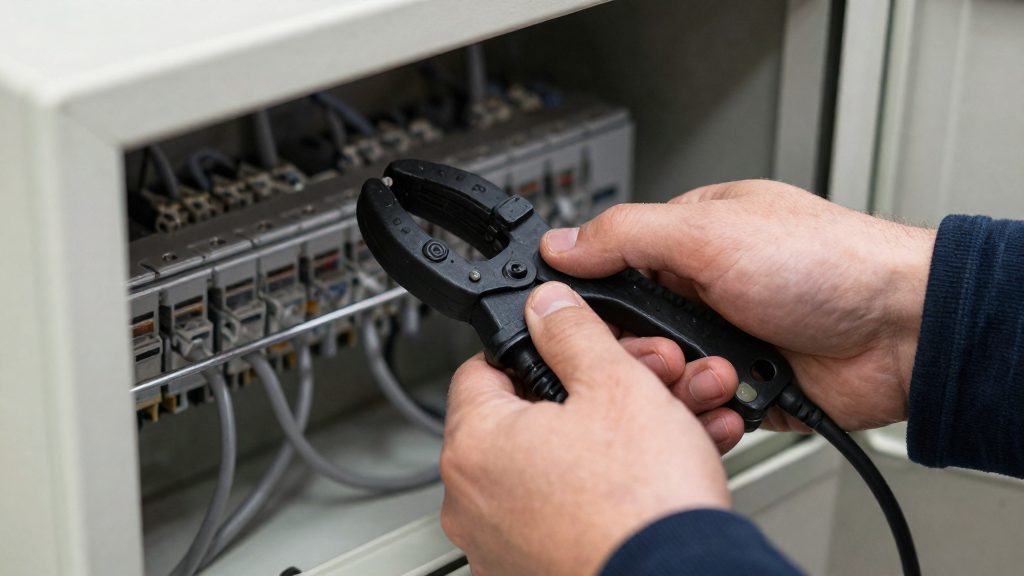
Monitoring these loads requires a panel-level monitor, a device installed at the electrical panel that measures power across the circuits it covers. 3zebras (2026) states that this type of monitor must be installed by an electrician. Plug-in monitors and panel-level monitors therefore serve different purposes: a plug tracks individual appliances, while a panel monitor tracks whole circuits, including the high-draw loads listed above.
Matter, Wi-Fi and local control
The protocol a plug uses determines which ecosystems it can join and whether it keeps working when the vendor’s cloud is unavailable. For the Kasa Smart Matter Smart Plug with Energy Monitoring, CTV Shopping Trends (2024-08-22) reports compatibility with Siri, Alexa, Google Home, Apple HomeKit and SmartThings, the most specific platform list in the available reporting for this model.
Platforms reported for the Kasa Smart Matter plug
According to CTV Shopping Trends (2024-08-22), the plug works with:
- Siri (Apple Home)
- Alexa
- Google Home
- Apple HomeKit
- SmartThings
How Matter and Wi-Fi differ in practice
Matter is a shared standard designed so one device can be controlled by several ecosystems. A Wi-Fi plug, by contrast, connects directly to your home network, so its availability depends on that network and, for remote access, on the vendor’s servers. A Matter label alone does not tell you how a given automation will behave, so test it on your own setup.
Checking local control against cloud dependence
Local control means commands travel between your hub or phone and the plug without leaving the home. Cloud dependence means they are routed through the vendor’s servers. To find out which applies on your setup:
- Check the manufacturer’s documentation for each platform to see whether the plug is listed under a local or Matter pairing option.
- Turn on a schedule or routine, then test whether the plug responds during a brief internet outage on your side.
- Repeat the test for each assistant you use, since routing can differ between Alexa, Google Home, SmartThings and HomeKit.
Are the readings accurate?
Smart plug energy readings should be treated as trends, because accuracy is rarely documented. According to 3zebras (2026), manufacturers rarely publish accuracy specifications for these plugs, so you cannot check a reading against a published tolerance. Use the app’s numbers to see which device uses energy and how its use changes over time, and verify the monthly total against your utility statement before relying on it.
Treat readings as trends
- Your utility statement covers the whole home, so a plug’s total is always a portion of the bill, never the bill itself.
- Without a published accuracy figure, the error margin of any single reading is unknown. Compare the same device across periods, such as a space heater in January versus February, rather than quoting a precise cost.
- Look for changes in pattern. A sudden rise in a device’s daily total is more informative than its absolute value.
Reconcile the monthly total with your utility statement
- Note the kWh consumption and the exact billing period start and end dates on your statement.
- Add up the plug’s daily kWh values for those same dates. Do not use a calendar month if your billing period starts on a different day.
- Check that the plug total is lower than or equal to the statement total for that period. A plug total above the whole-home figure signals mismatched dates or a faulty reading. A lower total does not prove the plug is accurate, since this check only catches gross errors.
- Repeat for two or three billing cycles. Consistent proportions suggest the plug trend is usable; erratic results mean the plug data should be used only for relative comparisons.