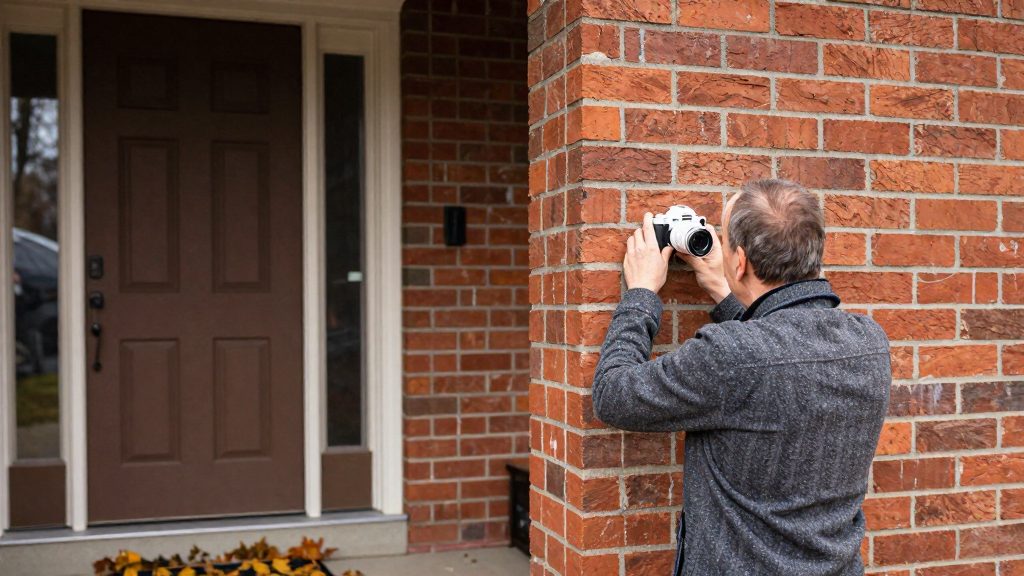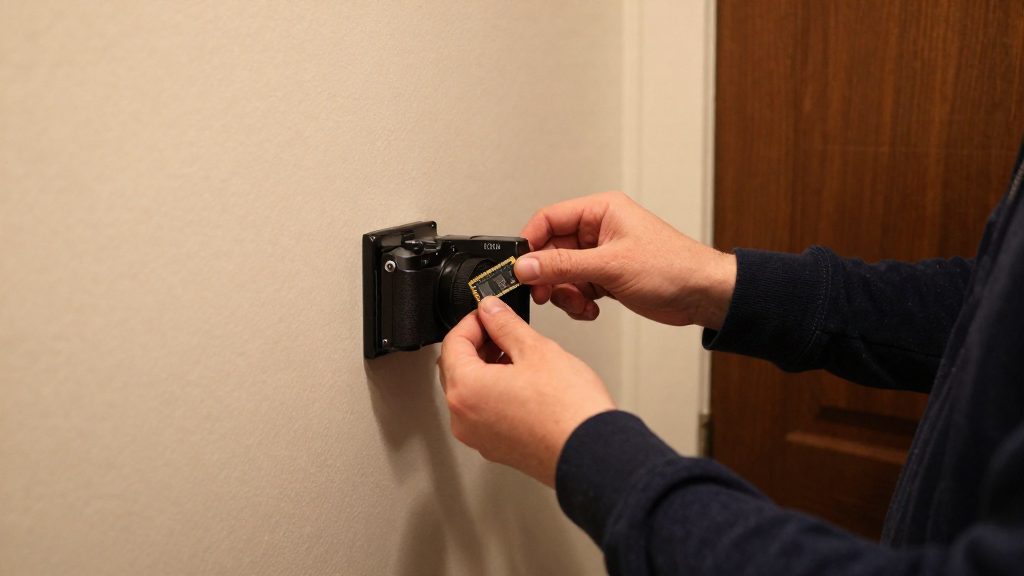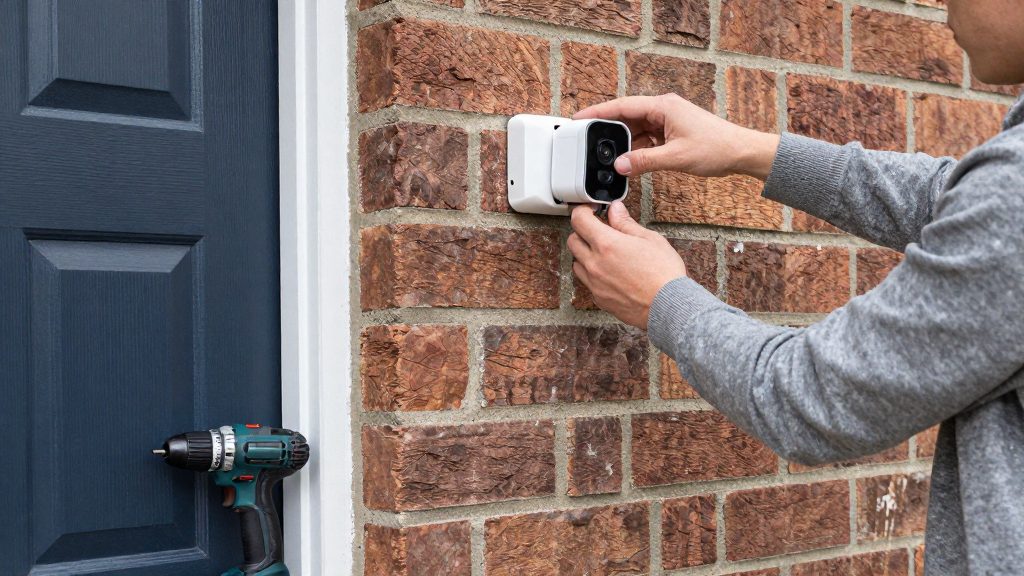
A battery-powered security camera is often easier for renters because it needs no new electrical outlets or cabling and limited modification, subject to the mounting method and the lease rules. It runs on its internal battery and sends footage over the home network, so it can be placed where coverage is needed rather than where the building already has power or wires.
Why choose a battery camera in a rental?
No new outlets or cabling
A wired camera needs a power source within reach of the mounting point, which usually means a nearby outlet or a run of low-voltage cable through the wall. A battery-only design removes that requirement. The installation consists of a bracket, the camera, and a network setup, so the work stays confined to the mounting surface.
Units without existing doorbell wiring
Many rental units have no doorbell wiring, or wiring that is too old or too low-powered for a wired video doorbell. A battery doorbell or camera avoids the need to run new wire through the wall. Before buying a wired doorbell, check whether the unit has an existing doorbell transformer and wiring at the entry point, since that determines which models can be installed without new cabling.
Devices that move with the tenant
If the tenant owns the camera and the lease and any landlord approval allow it, the camera can be removed and reinstalled when they move to another unit. This portable ownership keeps the device in the tenant’s possession, provided the mount is removed and the wall is repaired as the lease requires.
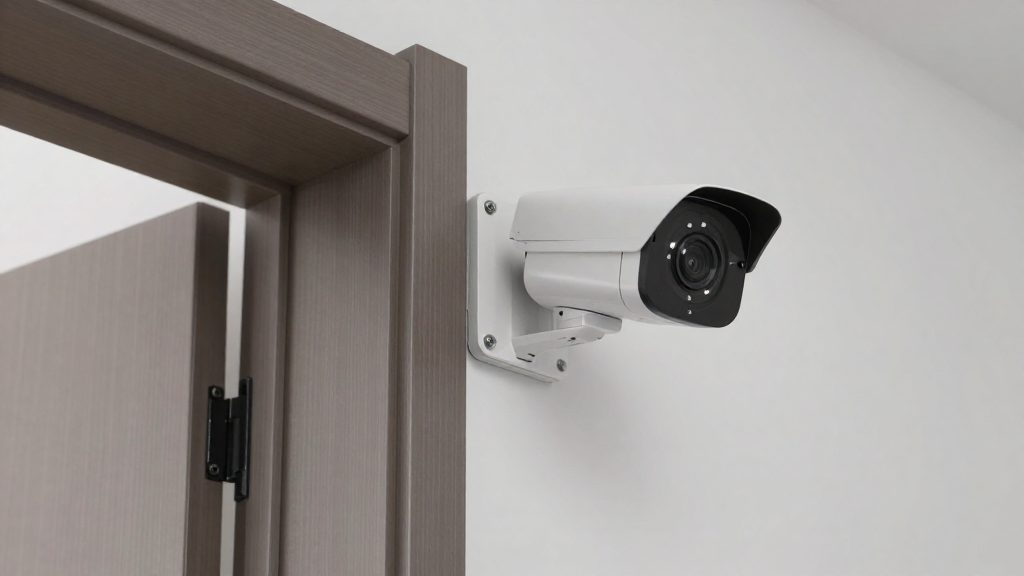
Are cameras allowed in a rental property in Canada?
Whether a camera is allowed in a rental property depends on who installs it, where it points, the lease and the province. Recording is governed by privacy rules, and the strictest limit concerns the inside of a tenant’s unit. The Office of the Privacy Commissioner of Canada (OPC) advises landlords on how to record responsibly, and provincial rules can add requirements on top of that guidance.
OPC guidance for landlords
According to the OPC (2026), a landlord using camera footage should:
- Post signs that tell people they are being recorded.
- Share a published policy explaining how the footage is used.
- Avoid capturing the inside of a unit.
- Secure the footage against unauthorized access.
- Limit access to the footage to defined purposes.
Consent and the inside of a unit
The OPC states that, except in limited and defined circumstances, personal information cannot be collected, used or disclosed without the individual’s knowledge and consent. The OPC states that photographing the inside of a unit also requires the tenant’s knowledge and consent. Provincial rules may add further conditions.
Securing footage and defined purposes
Access should be restricted to the defined purposes the landlord has stated in the published policy. As general good practice, footage stored on a microSD card or in a cloud account should have its own access controls, such as a protected login for the account and limited sharing of the device.
Provincial differences
Privacy and tenancy rules vary by province. The B.C. Personal Information Protection Act (PIPA), Alberta’s and Quebec’s privacy laws, and provincial residential tenancy acts each apply their own conditions. Whether a landlord may install a camera inside a rental unit, and whether a tenant-owned camera may face common areas, must be confirmed under the law of the province where the property is located. Contact the provincial privacy commissioner’s office or the provincial residential tenancy authority for a definitive answer.
Where can a landlord or tenant place a camera?
For a battery-powered camera at a rental property, the practical placement zones are the unit entry door and exterior access points, and, only if the landlord and provincial rules allow it, shared areas such as the building entrance, shared hallways, parking areas and the walkway to the door.
| Zone | What the camera should cover | Placement check |
|---|---|---|
| Unit entry door | The door and the threshold where visitors stand | Frame the door itself, not a neighbour’s door or window |
| Building entrance | People entering the building | Confirm with the landlord and provincial rules that a tenant camera may cover this area |
| Shared hallway | The common corridor leading to units | Keep the view on the corridor; avoid pointing into open doorways of other units |
| Parking and exterior approach | Vehicles and the path from the street to the entrance | Aim along the approach path rather than into private yards or windows |
Field of view at doorways and walkways
The goal is a field of view that captures faces at the threshold without including the inside of another unit. Angle the lens so people approaching the door are seen head-on or in profile, and avoid aiming through glass, into an open doorway or across a window. Test the view in the daytime and at night before finalising the position.
Placement also affects battery life. A camera aimed at a busy hallway or road will trigger more often and drain faster than one aimed at a quieter entry. Whether a tenant-owned camera may face common areas must be confirmed under provincial law and with the landlord before installation.
How long does the battery last in a Canadian winter?
Cold reduces the usable capacity of a battery security camera, and it also limits when the camera can recharge. According to EcoFlow Canada (2026), one battery pack can lose about a third of its usable capacity at -20°C. Outdoor models list lower operating limits of about -10°C to -20°C, and charging may slow or pause near 0°C, so solar may not recharge the camera in the cold. Winter lows in many parts of Canada can go below these limits, so check the rating against your local climate. Because the loss is tied to the specific pack and its temperature, the exact runtime depends on the model and the conditions it faces.
| Temperature | Effect on a battery security camera | Source |
|---|---|---|
| Near 0°C | Charging may slow or pause, so solar input may not recharge the camera | EcoFlow Canada (2026) |
| About -10°C to -20°C | Lower operating limit listed for outdoor models | EcoFlow Canada (2026) |
| -20°C | One pack can lose about a third of its usable capacity | EcoFlow Canada (2026) |
The recording pattern matters as much as temperature. Real runtime depends on trigger frequency, live viewing, settings, signal strength and temperature, so frequent live checks can shorten runtime, especially in the cold.
Storage and subscription costs
Recording mode determines where footage is kept, how much power the camera draws, and whether you pay a recurring fee. According to EcoFlow Canada (2026), most battery-powered security cameras record only when triggered and save clips to a microSD card or to the cloud. Continuous recording requires external power, so a battery-only unit works as an event-triggered device. Cloud AI processing usually carries a fee, while on-device processing keeps video on your property at no cost.
Event-triggered recording: microSD or cloud
An event-triggered recording camera stays in standby, wakes when motion or another trigger is detected, captures a clip, and returns to standby. This is what keeps battery draw manageable.
- microSD: clips are written to a card in or near the camera, so footage stays on site.
- Cloud: clips are uploaded to the manufacturer’s service. Check the product’s subscription page for storage plans, since fees vary by manufacturer.
Continuous recording needs external power
Continuous recording is the mode that most strains a battery. Because it needs external power, a battery-only camera cannot run it indefinitely.
Cloud AI fees versus on-device processing
Recognition features such as person or vehicle detection can run in two places:
| Processing | Where video is analysed | Recurring cost |
|---|---|---|
| Cloud AI | Manufacturer’s servers | Usually a fee |
| On-device | The camera itself | None; video stays on your property |
Before buying, confirm in the product documentation which detection features run locally and which require the cloud.
Mounting without damaging the unit
For renters, the mounting method determines how much the wall and the lease are affected. According to EcoFlow Canada (2026), battery cameras are often easier for renters because they need limited modification, but this depends on the mounting method and the lease rules. Confirm both before drilling or adhering anything, and plan the removal at the same time as the installation.
Review the lease and get approval in writing
Check the lease for clauses on alterations, fixtures, drilling and adhesives. If the lease is unclear, confirm your position with your landlord before installing.
- Ask for approval in writing, naming the exact spot and the mounting method (adhesive or screw-in).
- Keep the approval with the lease so it can be produced at move-out.
Adhesive mounts versus screw-in brackets
| Factor | Adhesive mount | Screw-in bracket |
|---|---|---|
| Installation | Pressed onto a clean, flat, dry surface | Pilot holes drilled, anchors and screws fitted |
| Tools needed | Cleaning supplies only | Drill, bit, screwdriver |
| Effect on removal | Can leave residue or pull paint or wallpaper, depending on surface and adhesive | Leaves holes that must be filled |
| Suited to | Lightweight cameras on smooth, sound surfaces | Uneven surfaces or heavier mounts, where a fixed hold is needed |
| Reversibility | Generally higher | Lower |
Adhesive compatibility varies by surface, and the manufacturer’s instructions state which materials the adhesive suits and how long it needs to cure. Follow them before the camera is loaded onto the mount.
Removing mounts and patching at move-out
- Remove the camera and store the battery and mount parts together.
- For adhesive mounts, follow the manufacturer’s removal method. Pull the tab slowly and parallel to the wall rather than tugging the camera away from it.
- Remove any adhesive residue using the cleaner recommended by the manufacturer or a method your landlord has approved.
- For screw-in brackets, remove the screws and fill each hole with a filler suited to the wall material, then sand smooth.
- Photograph the finished surface and compare it with the pre-installation photo.
What does a battery camera cost in Canada?
Standalone battery security cameras in Canada cost roughly $70 to $380+ CAD per unit, according to EcoFlow Canada (2026), although the premium tier is also described as starting at $250. The price depends on the tier, and the camera’s sticker price is only part of the outlay, since solar panels, storage, subscriptions and installation are billed separately.
| Tier | Price per camera (CAD) |
|---|---|
| Budget | $70–$130 |
| Mid-range | $140–$240 |
| Premium | $250–$380+ |
Source for all three bands: EcoFlow Canada (2026).
Costs beyond the camera
EcoFlow Canada (2026) lists several expenses that are not included in the camera price:
- Solar panels, which are a separate purchase if you want to recharge the camera outdoors
- Installation, which can add cost if you hire a technician
- Subscriptions, which may be required for cloud features
- Storage, which is priced separately from the camera itself
The source gives no per-unit figure for solar panels or installation. For a specific model, ask the seller or manufacturer for the bundle price, which may differ from the camera-only price.
Features to prioritize
For a rental, the specifications that predict how a battery camera performs over a full lease matter more than the headline price or battery claim. Read battery-life figures against their test conditions, confirm that the IP rating fits the mounting spot, and check that motion zones can exclude neighbouring areas.
Reading battery-life claims
Manufacturer battery-life claims are measured under test conditions of a few short events a day at room temperature. Real runtime depends on:
- Trigger frequency: how often motion events occur at the mounting spot
- Live viewing: how often you open the camera feed manually
- Settings: recording and detection options configured on the camera
- Signal strength at the mounting spot
- Temperature and placement
Estimate your own event count before comparing models. A busy entrance or a street-facing wall will consume far more battery than the test scenario, so treat the claimed figure as a best-case baseline.
IP rating: dust and water, not cold
An IP rating covers dust and water ingress only. It says nothing about how the camera behaves in cold conditions. Check the rating printed in the manufacturer’s specifications and confirm that it matches the exposure of your installation point, such as a covered porch versus an open exterior wall.
Motion zone masking
Motion zone masking excludes parts of the frame from detection. For rentals, it serves two purposes:
- It prevents alerts from neighbouring areas, such as a shared walkway or a neighbour’s entrance, so the battery is not spent on events you do not need.
- It keeps the frame on your own exterior. A mask that also covers neighbouring windows helps keep the camera’s field limited to the appropriate area.
To check a mask, draw it over neighbouring property and common paths in the camera app, then walk through the excluded area and confirm that no event is logged. Confirm that the masking tool is available on the specific model before you buy it, since zone editing varies between brands.