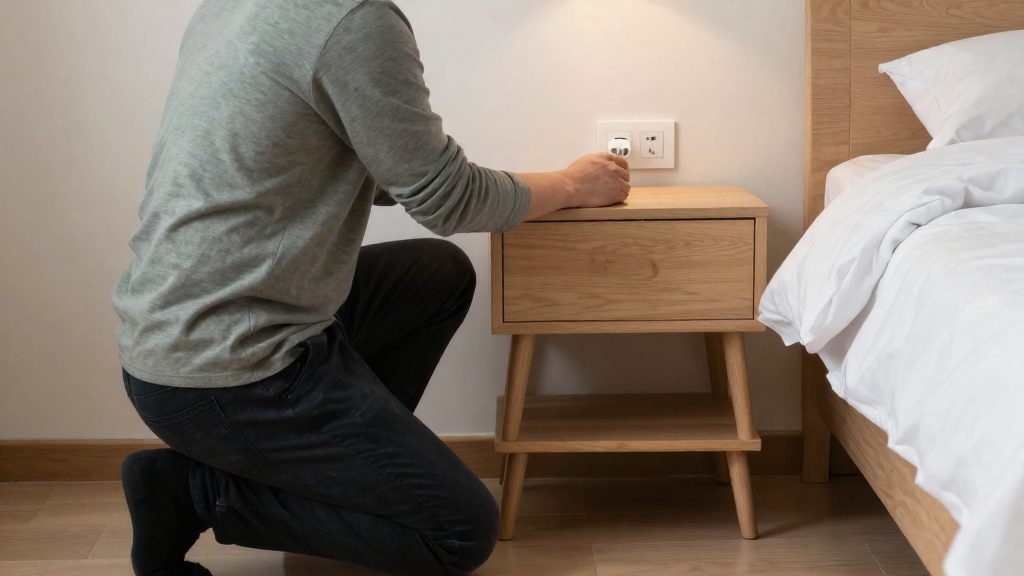
Why do seniors living alone need a smart home?
Seniors living alone need a smart home when specific risks, such as prolonged inactivity, night-time wandering, extreme heat, and falls, go unnoticed by relatives who live elsewhere. According to ecobee (2026), the better approach is passive monitoring with alerts rather than constant check-ins, so a device reports unusual patterns instead of requiring someone to call or visit every day.
Why do seniors living alone need a smart home?
Common risks for adults living alone
Living alone removes the everyday observation that a second person provides. The risks that a smart home can address fall into a few categories:
- Unusual inactivity: a senior who does not move through the living room, bedroom, or bathroom for an unusual length of time may need a check.
- Extreme heat: according to ecobee (2026), roughly 12,000 Americans die of heat-related causes each year, and more than 80% of them are over 60. Ecobee recommends temperature alerts and remote heating or cooling adjustment for extreme weather. These figures are the manufacturer’s, citing another source.
- Falls: Frontpoint Security (2026), citing the National Council on Aging (NCOA), states that falls are the leading cause of fatal and non-fatal injuries among older Americans.
Passive monitoring versus constant check-ins
Passive monitoring means the system watches for changes in routine and notifies a family member or monitoring service only when something deviates. A constant check-in, by contrast, depends on a person making contact at set times, which leaves gaps between calls and can feel intrusive to the senior.
| Approach | What it tracks | Who acts | Main limitation |
|---|---|---|---|
| Passive monitoring | Motion, door and window openings, temperature | Alerted relative or service | Depends on the sensor covering the relevant area |
| Constant check-in | Scheduled calls or visits | Relative, on a fixed schedule | Gaps between contacts remain |
Ecobee’s approach relies on the first model.
Choosing which risks justify a device
Not every household needs every device. Start with the two or three risks that are most likely for the specific senior, such as a history of falls, a home with stairs, or a location with extreme summer heat. Match each risk to one device category, then check cost before buying. Vivint lists monitoring from $24.99 to $44.99 per month, with professional installation at $199 (Vivint, 2026). These are vendor prices that may be outdated, so verify current rates directly with the provider.
Start with an SOS pendant and fall-prevention lighting
Falls are the first risk to address when an older parent lives alone. Frontpoint Security (2026), citing the National Council on Aging (NCOA), reports that falls are the leading cause of fatal and non-fatal injuries among older Americans. Two devices close the most immediate gap: a wearable SOS pendant that lets the parent call for help without reaching a phone, and motion-activated night lighting on the route from bed to bathroom. Ecobee (2026) recommends motion-activated lighting specifically to reduce night-time fall risk.
Configuring alert routing
Frontpoint Security (2026) lists a panic pendant as part of its 24/7 monitoring service and advises customizing the pendant’s default dispatch so medical help is sent instead of police. Set this during installation, not after an incident. Confirm with the provider:
- Who receives the alert first: the monitoring centre or family contacts
- Whether the dispatch type can differ by alert category
- Whether automatic fall detection is included. It is a separate feature, so check the product specification before assuming it exists. Without it, the parent must press the button.
Pendant range, wear options and cost
Vivint (2026) describes its wireless senior alert pendant as wearable in a pocket, on a lanyard or in a handbag, with a stated range of 350 feet from the home automation system.
| Attribute | Vivint figure (Vivint, 2026) |
|---|---|
| Wear options | Pocket, lanyard, handbag |
| Stated range | 350 feet from the home automation system |
| Monitoring | $24.99 to $44.99 per month |
| Professional installation | $199 |
These are vendor figures and may be outdated, so verify current pricing on the vendor’s site. Test the stated range in your own home by walking from the bedroom’s far corner to the bathroom, because a vendor range does not guarantee coverage through every wall.
Battery runtime and water resistance are not covered by these sources. Read the manufacturer’s label or manual for battery life, charging method and water-resistance rating before the parent wears the pendant in the shower.
Motion-activated night lighting on the bedroom route
Map the path from the bed to the bathroom, including the bedroom door and any hallway. Then:
- Place the motion sensor so it detects the parent leaving the bed, not the bed itself.
- Set the lights to switch on at a low level, so the parent is not dazzled when waking.
- Confirm the sensor and bulbs work with the chosen hub and protocol (Matter, Zigbee, Z-Wave or Wi-Fi) before purchase.
- Test the full route at night, walking at normal speed.
Which sensors watch over a parent without cameras?
Non-visual sensors can show when a parent becomes inactive, leaves a room at an unusual hour, or skips a dose, all without recording video.
Motion and occupancy sensors for unusual inactivity
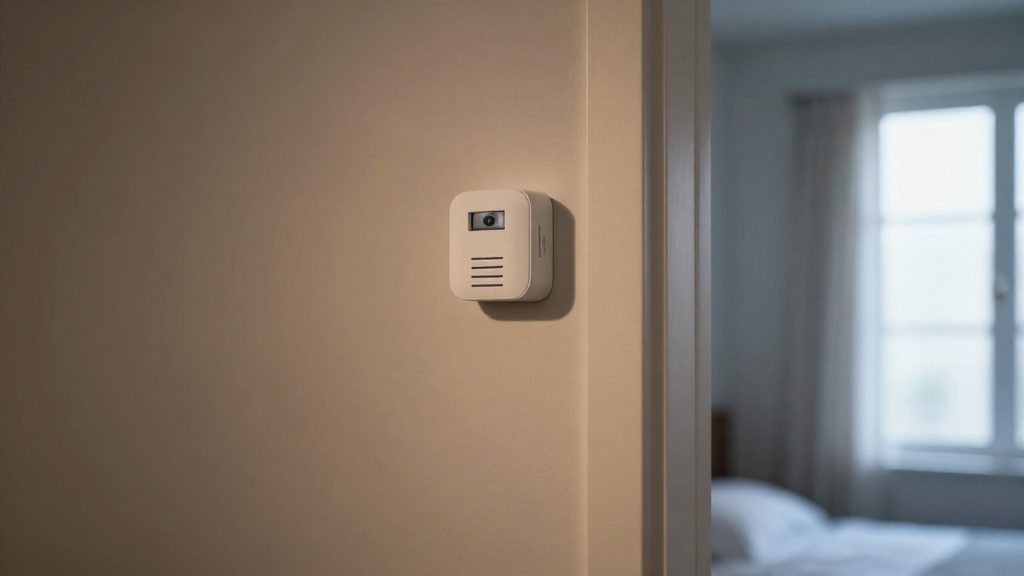
Ecobee suggests placing motion or occupancy sensors in the living room, bedroom and bathroom. Together these rooms show whether the parent moves through the home during a normal day. A sensor that stays silent in the living room through the afternoon, or in the bathroom for longer than usual, is the kind of change that merits an alert. Define what normal activity looks like for that person first, then set the alert around the gap, rather than around a fixed clock time.
Door and window sensors for night-time wandering
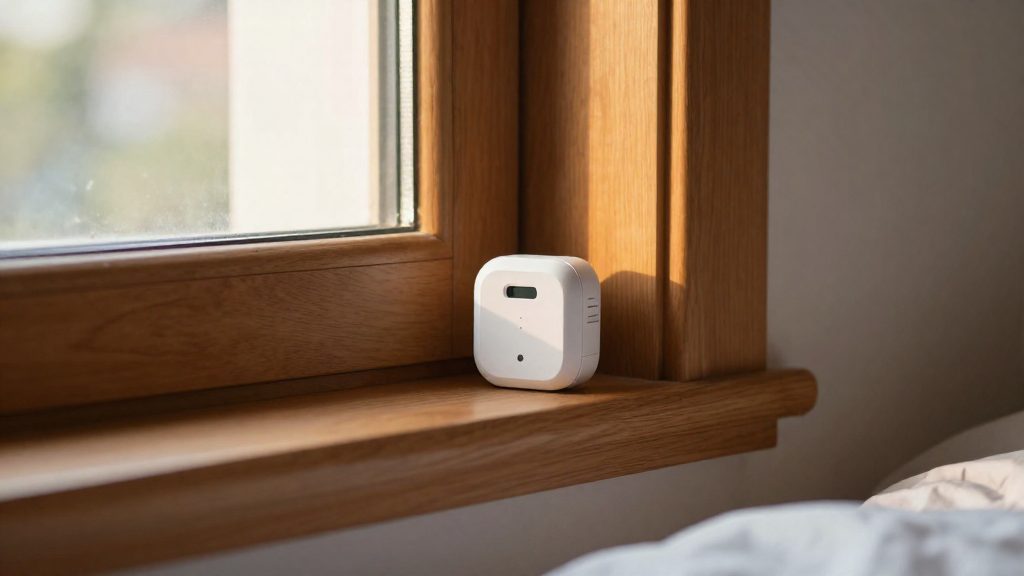
Door and window sensors are the non-visual counterpart to a camera at an exit. Ecobee lists them as a way to catch night-time wandering. Fitted to the bedroom door, an exterior door or a frequently used window, they log when a space is opened after dark. These are contact sensors, so they report open or closed states only. They confirm that a door or window moved, not who moved it or what the person is doing.
Medicine cabinet sensors for missed-dose checks
Frontpoint lists medicine-cabinet sensors among the devices in its monitoring offering. Opening the cabinet door is recorded as an event, so a family member can check whether a morning or evening dose was likely taken. The signal shows that the cabinet was opened, not which medication was removed, so treat it as a prompt for a phone call rather than proof of adherence.
| Sensor type | Placement | What it reveals |
|---|---|---|
| Motion or occupancy sensor | Living room, bedroom, bathroom (Ecobee) | Unusual inactivity |
| Door or window sensor | Bedroom door, exterior doors, windows (Ecobee) | Night-time wandering |
| Medicine-cabinet sensor | Medicine cabinet (Frontpoint) | Cabinet opened for a possible dose |
Are cameras and doorbells OK for a parent’s privacy?
Cameras can suit a parent’s home when they cover shared, low-privacy areas and the parent has agreed to video. Frontpoint Security (2026) advises getting consent before any video monitoring, and placing cameras in high-risk areas such as stairs rather than private spaces. If the parent is uncomfortable being recorded, Frontpoint recommends activity sensors instead.
Where video fits and where it does not
| Location | Suggested device | Basis |
|---|---|---|
| Stairs | Camera | Frontpoint (2026) names stairs as a high-risk area for cameras |
| Bedroom | No camera | Frontpoint (2026) advises against cameras in private spaces |
Cloud versus local storage
Cloud storage keeps recordings on the manufacturer’s servers, which makes remote viewing simple but means footage leaves the home. Local storage keeps recordings on a device or hub in the house, which limits who outside the home can reach them, but remote access and backups usually need more setup. Before choosing, check the manufacturer’s privacy policy for how long recordings are kept, whether a subscription is required to save clips, and who at the company can access them. These terms vary by brand and model, so confirm them in the product documentation.
Motion zones and privacy masks
Privacy masks block selected parts of the camera image, such as a window that faces a neighbour or the open door to a bathroom. Motion zones limit alerts to chosen parts of the frame, which reduces notifications from passing traffic or pets. Set masks and zones in the camera app, then review a test recording to confirm the masked area is not visible. Mask rules and recording behaviour differ between manufacturers, so read the device’s instructions to see whether a mask also removes the area from stored footage.
Smart locks and video doorbells for safe visitors
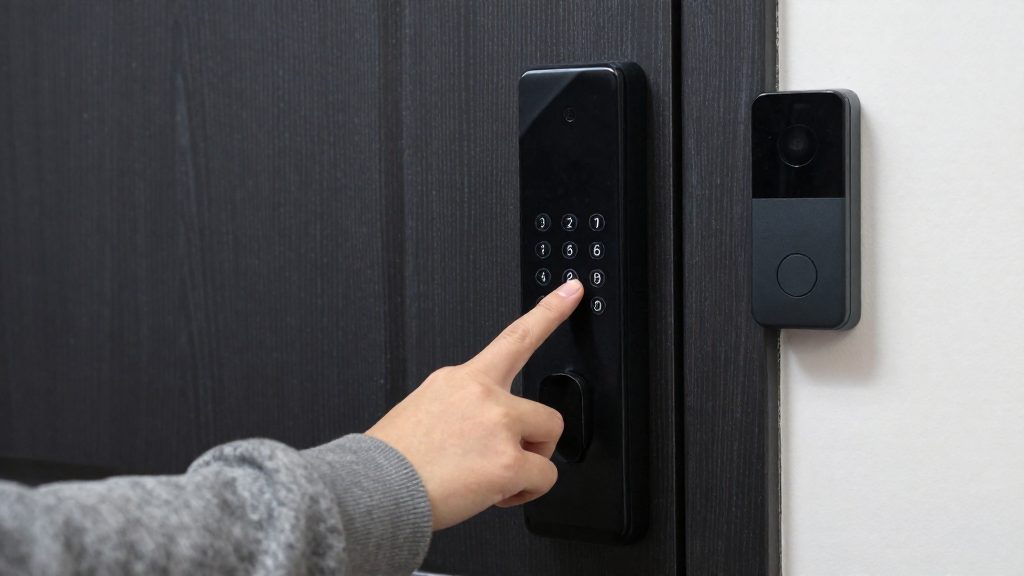
A smart lock with remote unlocking and a video doorbell let caregivers and approved visitors enter without a copied key. The parent can see who is at the door before opening it, and the household can change or revoke access without collecting physical keys.
Granting access to caregivers and temporary visitors
Frontpoint Security (2026) lists smart locks with remote unlocking among its 24/7 monitoring components. In practice, access is granted in one of two ways:
- Keypad codes: a numeric code assigned to one person and deleted when that person’s visits end.
- Remote unlock: a household member opens the door from a phone when the visitor arrives.
Assign one code per caregiver rather than sharing a single code. Shared codes make it impossible to tell who entered. Check the lock manufacturer’s instructions for the allowed code length and the maximum number of stored codes, since these differ between models.
Confirming visitors before unlocking
ecobee (2026) recommends a doorbell camera to confirm visitors. Viewing the caller before unlocking reduces the chance of opening the door to someone unexpected.
| Device | Role at the door | Source |
|---|---|---|
| Video doorbell | Confirms the caller before unlocking | ecobee (2026) |
| Smart lock with remote unlocking | Lets an approved person enter without a key | Frontpoint Security (2026) |
| Door/window sensors | Support door-state monitoring alongside the lock | Frontpoint Security (2026) |
Unlock and door-left-open alerts
Turn on notifications for each unlock event so the family sees when a caregiver or visitor enters. Then check the app settings for a door-left-open notification. Not every lock or sensor app offers this alert, so confirm it in the device’s documentation before relying on it.
Smart thermostats and temperature alerts
Heat and cold both put older adults living alone at risk, and a smart thermostat can help by alerting a family member when indoor or outdoor conditions become unsafe. Ecobee states that more than 80% of the roughly 12,000 Americans who die of heat-related causes each year are over 60, a manufacturer figure that cites another source. The thermostat reports and adjusts temperature. It does not replace the parent’s own judgment about clothing, fluids or rest, or a medical check when symptoms appear.
Temperature alerts and remote adjustment
Ecobee recommends temperature alerts and remote heating and cooling adjustment for extreme weather, so a family member can respond without visiting the home. Setting this up involves:
- Enabling temperature alerts in the thermostat’s app and confirming which phones receive them.
- Agreeing with the parent in advance who may change the heating or cooling setpoint, and whether the parent can override a remote change.
- Testing one alert before a heat wave or cold snap, to confirm notifications arrive on the family member’s phone.
- Checking the alert thresholds available in your model’s app, since the available ranges depend on the device and firmware.
Smoke detection feature: requirements and limits
Ecobee offers a smoke-alarm detection feature, but it has hardware and subscription requirements and it is not a substitute for smoke alarms.
| Item | Requirement or limit |
|---|---|
| Compatible hardware | Smart Thermostat Premium, or a SmartCamera with voice control |
| Subscription | Professional Monitoring add-on |
| Role | Does not replace smoke alarms |
Voice assistants and simple routines
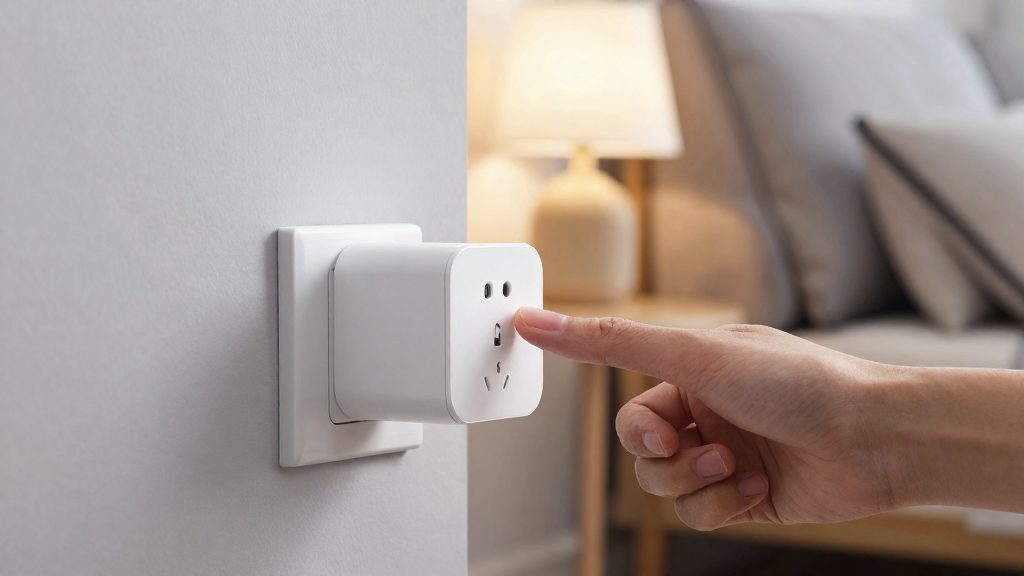
For an older adult living alone, voice control works best when the assistant handles a few predictable tasks: a wake word, a short fixed phrase, and a result the parent can confirm by sound or light. Start by choosing one ecosystem for the whole home, such as Amazon Alexa, Google Assistant or Apple Siri. Mixing two assistants makes wake words and routines harder to manage. Before buying a speaker, check that every plug, lamp and thermostat you plan to control is supported by that platform.
Choosing an assistant and placing speakers
- Choose the assistant the parent already understands, or the one they already use on a phone.
- Place the speaker in the room where the parent spends the most time, usually the living room or kitchen, at seated height on a side table.
- Keep it away from running appliances and other constant background noise, which can block wake-word detection.
- Test wake-word recognition from the chair or spot where the parent normally sits, at ordinary speaking volume.
Scheduled routines for medication and appointments
A routine links a trigger, such as a set time or a fixed daily event, to one or more actions, such as a spoken message or a light change. Keep each routine to one purpose.
| Routine (example setup) | Trigger | Action |
|---|---|---|
| Morning medication | Fixed daily time | Spoken reminder: “Time for your morning medication” |
| Appointment reminder | Evening before the appointment | Spoken reminder with the time and location |
| Appointment day | Fixed morning time on the appointment date | Spoken reminder to leave early |
A spoken reminder confirms that a message played, not that a dose was taken. If medication adherence matters, check the manufacturer’s instructions for any sensor options. Frontpoint lists medicine-cabinet sensors among its monitoring devices (Frontpoint Security, 2026), but whether they suit a given regimen should be confirmed with the prescriber or pharmacist.
Simplifying commands for limited tech skills
- Use one fixed phrase per action, such as “Good night” for a set of lights off, and avoid synonyms the parent might also say.
- Name devices in plain words: “Bedroom lamp” rather than a model number or a protocol name.
- Keep the number of commands small, and remove any the parent does not use.
- For a parent who struggles with speech or wake words, a button-based alternative is safer. Vivint describes a wireless senior alert pendant worn in a pocket, on a lanyard or in a handbag, with a stated range of 350 feet from the home automation system (Vivint, 2026). Frontpoint’s panic pendant can be configured so that its dispatch sends medical help instead of police (Frontpoint Security, 2026).
How do you set it up with your parent’s consent?
Set up the system with your parent, not for them. Frontpoint Security recommends involving the senior in setup rather than installing a system without their knowledge (Frontpoint Security, 2026). Work through three decisions with them: which devices to install, who holds the account owner role, and who can see live feeds.
Involve the parent in choosing each device
Walk through each device and state what it reports. The parent should know exactly what the system will and will not show.
| Device | What it reports | Question to ask the parent |
|---|---|---|
| Motion or occupancy sensor | Unusual inactivity | Is it acceptable to be alerted if you have not moved for a long time? |
| Door or window sensor | Night-time wandering | Should a door opening at night trigger an alert? |
| Doorbell camera | Confirms visitors | Do you want to see who is at the door? |
| Motion-activated lighting | Lights on at night | Would lights that switch on as you walk help? |
| Wireless panic pendant | Manual alert | Where would you wear it: pocket, lanyard or handbag? |
Drop any device the parent rejects.
Have the parent accept invites and complete app setup
Ecobee’s Autopilot arrival and departure tracking requires the parent to accept an invite and finish setup on their own phone (ecobee, 2026). Send the invite from your account, then let the parent accept and complete the steps themselves. Decide together who holds the account owner role. If the parent should keep control, set up the account in their name and add yourself as an invited member, so they can change or remove the system at any time.
Agree on who can view live feeds and recordings
Ecobee advises agreeing with the parent on who can view live feeds and recordings (ecobee, 2026). Write down each person, the access they receive (live view, recordings, or alerts only), and when access is revoked. Revisit the list whenever a new person is added, such as a caregiver or neighbour.
Frequently asked questions
Can I monitor a senior living alone without installing cameras?
Yes. Frontpoint Security (2026) advises using activity sensors instead of cameras when the senior is uncomfortable being recorded, and recommends cameras only in high-risk areas such as stairs rather than private rooms.
Does my parent need to set up the system personally?
Setup works best when the senior takes part. Frontpoint Security (2026) recommends involving them rather than installing a system without their knowledge. For ecobee’s Autopilot arrival and departure tracking, the parent must accept an invite and complete setup on their own phone.
Can a smart thermostat or camera replace a smoke alarm?
No. Ecobee (2026) states that its smoke-alarm detection feature does not replace smoke alarms. The feature requires a Smart Thermostat Premium or a SmartCamera with voice control, plus the Professional Monitoring add-on.