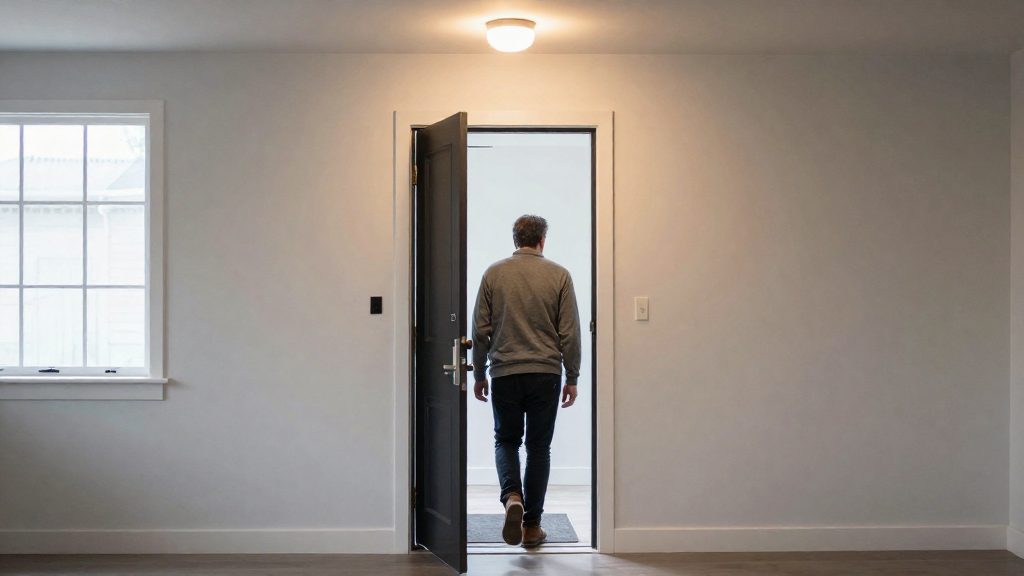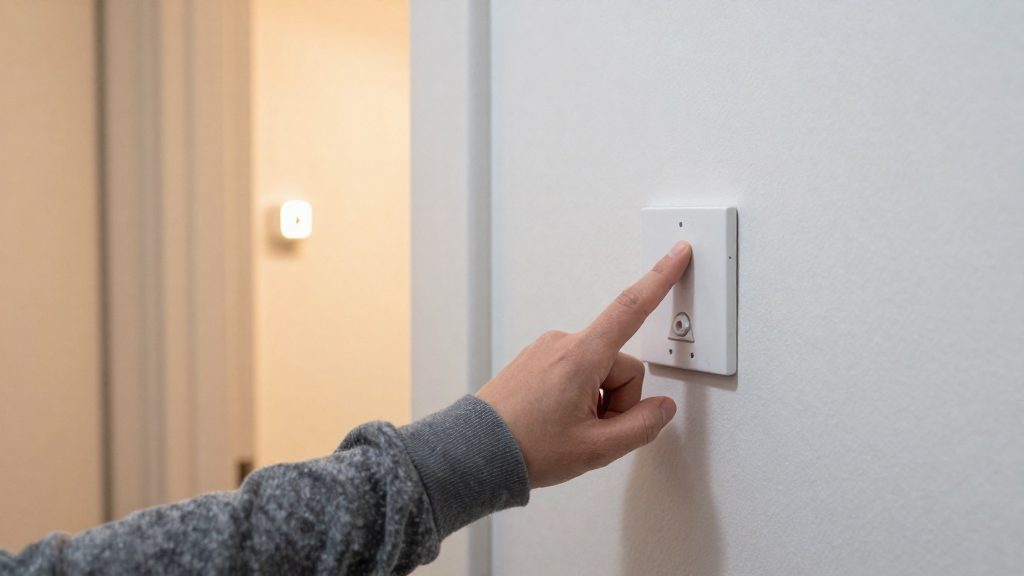
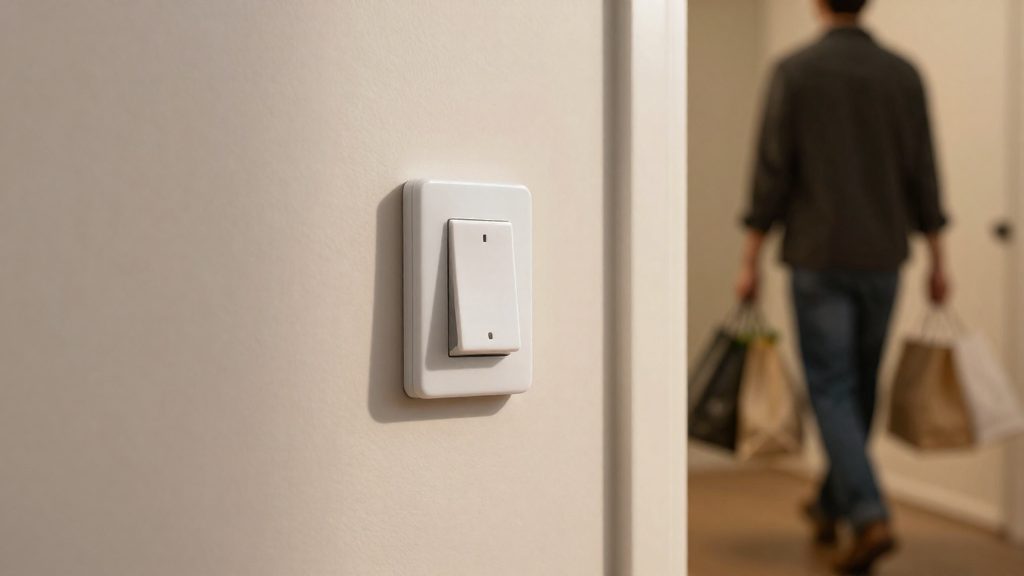
A motion sensor switch in a hallway turns the light on when someone enters the area and off after they leave, so no hands are needed. The Leviton ODS10-IDW, a motion-sensing wall switch, is rated by its maker for about 2,100 sq ft in a 180° pattern (Leviton, 2026). That rating makes it a practical fit for the corridors and landings that most homes have.
Why use a motion sensor switch in a hallway?
Hallways are transit areas, so the light is needed only briefly. A motion sensor switch covers three practical cases:
- Hands-free lighting: People walking at night, or carrying laundry, groceries, or a child, can reach the room without finding a switch. The light comes on as they enter the field of detection.
- Reduced light-on time: A conventional switch depends on someone remembering to turn the light off. A motion sensor switch turns it off automatically after the area is vacant, which limits the time the light draws power when no one is there.
- Lower energy waste in transit areas: Hallways often stay lit because they are passed through repeatedly and rarely occupied for long. Automatic switching helps cut the unnecessary lighting that comes from lights being left on in these spaces.
The Leviton ODS10-IDW’s 180° detection pattern suits a wall-mounted position at the end of a hallway or at the entrance to a stairwell, where the sensor faces the path of travel. The rated area is a manufacturer maximum, so a hallway much larger than that rating may need more than one sensor.
Occupancy or vacancy sensor: which suits a hallway?
For a hallway with frequent passages and hands-full use, an occupancy sensor is usually the better fit. It turns lights on automatically when it detects motion and turns them off after a period without motion, so no one has to touch a switch. A vacancy sensor only turns the light off automatically, and the user must press the switch to turn it on. The Leviton ODS10-IDW is sold as an occupancy sensor switch (Leviton, 2026), which places it in the automatic-on category. Whether a hallway benefits from automatic-on depends on how often people pass through and whether they want to press a switch at all.
| Behavior | Occupancy sensor | Vacancy sensor |
|---|---|---|
| Light turns on | Automatically, on motion | Manually, by pressing the switch |
| Light turns off | Automatically, after no motion | Automatically, after no motion |
| Typical fit | Brief, frequent passages with hands full | Users who prefer to control when light is on |
Automatic-on versus manual-on
Automatic-on removes the need to find a switch in the dark, which is the main practical gain in a hallway. Manual-on suits spaces where lights should stay off unless someone decides otherwise, such as a hallway that receives daylight for part of the day or one that passes near a bedroom.
Automatic-off and the stillness problem
Both types turn off after a set period without detected motion. The risk is that a person who stops moving for a while, for example while reading a label or waiting for a door to open, can be left in the dark. Automatic-off is therefore a reliability concern in any space where people remain still. Check the timing and the sensor’s coverage pattern against the spot where people actually stand.
Choosing by traffic and habits
- High-traffic, hands-full passages: choose occupancy.
- Occasional use, or a hallway where lights should be deliberate: choose vacancy.
- Mixed household with children or guests who may not know the switch: occupancy reduces missed switch presses.
Do you need a neutral wire?
The Leviton ODS10-IDW does not require a neutral wire. According to Leviton (2026), it connects using three conductors: line, load and ground. It is a single-pole switch rated for 120–277 VAC, so it works on standard single-pole lighting circuits in that voltage range. A neutral conductor is therefore not needed for the switch to operate on this model.
Wiring for this design is straightforward:
| Conductor | Role in the ODS10-IDW circuit |
|---|---|
| Line (hot) | Supplies power from the breaker to the switch |
| Load | Carries switched power from the switch to the light fixture |
| Ground | Connects the switch to the equipment grounding path |
Many smart switches differ on this point. Some need a neutral to power their internal electronics, which is why the neutral conductor is often described as the return path for the switch’s own power supply. Whether a given device needs one depends on its internal power design, not on its smart features alone. Because of this, a neutral-free wiring diagram on one product does not carry over to another model.
Before buying, check the wiring diagram in the manufacturer’s installation manual and the product label for the specific model. If the existing box contains no neutral and the device requires one, a different switch or a licensed electrician’s assessment is the safer route.
How to handle 3-way hallway circuits
A hallway with two entry points usually uses a 3-way circuit: two 3-way switches control one light, and either switch can turn it on or off. A single-pole motion switch has line and load connections but no traveler terminals, so it does not provide the traveler connections that this arrangement needs. Before you buy one, confirm the switch is rated for 3-way wiring, because Leviton lists the ODS10-IDW only as a single-pole device.
Traveler and common terminals
A 3-way switch has three screw terminals: one common and two travelers. The common is typically a distinct color or marked differently from the traveler terminals. The two travelers connect between the two switches, and the common connects to the line or the light, depending on the layout. Identify each conductor at both switch boxes before disconnecting anything, and confirm the roles with a non-contact voltage tester and a multimeter rather than assuming them from wire color.
| Wiring role | Where it appears | ODS10-IDW (per Leviton, 2026) |
|---|---|---|
| Line | Power supply to the switch | Yes |
| Load | Connection to the light | Yes |
| Ground | Equipment ground | Yes |
| Traveler (x2) | Between the two 3-way switches | Not described |
Leviton documentation and 3-way use
Leviton’s ODS10-IDW page does not mention 3-way use. The listed wiring is line, load and ground, which matches a single-pole installation. Treat this as unverified for multi-location control until Leviton confirms otherwise in writing or in the current manual.
Companion switch and dedicated 3-way options
Two approaches are commonly used when a motion sensor must work from two points:
- Dedicated 3-way-rated motion switch: Check the manufacturer’s manual for explicit 3-way or multi-location wiring diagrams and terminal labels.
- Companion switch: A standard 3-way or wireless companion switch is wired at the second location and works alongside the motion switch. Confirm compatibility with the motion switch’s manual before installing.
Timeout and sensitivity settings
The off-delay is the main timing control on a motion sensor light switch. It sets how long the light stays on after the last detected movement. On the Leviton ODS10-IDW occupancy sensor switch, the off-delay is adjustable from 30 seconds to 30 minutes (Leviton, 2026). That range covers a quick pass through a corridor as well as a longer stay in a hallway that leads to a bathroom or stairs.
Choosing an off-delay for your hallway
Set the off-delay according to how the hallway is actually used:
| Hallway use | Suggested off-delay approach |
|---|---|
| Brief transit between two rooms | Start near the 30-second end of the range |
| Longer walk, such as toward a bathroom or stairs | Start in the middle of the range |
| Place where people pause, such as to dress or load items | Start toward the upper end, up to 30 minutes |
To find the right value, begin with the starting point from the table above for your hallway, walk the full route at normal speed, and note whether the light turns off while you are still in the zone. If it does, increase the off-delay in small steps and repeat the test. A setting that is longer than needed keeps the light on unnecessarily, so once the light holds for the entire walk, stop adjusting.
Sensitivity adjustment to limit false triggers
Sensitivity determines how readily the sensor responds to movement. A setting that is too high can switch the light on from activity outside the hallway, such as movement in an adjacent room seen through an open doorway. A setting that is too low can miss slow or small movements.
Not every motion switch includes a sensitivity control. If the model has one, reduce sensitivity when the light activates from neighbouring spaces, and increase it only if the light fails to respond to normal movement. Make one change at a time and test each change over several passes through the hallway, so you can tell which adjustment reduced the false triggers.
Smart motion switches versus smart bulbs with sensors
A wall-mounted motion switch and a sensor bulb both turn hallway lighting on when movement is detected, but they differ in where the sensor sits, how much area it covers and what each lit point costs. For most hallways, the decision depends on how many fixtures need automatic control and whether the existing ceiling fixtures can take sensor bulbs.
The Leviton ODS10-IDW is a wall-mounted occupancy sensor switch. One device on the circuit controls every fixture wired to it.
Detection range of sensor bulbs
A sensor bulb detects movement from inside its fixture, so its field of view is set by the housing and mounting position. It sees the area around its own light point and nothing else. In a long hallway, movement at the far end may not reach the nearest bulb, and each bulb needs its own zone of coverage to avoid gaps.
Cost per hallway point
Compare costs by counting the light points you want automated:
- Motion switch: one device covers all fixtures on the switched circuit.
- Sensor bulb: one device per fixture, so the total grows with each light point.
Multiply the bulb price by the number of fixtures and compare it with the switch price. Some sensor bulbs may need an additional hub or bridge, which adds to the total.
Installation dependency
Sensor bulbs depend on the ceiling fixture. If the fixture is enclosed, uses a non-standard socket, or cannot take a sensor bulb, the option is unavailable. A motion switch works at the wall box and leaves the fixtures untouched.
| Criterion | Wall-mounted motion switch | Sensor bulb |
|---|---|---|
| Coverage | Single wall-mounted detection field | Limited to the area around its own fixture |
| Fixtures controlled | All fixtures on the switched circuit | One fixture per bulb |
| Cost structure | One device per circuit | One device per light point |
| Installation dependency | Wall box, fixtures unchanged | Requires a compatible ceiling fixture |
Can it work with Home Assistant or Matter?
A motion switch reaches Home Assistant only through the protocol its radio uses, so the protocol printed on the box matters more than the brand. Each protocol connects through a different bridge or integration, and the switch has to be paired with one of them before its motion events appear as entities. For a hallway switch, the goal is local control: the motion event should trigger a light locally, without depending on a cloud service.
The Leviton ODS10-IDW shows that wiring is a separate question from connectivity. Leviton’s product page does not list any smart-home protocol, so do not assume the ODS10-IDW connects to Home Assistant or Matter.
| Protocol | How it reaches Home Assistant | What to verify before buying |
|---|---|---|
| Matter | Native Matter integration, with a Matter controller such as the Home Assistant Matter server | Matter logo on packaging and a listed occupancy or sensor device type |
| Thread | Matter over Thread, which needs a Thread border router, often built into a hub | Thread is listed, and a border router is present in the home |
| Zigbee | ZHA or Zigbee2MQTT, with a Zigbee coordinator | Zigbee version and coordinator compatibility |
| Z-Wave | Z-Wave JS integration, with a Z-Wave controller | Z-Wave version and controller compatibility |
| Wi-Fi | Vendor integration or local API, if the vendor publishes one | Local API support, since many Wi-Fi devices depend on cloud control |
Matter is the most portable choice because one certified device can be shared across Home Assistant, Apple Home, Google Home and Amazon Alexa. Zigbee and Z-Wave remain common in Home Assistant setups, but each needs its own coordinator or controller hardware.
For local automations, expose the motion entity to Home Assistant, then build the trigger in the automation editor: motion detected turns on the hallway light, and motion cleared starts the light’s off timer. A local automation keeps working during an internet outage, which a cloud-only switch does not.
Installation and troubleshooting tips
Installing a hallway motion switch follows a fixed sequence: cut power, confirm the circuit is dead, wire and mount the unit, then check its detection field before closing the wall box. The ODS10-IDW needs no neutral, so a box without one is not a fault for this model. Other models may need one.
Breaker shutoff and voltage verification
- Switch off the breaker for the hallway circuit and label it. Shared breakers often feed other lights or outlets.
- Confirm from the panel label or the building’s wiring that the circuit voltage falls within the unit’s rated range of 120–277 VAC (Leviton, 2026).
- Remove the cover plate and confirm zero voltage with a non-contact voltage tester. Test each conductor, then re-test once the old switch is disconnected.
- Keep the breaker off until the new unit is fully wired and the cover is ready to close.
Mounting height and line-of-sight checks
Orient the lens so the 180° detection pattern covers the full hallway length.
Before closing the box, walk the full length of the hallway and confirm the light responds at each end. Furniture, doors or tall objects between the lens and the walkway block detection, so clear the line of sight first.
Diagnosing false triggers and lights that stay off
| Symptom | Likely cause | Action |
|---|---|---|
| Light never turns on | Tripped or wrong breaker | Restore power and confirm voltage with a tester |
| Light never turns on, power confirmed | Conductors not seated on the correct terminals | Re-check line, load and ground against the manufacturer’s diagram |
| Light turns on with nobody nearby | Moving objects visible through the lens or a doorway | Redirect the lens or clear the field of view |
| Light triggers when you are out of the hallway | Sensor aimed into an adjacent room | Adjust the aim so the field stays within the hallway |
When a unit misbehaves after installation, work through the table in order: power first, then wiring, then aim. Changing several settings at once makes it hard to identify which change fixed the problem.
Frequently asked questions
Does the Leviton ODS10-IDW need a neutral wire to install?
No. According to Leviton (2026), the ODS10-IDW is wired with line, load, and ground conductors, so it can often replace a standard switch without a neutral wire at the box.
Can I change how long the hallway light stays on after the area is empty?
Yes. According to Leviton (2026), the off-delay on the ODS10-IDW is adjustable from 30 seconds to 30 minutes.
Can the ODS10-IDW work on a 3-way hallway circuit?
The ODS10-IDW is a single-pole switch rated 120–277 VAC. Before wiring it into a 3-way circuit, check Leviton’s installation instructions for the model or consult a licensed electrician.