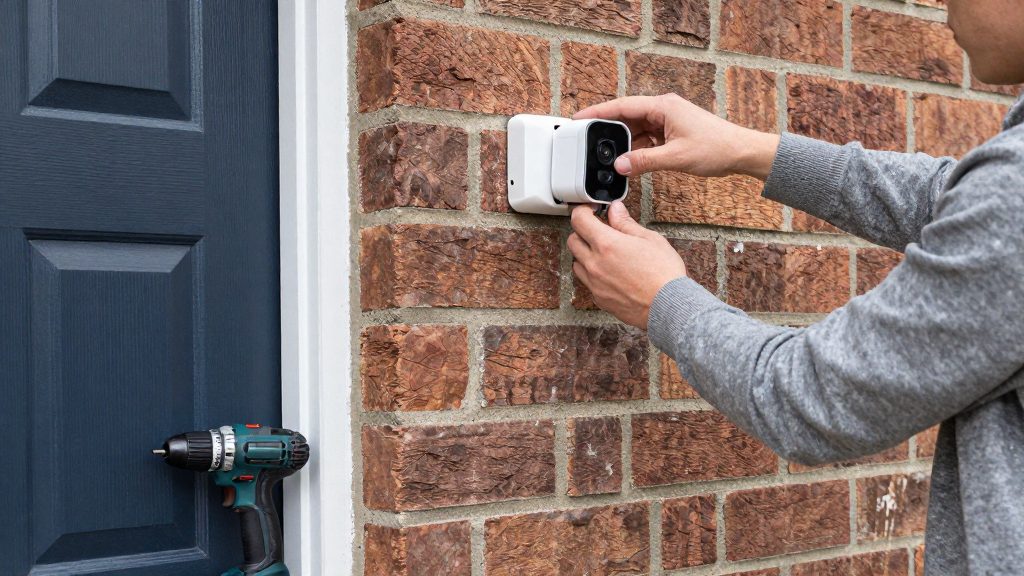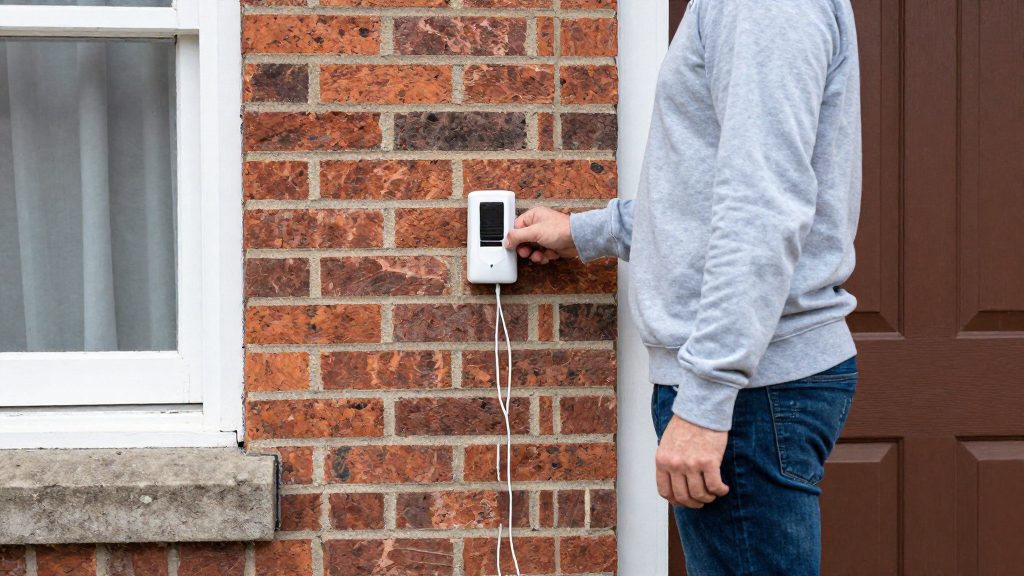
No, a wired video doorbell does not need an indoor chime to work. It draws power through its two terminal screws, either from a plug-in power adapter or from a transformer or chime wired directly to those terminals, and it runs normally with no chime connected. A chime only matters for indoor audible alerts. Some models also cannot use an in-home chime at all, so check compatibility before you buy.
Does a wired video doorbell need a chime?
Set the chime type to “No chime” in the Ring app
When you power the doorbell with a power adapter, a bypassed chime or direct transformer wiring, Ring (2026) says to set the chime type to “No chime” in the Ring app. Do this before you press the doorbell button, even if no chime is installed. The app offers three in-home chime type options for wired doorbells: Mechanical, Digital and None. Confirm the setting before testing to avoid damaging the doorbell.
Turn off the chime without removing it
Some wired doorbells let you disable the chime in the app while keeping the doorbell powered. How-To Geek (2022) says Nest and Ring models both offer this option. The doorbell stays powered because the circuit remains complete, so you do not have to disconnect the wiring to silence an existing chime.
Models without in-home chime support
Ring (2026) states that the following models do not support an in-home chime:
| Model | In-home chime support |
|---|---|
| Video Doorbell Wired | Not supported |
| Wired Doorbell 2K Plus | Not supported |
| Wired Doorbell 4K Pro | Not supported, except when powered by PoE |
| Peephole Cam | Not supported |
The 4K Pro is the only model in this list with a documented exception: it accepts an in-home chime when powered by PoE. Without PoE, plan for a non-chime indoor alert method from the start. Confirm chime compatibility for your exact model in its manual.
What power source replaces the chime?
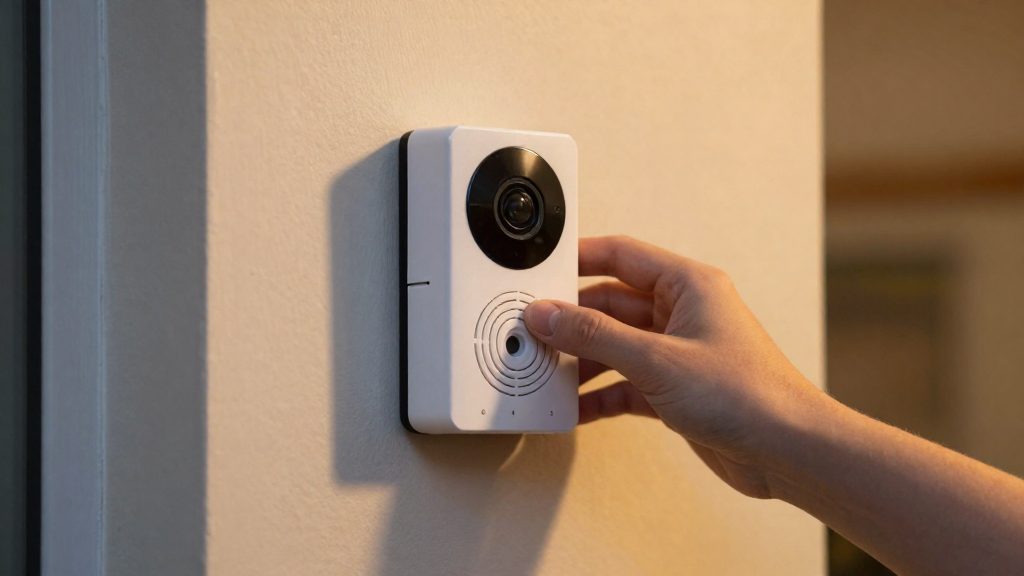
Without an in-home chime, the doorbell still needs a continuous power source. Ring’s installation guidance for wired models describes two supply options: a plug-in power adapter wired to the two terminal screws, or a transformer or chime wired directly to those same two terminals. Ring (2026) also states that the Pro Power Kit is only needed when connecting to or bypassing an in-home chime, so it can be skipped when a power adapter supplies the doorbell.
Terminal wiring
Ring’s guidance places both supply options on the same two terminal screws on the back of the doorbell. Each wire connects to exactly one terminal, and the two wires must not share a screw. Ring (2026) describes the layout as follows:
| Power source | Connection point | Notes |
|---|---|---|
| Plug-in power adapter | Two terminal screws | Adapter wires are attached to the terminals, not to a chime |
| Transformer or chime wired directly | Two terminal screws | Each wire goes to one terminal |
Rules for attaching wires
- Each wire goes to one terminal only. Ring (2026) specifies this for both supply options.
- Confirm the wire positions against the terminal labels or the wiring diagram in your model’s manual before tightening the screws.
- Cut power at the breaker or fuse box before handling any wires. Ring’s Canadian install guide for the Wired Doorbell Pro gives electrocution as the reason (Ring, 2026).
Plug-in adapter or transformer: which to use?
A plug-in power adapter and a transformer both feed power to the two terminal screws of a wired doorbell when no chime is present. They differ in where they can be placed. A plug-in adapter depends on a nearby electrical outlet, while a transformer depends on where the existing low-voltage doorbell wiring runs. According to Ring’s installation guide (2026), either option is valid for a doorbell with no in-home chime, so the choice comes down to what your installation site allows.
| Factor | Plug-in power adapter | Transformer or chime wired directly |
|---|---|---|
| Placement driver | A powered wall outlet within reach of the doorbell wiring | The existing doorbell wire run and its connection point |
| Wall work | None required when an outlet is already close | Depends on the existing wiring route |
| Connection | Adapter wires go to the two terminal screws | Each wire goes to one of the two terminals |
| App setting | Chime type set to “No chime” | Chime type set to “No chime” |
Choosing based on your existing wiring
- Plug-in power adapter: Ring lists it as a valid supply, wired to the doorbell’s two terminal screws. It needs a nearby powered outlet.
- Transformer: Suitable when the doorbell wiring already terminates at a transformer location. Confirm that the wire run is accessible at that point, since the transformer cannot move freely like a plug-in unit.
Confirming model compatibility before purchase
Ring’s guidance on indoor alerts depends on the model. The Video Doorbell Wired, Wired Doorbell 2K Plus, Wired Doorbell 4K Pro (except when powered by PoE) and Peephole Cam do not support an in-home chime. Ring’s Pro Power Kit is needed only if you connect to or bypass an in-home chime, and you can skip it when using a power adapter (Ring, 2026).
Do you need a resistor or bypass?
A Pro Power Kit is only needed if you connect to or bypass an in-home chime, according to Ring (2026). If you power the doorbell with a plug-in power adapter, you can skip the kit. Whether a bypass also needs an extra resistor depends on the model and wiring, so check the manufacturer’s instructions before adding one.
When the Pro Power Kit applies
| Setup | Pro Power Kit | Source |
|---|---|---|
| No chime, power adapter wired to the two terminal screws | Not needed | Ring (2026) |
| Existing in-home chime connected or bypassed | Needed | Ring (2026) |
With no chime, Ring describes two power options: a plug-in power adapter wired to the two terminal screws, or a transformer or chime wired directly to those terminals, with each wire going to one terminal (Ring, 2026). The kit is tied to chime connection or bypass, not to power delivery as such.
Resistor requirements for a bypass
When you bypass an existing chime manually, you route power around it. How-To Geek (2022) describes adding an in-line resistor to that bypass circuit and suggests a 25 ohm, 50 W wire-wound resistor as an example. It also advises checking with the doorbell maker before rewiring.
Resistor values vary by model, and the example above is not a universal specification. For your doorbell:
- Look for a resistor requirement in the manual for your exact model.
- If the manual is silent on bypass wiring, contact the manufacturer before adding a resistor.
- Don’t copy a value from a forum post or another model’s guide.
How do you set chime type to None in the app?
In the Ring app, set the chime type to No chime when the doorbell is powered by a plug-in power adapter, a bypassed chime, or a transformer or chime wired directly to the two terminal screws. Make this change before you press the doorbell button, even if you have no in-home chime. Ring (2026) states that the setting applies in all three wiring cases.
Which setups use No chime
| Power source | Chime type in the app |
|---|---|
| Plug-in power adapter wired to the two terminal screws | No chime |
| Existing chime bypassed | No chime |
| Transformer or chime wired directly to the two terminals | No chime |
The other two options for wired doorbells are Mechanical and Digital. Ring (2026) lists all three as in-home chime types.
Steps in the Ring app
- Open the Ring app and select the wired doorbell from your device list.
- Open the device settings and find the in-home chime or chime type option. Menu labels can differ between app versions, so check Ring’s support pages if the wording doesn’t match.
- Select No chime and save the change.
Order of operations
- Set the chime type to No chime in the app.
- Confirm the setting shows No chime.
- Press the doorbell button only after the setting is confirmed.
Ring (2026) advises that you check the setting before testing to prevent damage. How-To Geek (2022) notes that some wired doorbells, including Ring models, can have their chime turned off in the app while the doorbell keeps power, because the circuit remains complete. The app setting therefore controls how the doorbell responds, but it does not replace the wiring method.
How do you get indoor alerts without a chime?
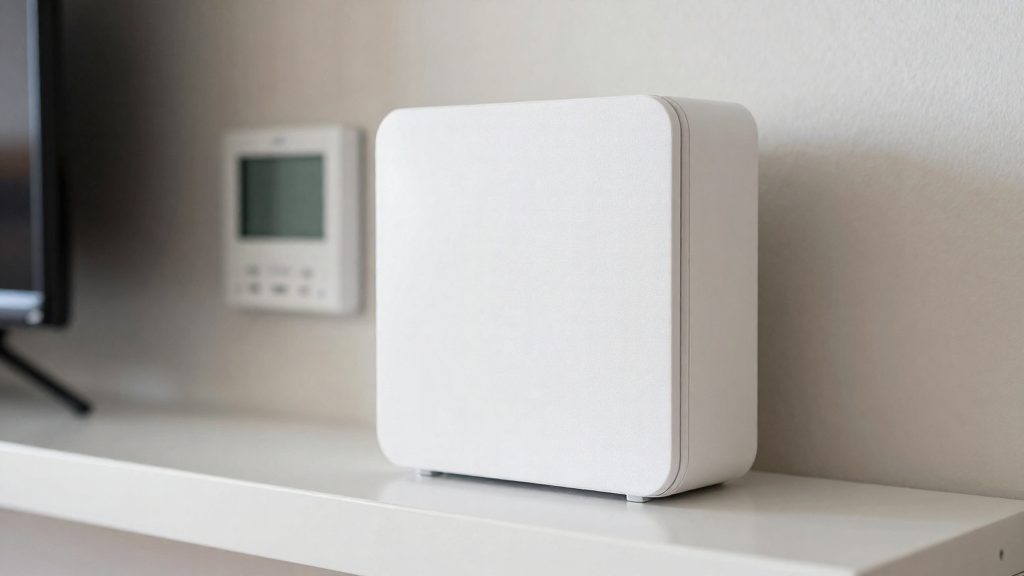
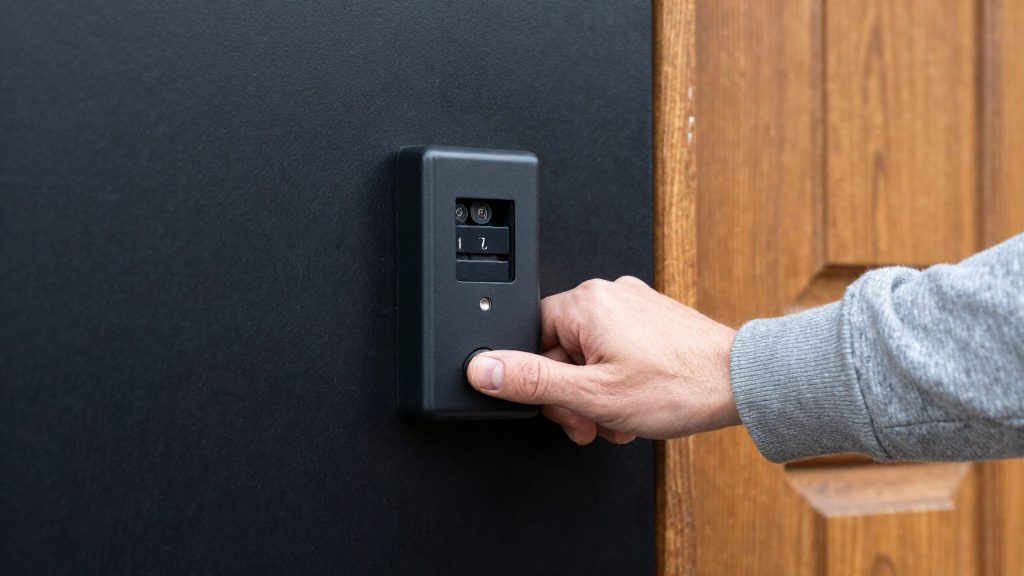
Ring names a short list of indoor alert options for doorbells that do not support an in-home chime. Four models fall into that group: the Video Doorbell Wired, the Wired Doorbell 2K Plus, the Wired Doorbell 4K Pro (except when powered by PoE) and the Peephole Cam. For these, Ring suggests a Ring Chime or Ring Chime Pro, or an Amazon Echo device as the indoor alert. Two models also need an accessory to connect a Ring Chime: the Wired Doorbell 2K Plus and the non-PoE Wired Doorbell 4K Pro require the Chime Kit Mini.
| Doorbell model | Indoor alert device Ring suggests | Extra kit required |
|---|---|---|
| Video Doorbell Wired | Ring Chime or Chime Pro, or Amazon Echo | None named by Ring |
| Wired Doorbell 2K Plus | Ring Chime or Chime Pro, or Amazon Echo | Chime Kit Mini |
| Wired Doorbell 4K Pro (non-PoE) | Ring Chime or Chime Pro, or Amazon Echo | Chime Kit Mini |
| Wired Doorbell 4K Pro (PoE) | Supports an in-home chime when powered by PoE, so the alternative alerts listed for unsupported models do not apply | None named by Ring |
| Peephole Cam | Ring Chime or Chime Pro, or Amazon Echo | None named by Ring |
Ring’s guidance does not state whether the Video Doorbell Wired, the PoE Wired Doorbell 4K Pro or the Peephole Cam need an extra kit for a Ring Chime, so check the product manual for your exact model before buying.
The Pro Power Kit is a separate accessory. Ring says it is needed only when connecting to or bypassing an in-home chime, so it is not part of the indoor alert setup for these models.
Safety and when to call an electrician
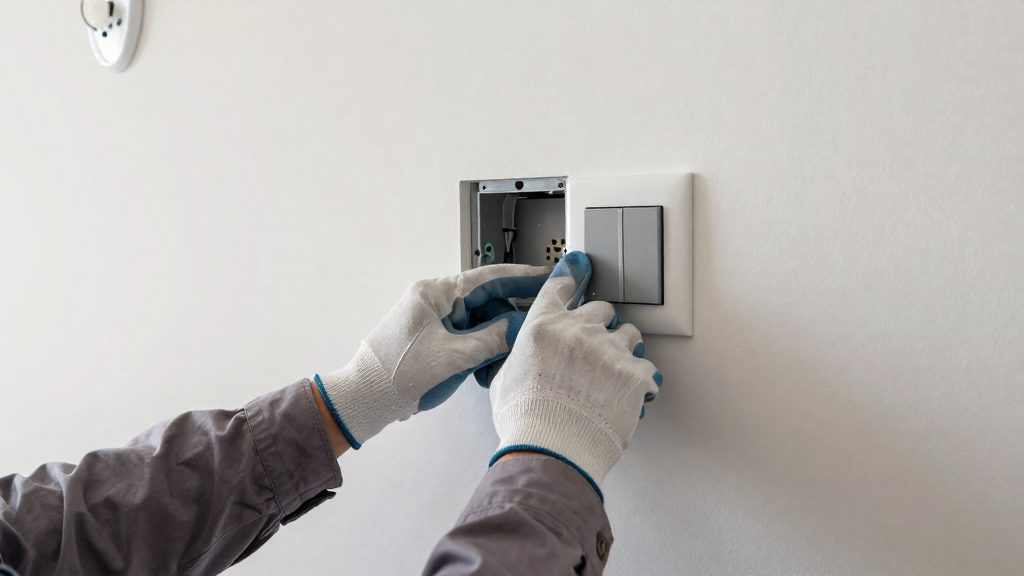
Before you touch any doorbell wire, cut power at the breaker or fuse box. Ring’s Canadian install guide for the Wired Doorbell Pro says to do this before starting, because of the risk of electrocution (Ring, 2026). The step applies whatever power source you plan to use, so confirm it before removing the cover or loosening the terminal screws.
Confirm the circuit is dead
- Identify the breaker or fuse that feeds the doorbell. If the panel is not labeled, test circuits one at a time until the doorbell goes dead.
- Check the terminals with a voltage tester before handling the wires.
- Keep the power off until every wire is reconnected and the cover is back on.
When to call a licensed electrician
Call a licensed electrician if any of the following applies:
- The wiring is unclear. If you cannot tell which wires are which, or the existing wiring does not match the manufacturer’s diagram, stop and get help.
- You cannot find the controlling breaker or fuse. Without a confirmed shutoff, the work is not safe to start.
- You plan to bypass an existing chime manually. How-To Geek (2022) describes routing power around the chime with an in-line resistor, and advises checking with the doorbell maker before rewiring. The resistor’s rating depends on the doorbell model, so use the value in that manufacturer’s documentation rather than a generic figure.
- Local rules apply. Electrical requirements vary by country and region. Check local requirements or ask an electrician before altering existing household wiring.