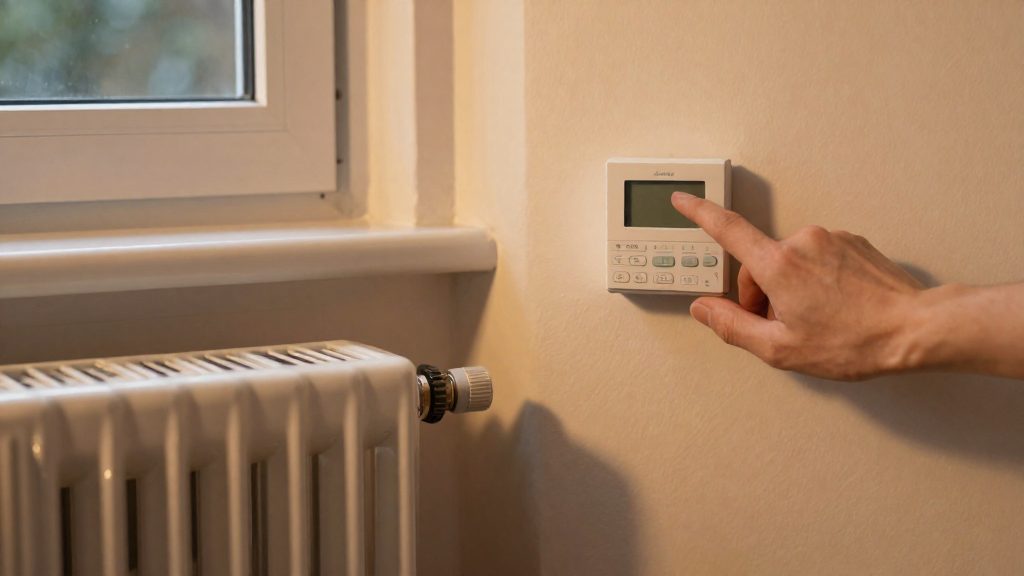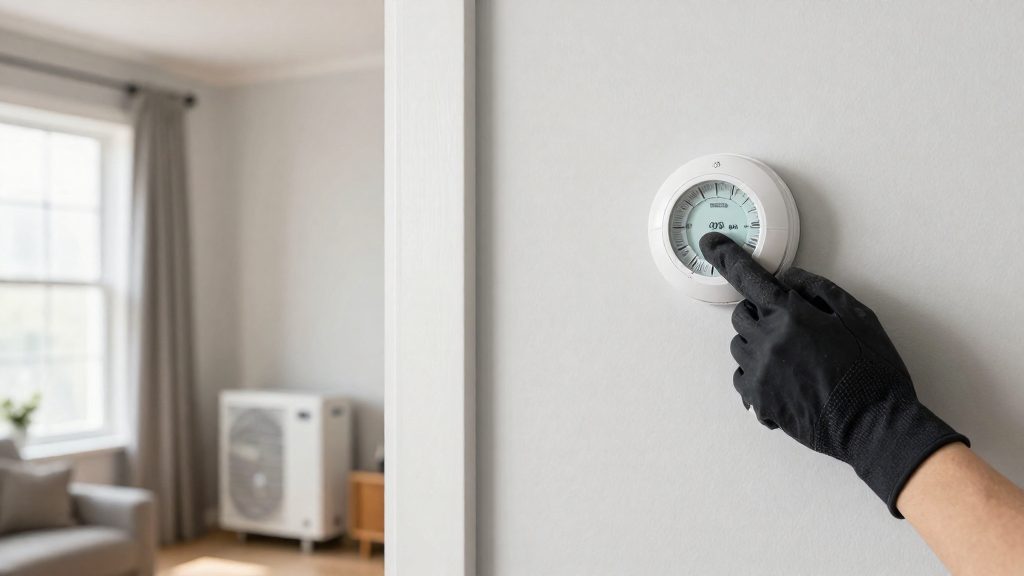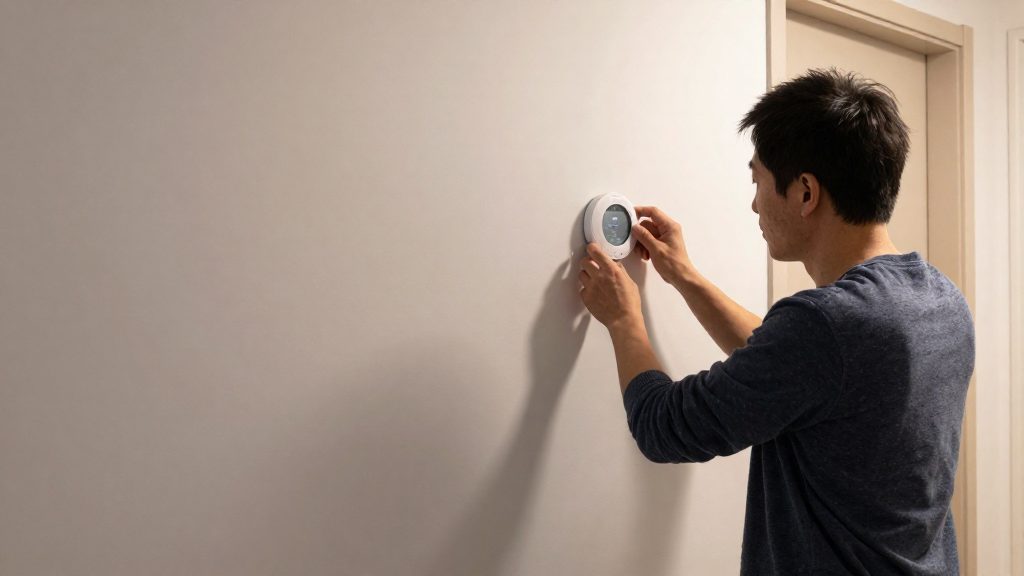
A smart thermostat based on occupancy learns the temperatures you prefer and builds a schedule that switches to an economy setting when occupants are asleep or away. According to Natural Resources Canada (ENERGY STAR), a setback of 2 to 3 °C is optimal, for example 17 °C during sleep or absence and 20 °C while awake at home. Heating and cooling account for nearly two-thirds of a Canadian home’s energy consumption, which is why the setpoint schedule matters.
What does a smart thermostat do based on occupancy?
How the occupancy schedule works
A smart thermostat records the temperatures you set and turns them into a schedule. When the household sleeps or is away, the device lowers the temperature in economy mode, a reduction called a setback. It returns to the comfort setpoint when occupants are awake. Most models also offer remote access from a phone, computer or tablet, and they display energy consumption.
Recommended setback values
Natural Resources Canada (ENERGY STAR) suggests the following program:
| Period | Suggested setpoint |
|---|---|
| Sleep or absence | 17 °C |
| Awake, at home | 20 °C |
This gives the 3 °C difference that the agency describes as optimal, within its 2 to 3 °C range.
Smart versus programmable thermostats
Programmable thermostats also change temperature by time and day, but they lack the features that define the smart category:
| Feature | Programmable | Smart |
|---|---|---|
| Presets by time and day | Yes | Yes |
| Learns preferred temperatures | No | Yes |
| Remote access | No | Yes |
For zoned systems, each zone needs its own thermostat. Forced-air systems use dampers, and hydronic systems use radiator valves, according to Natural Resources Canada (ENERGY STAR).
Why manufacturer savings figures differ
Savings claims from manufacturers use different baselines, so they cannot be compared directly:
- Nest: about 12% on heating and 15% on cooling, on average.
- ecobee: up to 26%, compared with a constant setpoint of 72 °F (about 22 °C).
- Honeywell Home: 8 to 16% for users who often use the programming feature.
ENERGY STAR certified models are independently certified using field data for energy savings. The ENERGY STAR Product Finder links to the U.S. site, according to Natural Resources Canada (ENERGY STAR).
Fixed schedule, geofencing or sensors: which to choose?
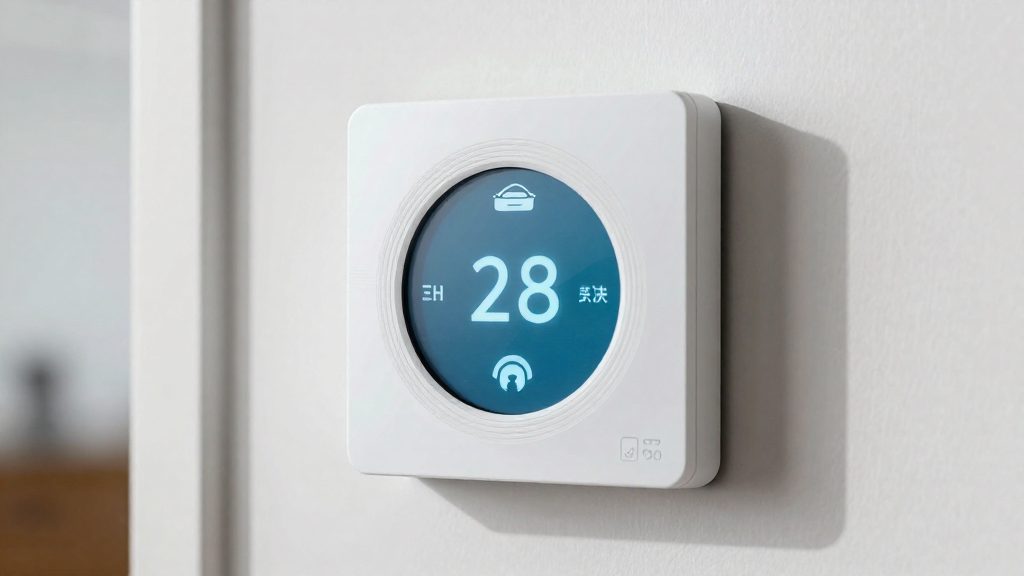
A smart thermostat can switch between comfort and setback temperatures using three triggers: a fixed schedule, geofencing based on phone location, or occupancy sensors that detect presence in a room. Natural Resources Canada (ENERGY STAR) considers a setback of 2 to 3 °C optimal, and suggests 17 °C during sleep or absence and 20 °C while awake at home. The trigger changes when the setback happens, not the target temperatures, so the choice depends on how predictable your household is.
How each trigger works
| Method | What starts the setback | Suits | Limitation |
|---|---|---|---|
| Fixed schedule | Preset times and days | Predictable routines, such as a fixed work schedule | Does not react to unplanned absences or late nights; programmable models have no learning and no remote access |
| Geofencing | Phones leaving or entering a zone around the home | Households where every occupant carries a phone running the thermostat app (based on consumer blog descriptions, not verified) | An occupant without a phone is not detected |
| Occupancy sensors | Presence detected in a room, such as ecobee SmartSensor | Homes where occupants are often away without a phone (consumer blog descriptions, not verified) | Detects presence only where a sensor is placed |
Learning schedules as an alternative
Smart thermostats learn preferred temperatures and build a schedule that switches to economy mode when occupants sleep or are away. They also allow remote control from a phone, computer or tablet and display energy use, so you can check whether the schedule matches your habits. Programmable thermostats set temperatures by time and day but do not learn.
Manufacturer savings figures are not comparable
Manufacturers report different savings, measured against different baselines (ACHR News):
- Nest: 12% on heating and 15% on cooling, on average.
- ecobee: up to 26%, compared with a constant 72 °F setting (about 22 °C).
- Honeywell Home: 8 to 16% for users who often use programming.
Do not rank these brands by their figures, since each one compares against a different reference.
Multi-zone homes
Zoned systems use a separate thermostat per zone, with dampers in forced-air systems or radiator valves in hydronic systems. Apply occupancy logic zone by zone, so an unused room does not drive the setback for the whole house.
Which temperatures to program in Canada?
Natural Resources Canada (ENERGY STAR, 2026) considers a setback of 2 to 3 °C optimal and suggests 17 °C during sleep or absence and 20 °C while the home is occupied and awake. Heating and cooling account for nearly two-thirds of energy use in Canadian homes, so the schedule has a large effect on consumption.
| Period | Setpoint (ENERGY STAR, 2026) |
|---|---|
| Awake, at home | 20 °C |
| Asleep or away | 17 °C |
How smart thermostats apply the schedule
A smart thermostat learns the temperatures the occupants prefer and builds a schedule that switches to economy mode when they sleep or leave. The owner can override it from a phone, computer or tablet, and the device displays energy consumption, which makes it possible to compare the programmed setpoints with actual use. A programmable thermostat can preset temperatures by time and day, but it does not learn and cannot be controlled remotely.
Savings depend on the baseline
Manufacturer savings claims use different comparison points and are not comparable with each other (ACHR News, 2026):
- Nest: 12% on heating and 15% on cooling, on average.
- ecobee: up to 26%, compared with a constant 72 °F (about 22 °C).
- Honeywell Home: 8 to 16% for users who often use the programming feature.
Zoned systems
In a zoned home, each zone has its own thermostat. Control uses dampers in forced-air systems and radiator valves in hydronic systems, so each zone can follow its own schedule.
How much can you really save?
No single savings figure applies to every smart thermostat. Manufacturer claims range from 8% to 26%, and each depends on the baseline it is measured against. Natural Resources Canada (ENERGY STAR) notes that heating and cooling account for nearly two-thirds of a Canadian home’s energy consumption, so heating and cooling settings are where a schedule can have the most influence, though actual savings depend on the baseline and the home.
Manufacturer claims and their baselines
ACHR News reports savings figures that manufacturers announced for their own products. Each uses a different comparison point, so the figures cannot be ranked against each other.
| Brand | Claimed saving | Condition |
|---|---|---|
| Nest | 12% heating, 15% cooling | Average |
| ecobee | Up to 26% | Compared with a constant 72 °F (about 22 °C) setpoint |
| Honeywell Home | 8% to 16% | Users who frequently use scheduling |
Setpoints that Natural Resources Canada suggests
The agency considers a setback of 2 to 3 °C optimal and suggests the following schedule:
| Period | Setpoint |
|---|---|
| Sleep or absence | 17 °C |
| Awake at home | 20 °C |
Schedule-based control versus manual programming
A smart thermostat learns preferred temperatures and builds a schedule that switches to setback mode when occupants sleep or are away. It also reports energy consumption and can be controlled remotely. A programmable thermostat can preset temperatures by time and day, but it does not learn or offer remote access.
ENERGY STAR certified models are independently certified using field data for energy savings. The ENERGY STAR Product Finder redirects to the US ENERGY STAR site, so check certification status there.
Heat pumps and electric baseboard heaters: precautions
Setback schedules work differently depending on the heating equipment. Natural Resources Canada (ENERGY STAR) gives a setback of 2 to 3 °C as optimal, with a program of 17 °C during sleep or absence and 20 °C while the home is occupied. Before applying that schedule to a heat pump, check the manufacturer’s instructions. A single unverified result suggests a reduced setpoint may not be recommended with a heat pump in heating mode; confirm with the manufacturer, ecobee or Hydro-Québec.
Zone control also depends on the distribution system. A programmable thermostat sets temperature by time and day but has no learning or remote access. Zoned systems use a separate thermostat per zone, controlling airflow with dampers in forced-air systems or flow with radiator valves in hydronic systems.
| Distribution system | Zone control device | Typical thermostat setup |
|---|---|---|
| Forced air | Dampers | One thermostat per zone |
| Hydronic | Radiator valves | One thermostat per zone |
Electric baseboard heaters are not covered by the zone-control model above. Their thermostat behavior and compatibility with occupancy schedules are defined by the product label and the manufacturer’s manual.
Practical steps before changing an occupancy schedule:
- Identify the heating system: heat pump, electric baseboard, forced air or hydronic.
- Read the manufacturer’s manual for any stated setback limit or heat-pump-specific guidance.
- Contact the thermostat maker (for example ecobee, Nest or Honeywell Home) or Hydro-Québec for guidance on setback use with a heat pump.
- Observe indoor temperature for several days after setting a new schedule before adopting it fully.
Creating the automation in Home Assistant, ecobee or Nest (check each platform’s documentation)
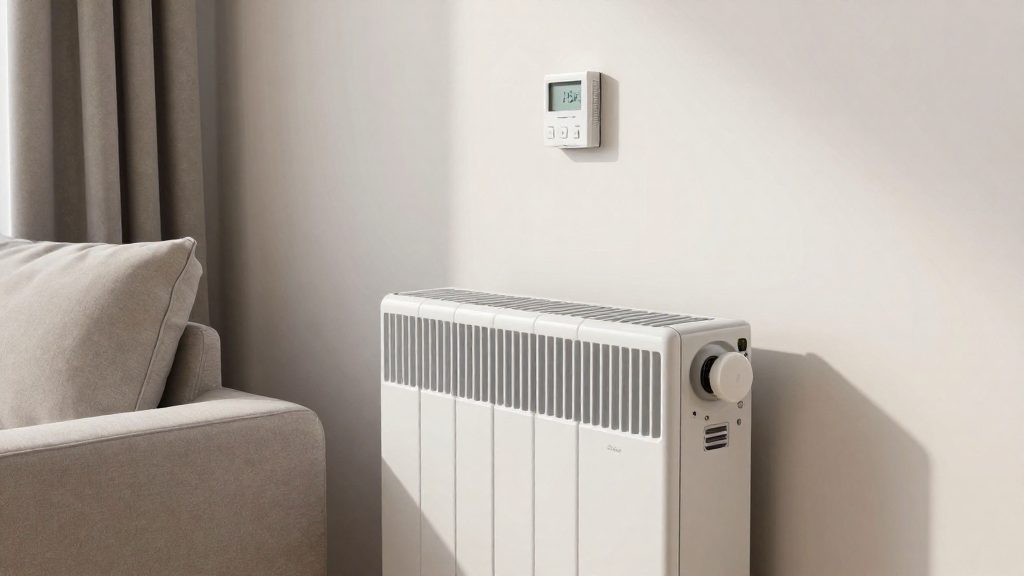
Each platform applies the same logic: a trigger (a schedule time, a presence state or an occupancy signal) changes the setpoint, the target temperature. The platforms differ in where the rule lives. Ecobee and Nest store it in their own schedule and away-mode settings, while Home Assistant stores it as an automation that can reference any presence entity.
Smart thermostats learn preferred temperatures and build a schedule that switches to economy mode when occupants sleep or are away, according to Natural Resources Canada (ENERGY STAR) (2026). Your task is to define those two states explicitly.
Ecobee and Nest: schedule and Home/Away mode
Set the sleep and wake periods in the built-in schedule, then configure the away state in the Home/Away settings. Use the values suggested by Natural Resources Canada (ENERGY STAR) (2026):
| Period | Suggested setpoint |
|---|---|
| Sleep or away | 17 °C |
| Awake at home | 20 °C |
The same source considers a setback of 2 to 3 °C optimal, which means the difference between the awake and economy setpoints should stay in that range.
Home Assistant: time and presence triggers
In Home Assistant, write one automation per state change, each calling the climate.set_temperature action on your thermostat entity:
- Time trigger at your bedtime: set 17 °C.
- State trigger on a
personentity changing tonot_home: set 17 °C. - State trigger on the same
personentity changing tohome: set 20 °C. - Add a time trigger for wake-up that sets 20 °C.
Entity names and available attributes depend on the thermostat integration, so confirm them in that integration’s documentation before saving the automation.
How to troubleshoot a schedule that isn’t followed
Most schedule failures come from one of three causes: a manual hold still overriding the program, a clock or time-zone error, or a room that sits on a different control zone. Check them in that order, because each check is quick and none requires changing your saved schedule.
| Symptom | Likely cause | What to check |
|---|---|---|
| Temperature returns to a fixed set point early | Manual hold or override is active | Clear the hold in the app or on the unit, then confirm the next scheduled change runs |
| Setback starts or ends at the wrong time | Wrong clock, date, time zone or day | Verify date, time and time zone in the settings |
| One room ignores the schedule | The room has its own thermostat and zone | Confirm that zone’s thermostat has its own program |
| Schedule changed without you editing it | Learned schedule is active | Review the learned schedule, then edit it or turn off automatic learning |
| Changes do not apply remotely | App is not connected to the thermostat | Check the app connection and the thermostat’s network status |
Zone layout is the most common hidden cause. According to Natural Resources Canada (ENERGY STAR) (2026), zone control uses separate thermostats for each zone, with dampers in forced-air systems or radiator valves in hydronic systems. A smart thermostat schedule therefore governs only the zone it is installed to control.
Smart thermostats also learn preferred temperatures and build their own schedule, switching to an economy mode when occupants are asleep or away (Natural Resources Canada (ENERGY STAR), 2026). If the learned routine no longer matches your habits, edit it manually instead of relying on the automatic version.
If your system is a heat pump, confirm with the manufacturer whether a temperature setback is recommended in heating mode before assuming the schedule is faulty.