Local storage on an outdoor camera can cost less over time because it avoids a recurring cloud fee, although you pay for storage hardware up front. According to Reolink (2026), its listed outdoor cameras record to local storage without monthly fees, while some brands keep cloud history or advanced AI detection behind paid plans. Local storage moves most of the cost into a one-time hardware purchase, and the footage stays on storage you own rather than on manufacturer servers. Some recurring costs can remain, such as 4G data plans or paid feature tiers.
Local storage versus cloud plans: cost, access and retention
Recurring fees versus one-time spending
The total cost of a camera follows this formula:
Lifetime cost = camera price + storage hardware price + (monthly plan fee × months of use)
With local storage, the second term is zero for cameras that do not require a plan. Cloud-dependent cameras add the second term for as long as you keep the camera, so the gap grows each month.
Who can access stored footage
- Local storage: footage sits on a microSD card, NVR, NAS or hub you own. Access depends on the devices and accounts you control.
- Cloud storage: footage sits on the vendor’s servers. Access depends on the account holder and the provider’s terms, which you should read before buying.
Retention limits compared with local capacity
Cloud history is limited by the plan tier you pay for, and the length of that window varies by provider. Check the retention period in the plan terms before you subscribe. Local retention depends on the capacity you install. The eufy HomeBase S380 supports up to 16TB of expandable local storage, and the eufyCam S4 has 32GB built in and expands to 256GB with microSD (Anker/eufy, 2026).
| Factor | Local storage | Cloud plan |
|---|---|---|
| Recurring fee | None on listed Reolink outdoor cameras (Reolink, 2026) | Required for cloud history or AI detection on some brands (Reolink, 2026) |
| Where footage lives | microSD card, NVR, NAS or hub you own | Vendor servers |
| Capacity limit | Set by installed storage, up to 16TB on eufy HomeBase S380 (Anker/eufy, 2026) | Set by plan tier; check the provider’s terms |
What does local storage actually mean?
Local storage means the footage is written to a device inside your home, not to a remote server operated by the manufacturer. The camera still sends its video over your Wi-Fi network, but the recording never has to leave your property to be saved. Three physical arrangements cover most products: the camera writes to its own memory card, a hub or base station writes for one or more cameras, or the footage goes to a network storage device. Each one changes where the file sits and how you reach it.
Camera-side recording
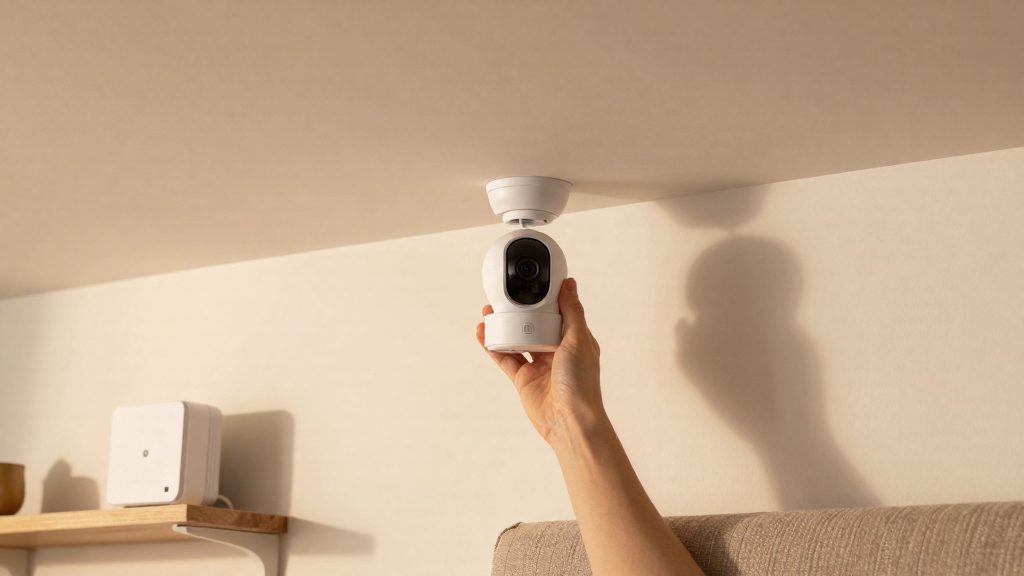
With camera-side recording, the camera writes video directly to a microSD card inserted in its body, or to onboard memory. The Tapo C660 KIT takes a microSD card. The eufyCam S4 has built-in onboard memory and also accepts a microSD card. The Reolink Argus 4 Pro uses a microSD card as well. Playback happens in the manufacturer’s app. Whether it reads the file directly from the camera over the local network or through the vendor’s service depends on the model.
Hub or base-station recording
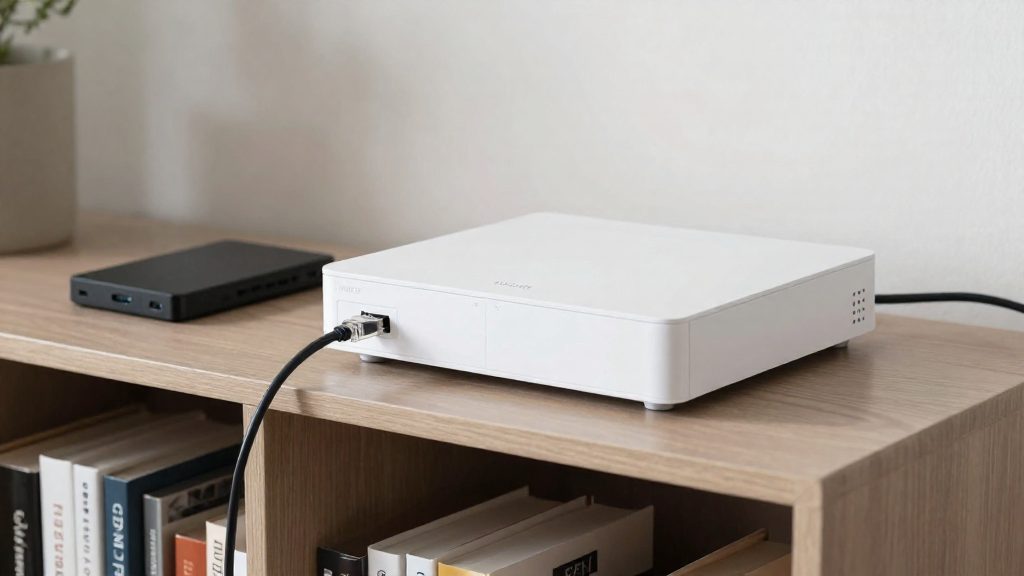
With hub-based recording, the camera sends its footage to a separate device on your network, which stores it on its own drive. The eufy HomeBase S380 serves as a base station for the eufyCam S4, the Floodlight Camera E340 and the 4G LTE Cam S330. The Reolink Home Hub provides centralized storage for compatible Reolink cameras, including the Argus 4 Pro and OMVI 2i Ultra. The Aqara Camera Hub G5 Pro combines a hub with onboard eMMC storage. This setup keeps recordings in one place, which matters when several cameras cover the property.
Saving to a NAS over SMB
Some products can write to network-attached storage. The Aqara Camera Hub G5 Pro supports SMB NAS, a file-sharing protocol that lets the hub save footage to a NAS on your local network. Footage then lives on a drive you control and can be backed up with the same tools you use for other files.
Viewing footage over the local network
Viewing local footage depends on the manufacturer’s app reaching the device on your home network. Check the app documentation for whether it can connect to the camera or hub without internet access, and whether remote viewing outside the home needs a separate service or a VPN configuration.
microSD, NVR, NAS or hub: which storage fits?
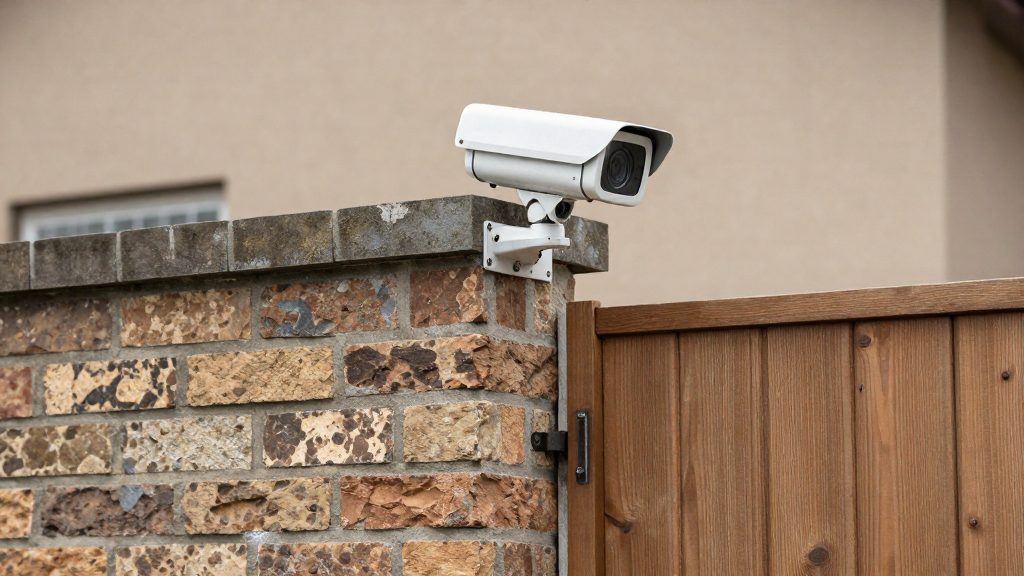
Outdoor cameras without subscriptions store footage in one of four places: a microSD card inside the camera, a network video recorder (NVR), a network-attached storage (NAS) drive, or a dedicated hub. According to Reolink (2026), its outdoor cameras record to local storage through microSD, NVR, NAS or the Reolink Home Hub. The right choice depends on how many cameras you run and how much footage you need to keep. One or two cameras usually work with microSD alone, while larger systems benefit from a hub, NVR or NAS.
microSD: simplest, but tied to each camera
A microSD card stores footage from one camera only. Continuous or motion-triggered recording writes data constantly, so check the endurance rating printed by the card maker, and confirm the camera maker lists that card as compatible. Storage capacity is set by the camera model.
Hubs: centralized capacity
Hubs pool footage from several cameras onto one device:
| Storage option | Example in the niche | Stated figure |
|---|---|---|
| Reolink Home Hub | Reolink Argus 4 Pro, OMVI 2i Ultra | Centralized storage for cameras with microSD (Reolink, 2026) |
| eufy HomeBase S380 | eufyCam S4, Floodlight Camera E340, 4G LTE Cam S330 | Up to 16TB expandable local storage (Anker/eufy, 2026) |
| Aqara Camera Hub G5 Pro | Aqara cameras | 8GB onboard eMMC plus SMB NAS support (Smart Home Explorer, 2026) |
The eufy HomeBase S380 offers the largest stated capacity in this group, while the Aqara Camera Hub G5 Pro’s 8GB onboard eMMC is small, so it relies on an external NAS for long retention.
NVR and NAS for multiple cameras
Estimate capacity with this formula: number of cameras × average bitrate × hours of retention. Then choose a drive rated for continuous writes, as stated by the drive manufacturer. For the Aqara hub, the NAS must support the SMB protocol. Confirm compatibility with the camera maker’s supported NVR or NAS list before purchase.
Best outdoor cameras with no subscription
Smart Home Explorer’s 2026 no-subscription outdoor ranking names five priced models: the Aqara Camera Hub G5 Pro, TP-Link Tapo C660 KIT, Reolink Argus 4 Pro, eufyCam S4 and Reolink Altas PT Ultra. Prices run from about $129 for the Reolink Argus 4 Pro to $349.99 for the eufyCam S4. The models differ mainly in where footage is stored: in onboard memory, on a microSD card, or on a network or hub device.
| Model | Price (USD) | Storage route |
|---|---|---|
| Reolink Argus 4 Pro | about $129 | microSD up to 512GB, or a Reolink Home Hub |
| TP-Link Tapo C660 KIT | $169.99 | microSD up to 512GB (card not included) |
| Aqara Camera Hub G5 Pro | $199.99 | 8GB onboard eMMC, plus SMB NAS support |
| eufyCam S4 | $349.99 | 32GB onboard, expandable to 256GB microSD, or a HomeBase S380 with up to 16TB |
The Reolink Altas PT Ultra sits at about $186–$199 in the same ranking. Confirm its storage options and IP rating on Reolink’s product page before buying.
Card support and capacity
The Tapo C660 KIT and Reolink Argus 4 Pro both accept microSD cards up to 512GB, so they tie for the largest card support in this group. The Argus 4 Pro can also feed a Reolink Home Hub for centralized storage (Reolink, 2026). The eufyCam S4 accepts up to 256GB on microSD. Its HomeBase S380 hub extends that to up to 16TB of local storage, which is the highest capacity figure in this group, though it requires a separate purchase (Anker/eufy, 2026).
The Aqara Camera Hub G5 Pro relies on 8GB of onboard eMMC memory and supports SMB network-attached storage. Because the internal memory is small, network storage is its main route to long retention.
Weatherproof ratings and build
The eufyCam S4 is listed as IP65 weatherproof (Anker/eufy, 2026). The reference ranking does not give IP ratings for the other four models, so check each product’s specification page before installing one outdoors.
The main build difference is how storage is attached. The Tapo C660 KIT relies on a removable card, which can be swapped or pulled for review. The Argus 4 Pro uses a card too, but it can also feed a Reolink Home Hub. The Aqara and eufy models carry onboard memory, and eufy adds an optional hub for larger capacity. The Aqara’s NAS option suits users who already run a network drive.
Do no-subscription cameras really have no hidden costs?
No-fee cameras remove the cloud subscription, but they don’t remove every recurring charge. Two costs are documented: carrier data plans on 4G models and paid tiers that unlock cloud history or AI detection. It is also worth checking whether any third-party app or integration you plan to use charges a fee.
Carrier data plans on 4G cameras
4G cameras such as the Reolink Go PT Ultra have no cloud fee, but they still need a monthly data plan, according to Reolink (2026). The carrier sets that price, not the camera maker, so the monthly cost depends on your country and provider. Check the data allowance, whether the SIM is prepaid or on contract, and the contract length before buying, because these terms determine the real annual cost.
Paid tiers for cloud history and AI detection
Some brands reserve cloud history or advanced AI detection for paid plans, per Reolink (2026). A camera can record locally at no charge and still lose access to some detection features until a plan is active. Compare the feature list on the product page with the subscription screen in the app, since the feature you need most may be the one behind the paywall.
Third-party apps and integrations
Costs for third-party apps and integrations are rarely shown on packaging. Before buying, check the manufacturer’s terms and the app’s in-app purchase screens, and confirm whether linking the camera to a hub, a voice assistant or another platform requires a separate paid account.
| Recurring cost | What to verify before buying |
|---|---|
| Carrier data plan (4G models) | Monthly price, data allowance, contract length |
| Paid cloud history or AI detection | Which features sit behind a subscription |
| Third-party app or integration access | Whether the manufacturer’s terms or in-app purchases require a paid account |
Wired, battery or solar power?
Wired, battery and solar power differ mainly in uptime, installation effort and maintenance. A mains or PoE camera stays online as long as its power source does. A battery camera depends on how often it is recharged, and a solar-assisted camera depends on how much direct sun its panel receives. Check the power type on the product label or in the manufacturer’s instructions, since specifications vary by model.
| Power method | Uptime | Install effort | Maintenance |
|---|---|---|---|
| Mains (wired) | Highest, while the outlet is live | High if no outdoor outlet exists | Low |
| PoE (Ethernet) | Highest, while the switch is powered | High, a cable run is required | Low |
| Battery | Depends on recharge schedule | Lowest | Highest, regular recharging |
| Solar-assisted battery | Depends on sun exposure and battery level | Moderate, panel placement matters | Moderate, lens cleaning and seasonal checks |
Mains and PoE wiring
Mains-powered cameras need a nearby outdoor-rated outlet. If none exists, a licensed electrician should handle any new circuit, following local electrical rules. PoE (Power over Ethernet) cameras receive power and data through a single Ethernet cable from a PoE switch or injector, which removes the need for an outlet at the camera. Installation means routing cable through walls or conduit, terminating connectors and confirming that the switch supports the camera’s PoE standard. Wired setups offer the most consistent uptime and need little upkeep beyond occasional lens cleaning.
Battery runtime and recharge cycles
Battery cameras trade wiring for recharging. Runtime depends on how often the camera wakes to record, how frequently motion detection triggers and how much night infrared it uses. A camera covering a busy driveway drains faster than one covering a quiet side door. Check the charge level in the app, and recharge before the battery reaches empty. Where the model allows, remove the battery or bring the unit indoors to charge. Battery cameras offer the lowest installation effort but the highest recurring maintenance.
Solar panel placement and sun exposure
Solar-assisted cameras pair a small panel with a built-in battery. Mount the panel where it receives direct sun for most of the day, at the orientation the manufacturer recommends, and keep it clear of branches, gutters and walls that cast shadow. Winter months and overcast weather reduce charging, so a solar camera may still need periodic manual charging. Confirm the manufacturer’s stated sun-exposure requirement before mounting.
What features should you check before buying?
Before comparing prices, check the specifications that determine whether an outdoor security camera works well day to day: field of view, resolution, night vision range, motion filtering, audio, siren, and smart home compatibility. These figures are usually listed on the manufacturer’s product page, so compare models on the same basis, such as the main stream resolution and the stated infrared range.
Field of view, resolution and night vision
- Field of view is the horizontal angle the lens covers. A wider angle shows more of a driveway or yard, but distant faces and plates appear smaller.
- Resolution determines how much detail remains when you zoom into a recording. Confirm whether the quoted figure applies to the main stream or a lower-quality sub stream.
- Night vision range is often a maximum distance. Check whether the figure refers to infrared or color night mode, and whether it is measured under test conditions.
Motion zones and filters
Look for the ability to draw zones that exclude a public road or a neighbor’s property. Object filters that separate people, vehicles and animals reduce alerts triggered by moving branches, headlights and insects.
Two-way audio, siren and smart home integration
Test two-way audio in the app before relying on it, since microphone and speaker quality vary between models. Read the manual to see whether the siren activates from the camera itself or only through the app. For integration, identify whether the camera uses Matter, a vendor app, or a hub that bridges protocols such as Zigbee or Thread.
| Feature | What to verify | Example models to compare |
|---|---|---|
| Field of view, resolution, night vision | Stated angle, resolution type, infrared or color night range | Reolink Argus 4 Pro, TP-Link Tapo C660 KIT, eufyCam S4 |
| Motion zones and filters | Zone drawing, person/vehicle/animal filters | Reolink Altas PT Ultra, Aqara Camera Hub G5 Pro |
| Two-way audio and siren | Speaker and microphone test, local siren trigger | eufyCam S4, Reolink Argus 4 Pro |
| Smart home integration | Matter, vendor app, or hub-based protocol support | Aqara Camera Hub G5 Pro, TP-Link Tapo C660 KIT |
Smart Home Explorer (2026) includes the Aqara Camera Hub G5 Pro, TP-Link Tapo C660 KIT, Reolink Argus 4 Pro, eufyCam S4 and Reolink Altas PT Ultra in its priced no-subscription list. Use that list as a starting point, then confirm each feature above against the manufacturer’s specifications.
Is local storage safe from theft or hacking?
Local storage removes one exposure point: footage is not held on a vendor’s cloud server. It does not remove risk. A local-storage outdoor camera has three exposure points: the removable microSD card in its housing, the login used for live view and playback, and the firmware running on the device. Each needs its own check.
Removable microSD cards
A card inside a housing can be removed by anyone with physical access, so a stolen camera can take its recordings with it. Before mounting, confirm whether the card slot sits behind a cover or enclosure and whether the camera is placed out of easy reach. Where the setup supports a separate store such as a Home Hub or NAS, footage leaves the camera, so a stolen unit holds less.
Encryption and two-factor login
Local storage does not guarantee that footage is encrypted on the card. Check the manufacturer’s security or privacy page for a statement on encryption of stored video. Then check whether the account offers two-factor authentication (2FA). Without 2FA, a leaked password gives full access to the camera’s app. Use a password for the camera account that is not reused from email or other services.
| Control | What to verify | Where to verify |
|---|---|---|
| Card slot protection | Cover or enclosure around the microSD slot | Mounting guide or product manual |
| Two-factor login | Option to enable a second login factor | Account settings in the companion app |
| Stored-footage encryption | Manufacturer statement on encryption at rest | Manufacturer’s security or privacy page |
Default passwords and firmware updates
Firmware patches security flaws, so a camera that receives no updates becomes a fixed target over time. Enable automatic updates where the app offers them, and review the firmware version periodically. Replace the factory credentials during setup, because default logins are widely known for many device types.